

PaperCraft: Metatron’s Cube origami app
What started as a distraction from a business dashboard became PaperCraft, a self-initiated origami app for Metatron’s Cube. Printable diagrams, video walkthroughs and a shop for prints, complete with sacred geometry throughout.
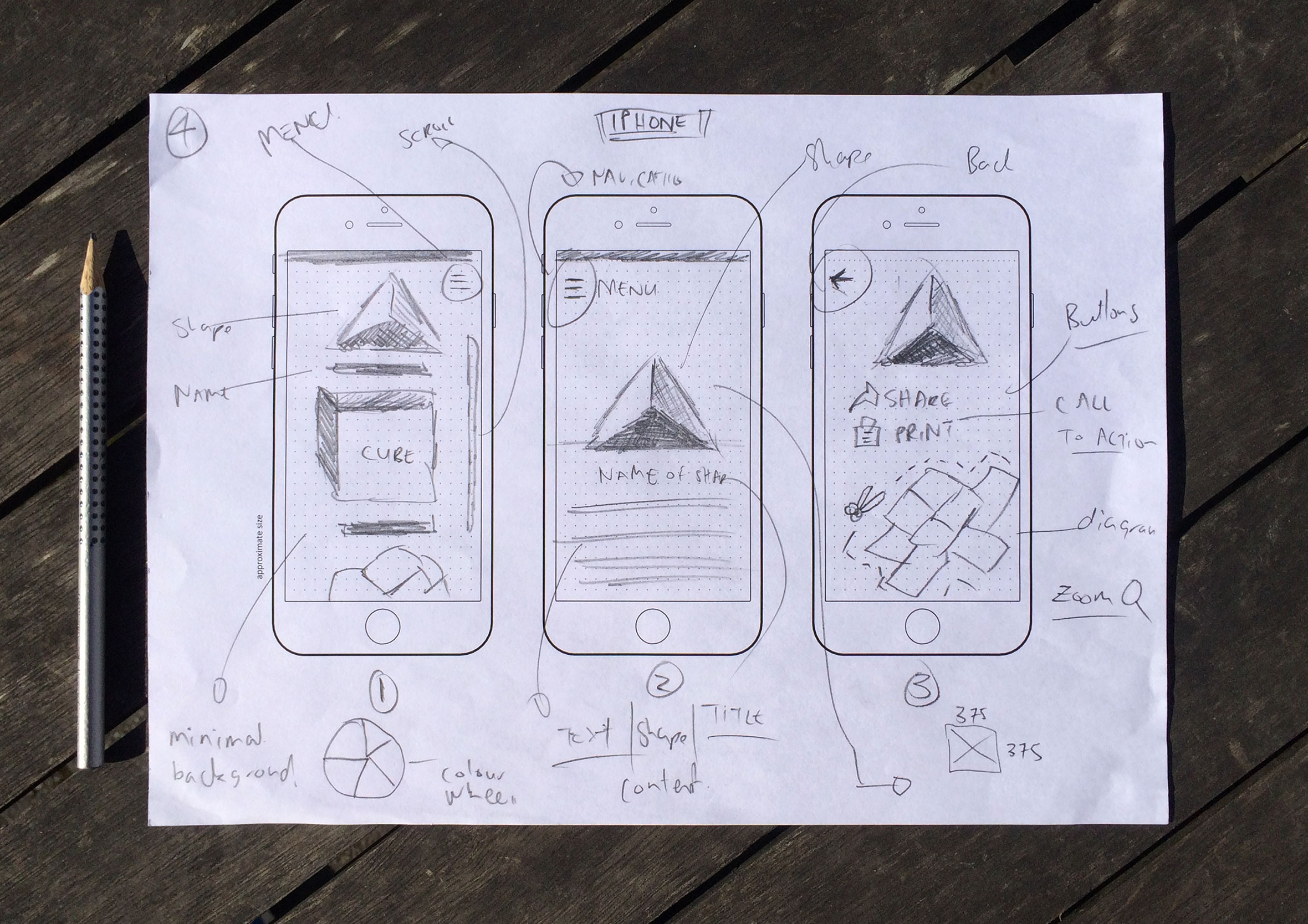
Rapid sketching of ideas before they’re lost forever
PaperCraft is a self-initiated iPad and iPhone app for making real, physical origami based on Metatron’s Cube. Choose a platonic solid, get a printable diagram and video instructions, then fold something that actually exists in your hands, not just on a screen. Before going too far into my design process, I normally started out by quickly sketching out ideas, user interactions and concepts on paper first. This helps me to get a feel for the layout, navigation and placement consideration while ensuring I capture my thinking if I need to look back on design decisions later in the process.

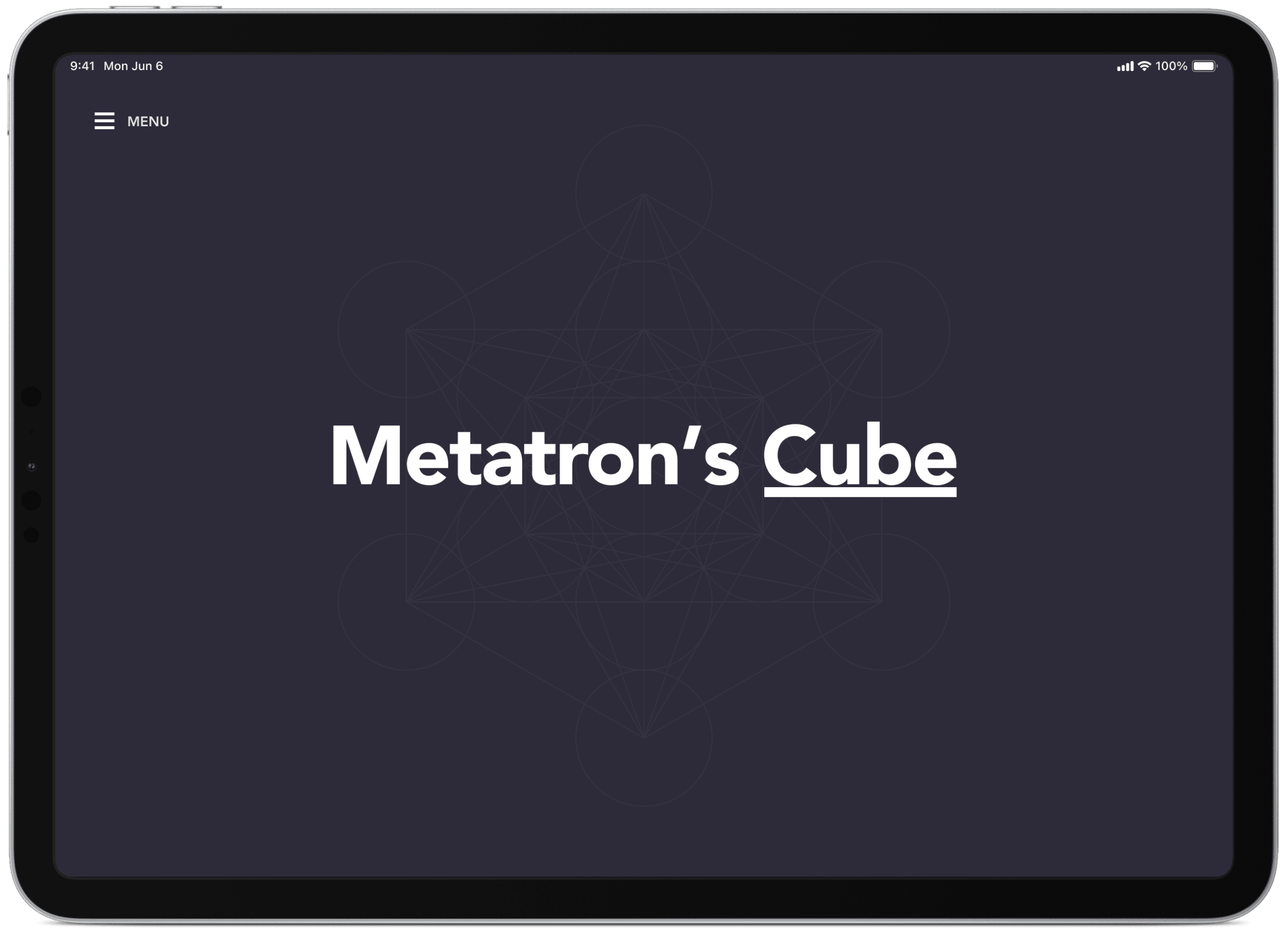
Splash screen sets the pace, this is a relaxed activity
I’ve been experimenting with the idea of creating a simple iPad/iPhone app where you can choose, print and make an origami platonic solid based on Metatron’s Cube. Slow animations fading in and transitioning are a reminder to slow down and to be present.
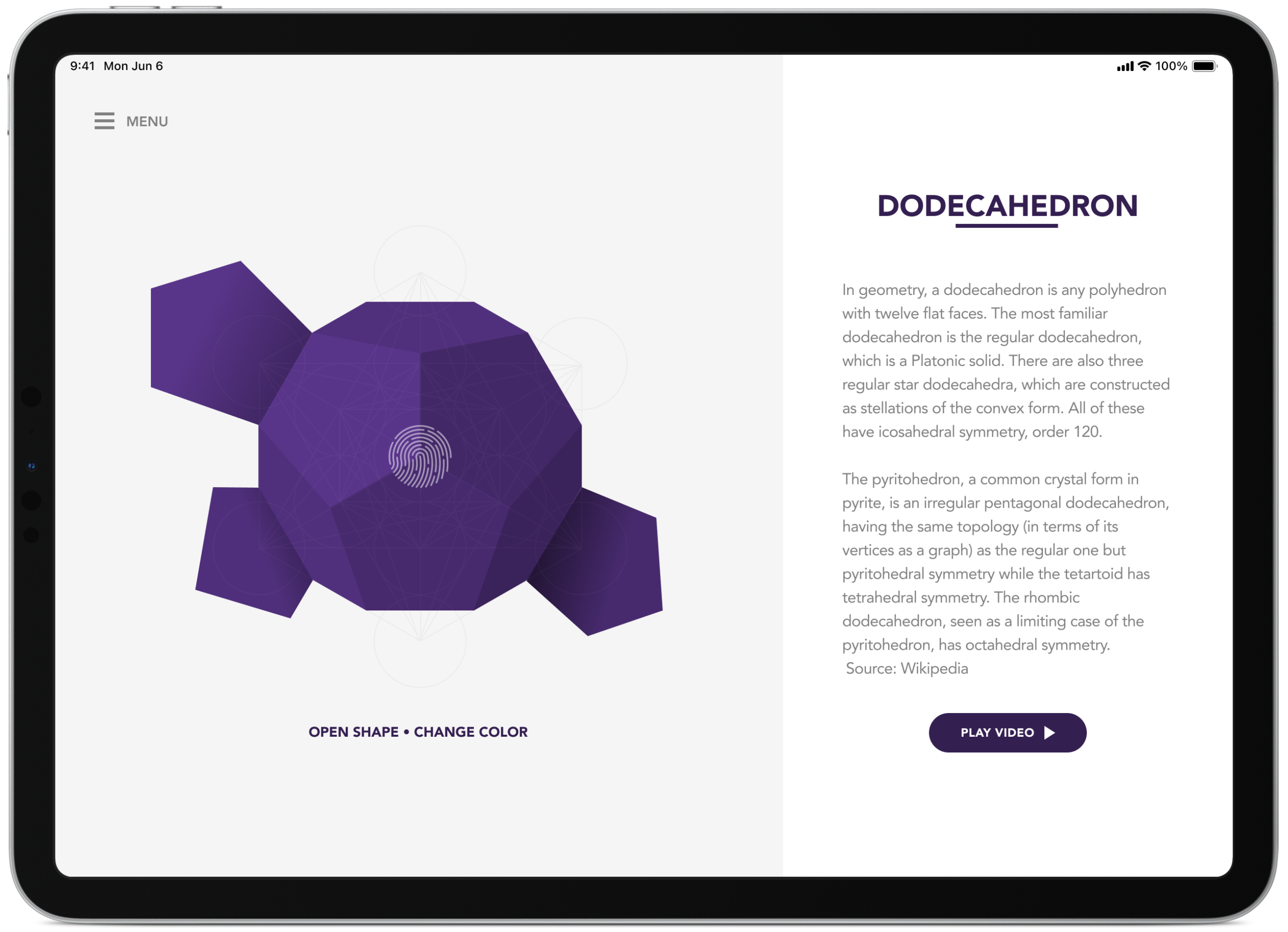
Select a shape you’d like to learn how to make
From this screen, you select the shape you would like to create and then it would provide you with a printable pdf and video instructions on how to construct the shape.

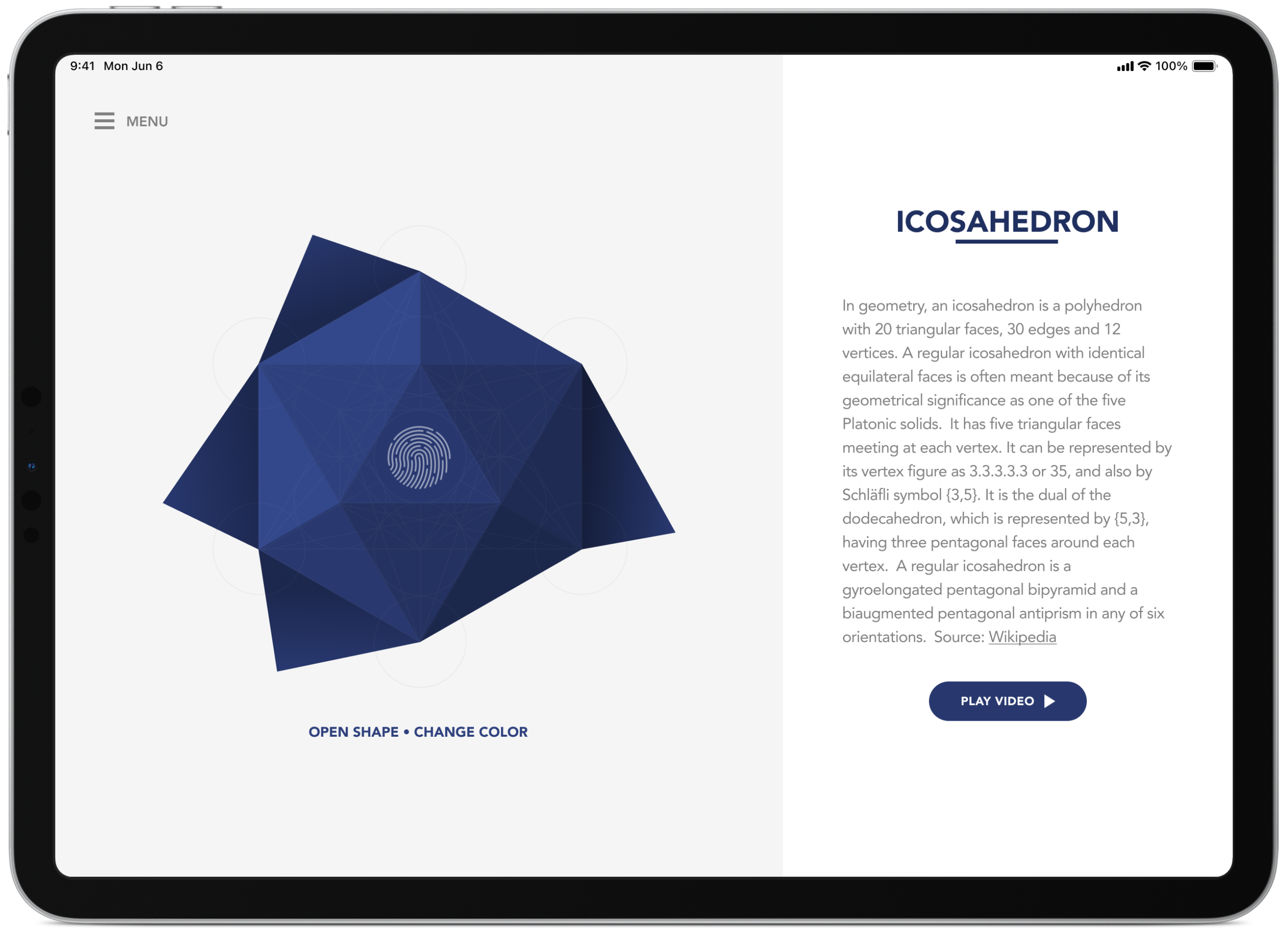
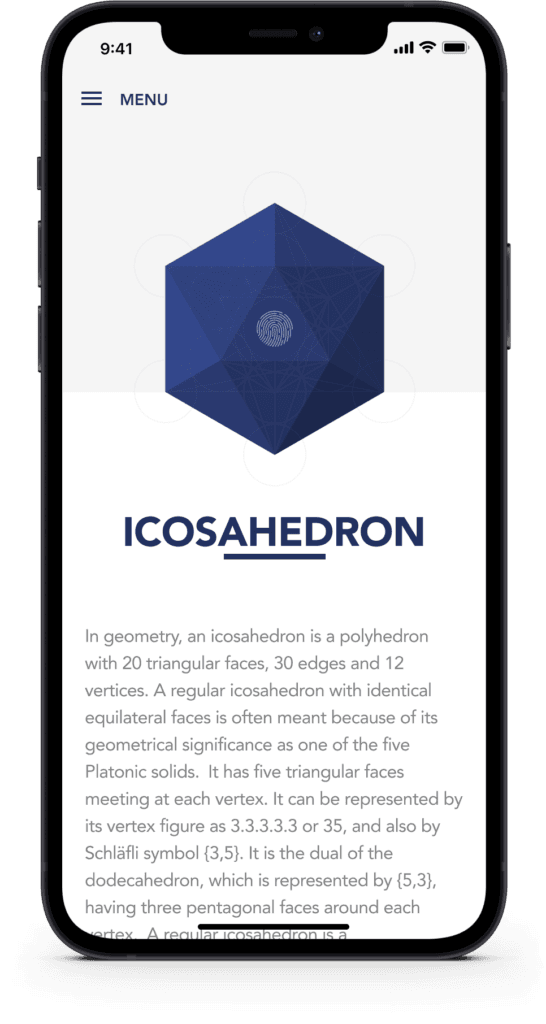
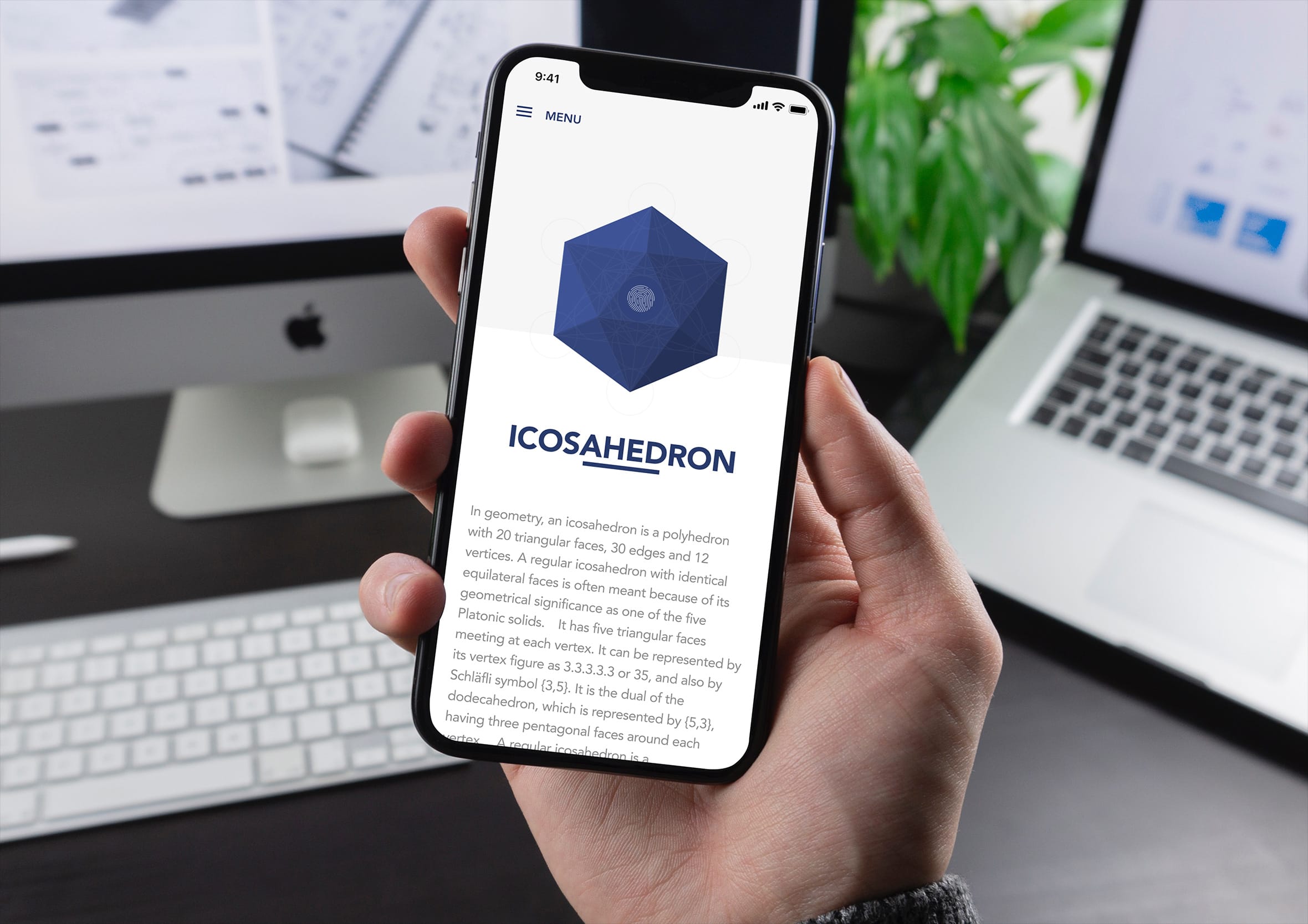
Icosahedron overview and touch to animate
A brief overview of an icosahedron (source: Wikipedia) with a grid overlay to show how the shape is constructed. The fingerprint on the illustration animates and unfolds when touched.
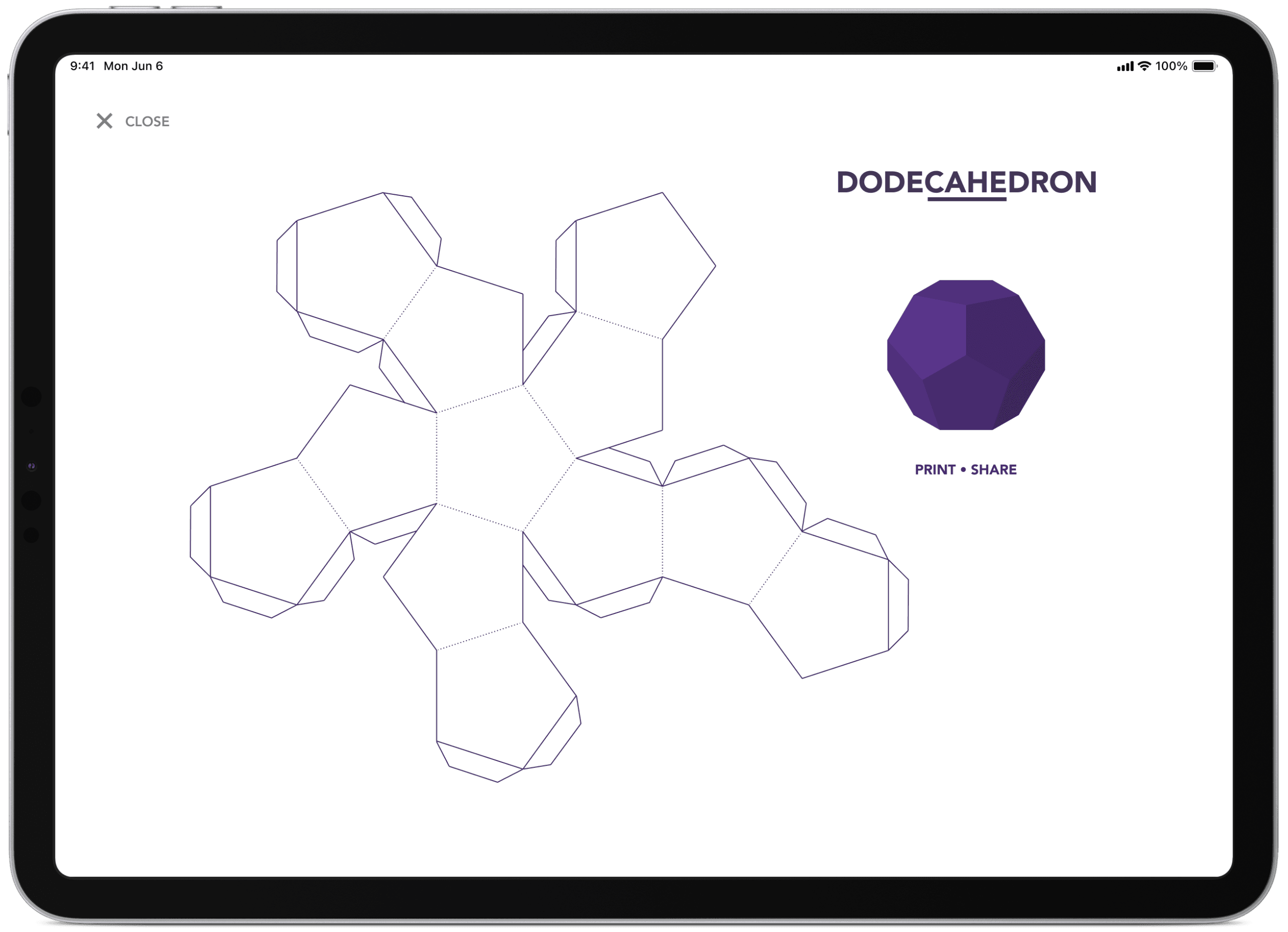
Origami diagram ready to print and cut out
On this screen, you can print or share the origami diagram via email, Twitter or Facebook for others to make. Showing dotted fold lines to help guide people on what to do as they complete their shape.
Responsive app design means it also works on mobile
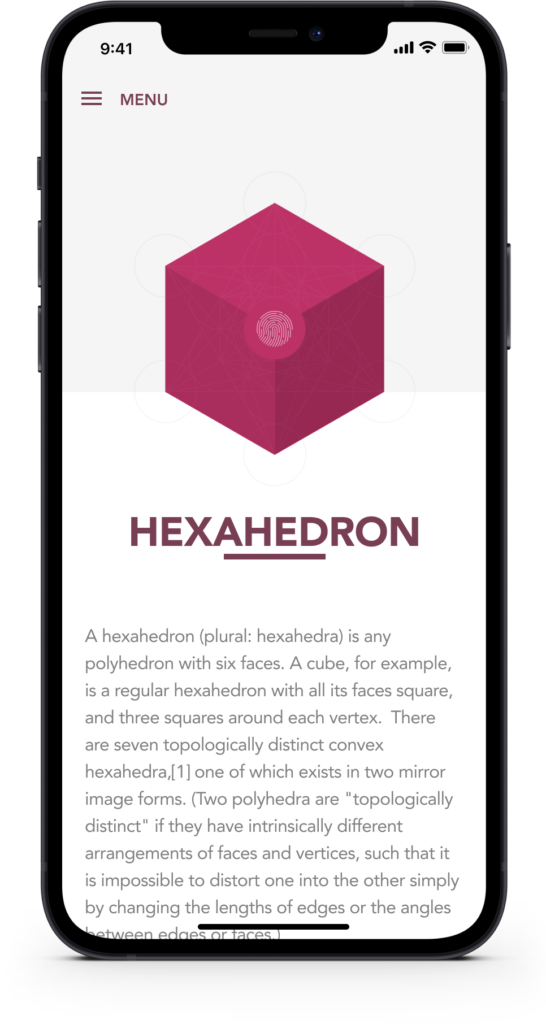
Experimenting with potential layouts for the iPhone version of the app. Not too different from the original iPad layout and responds to the device width.
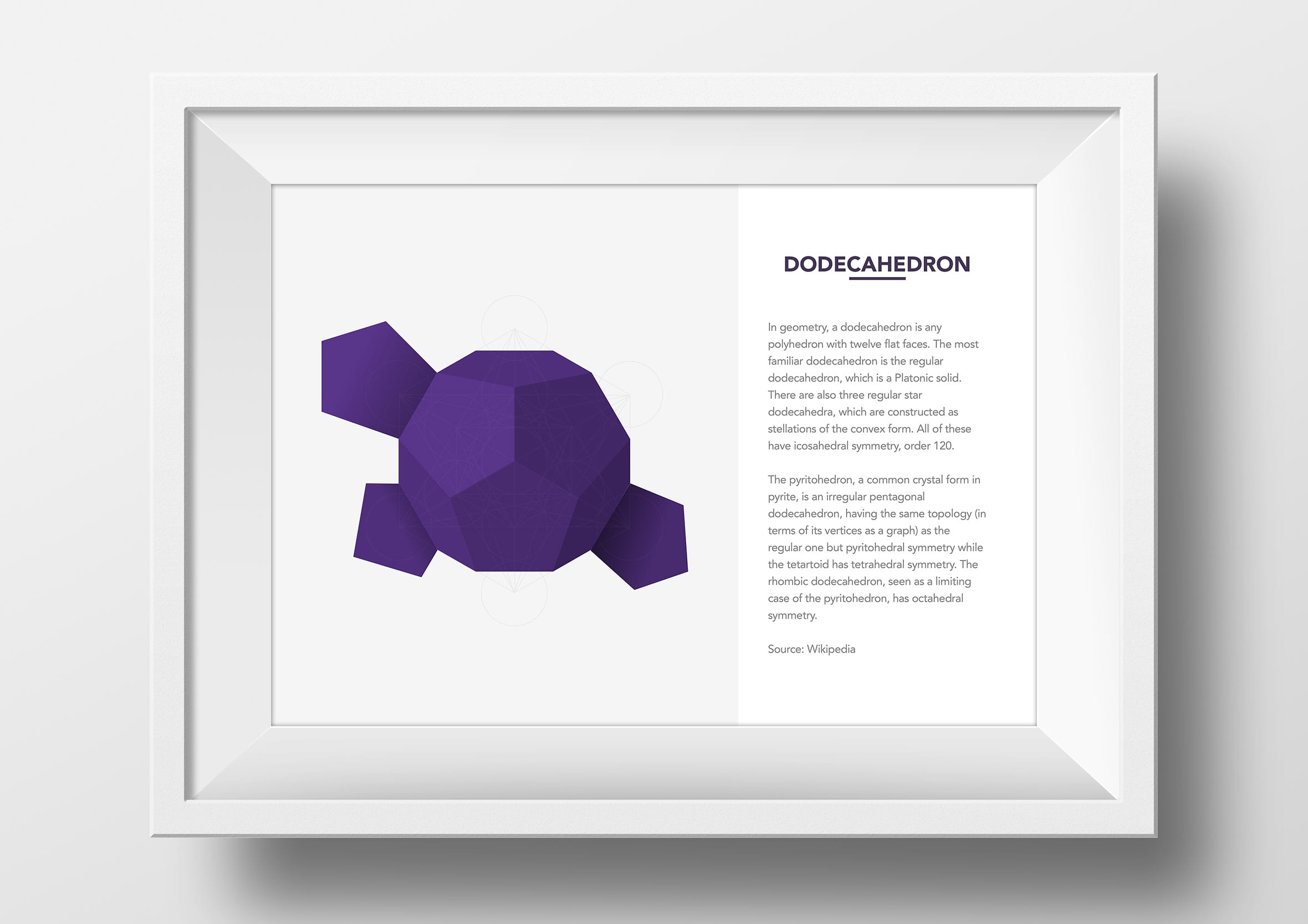
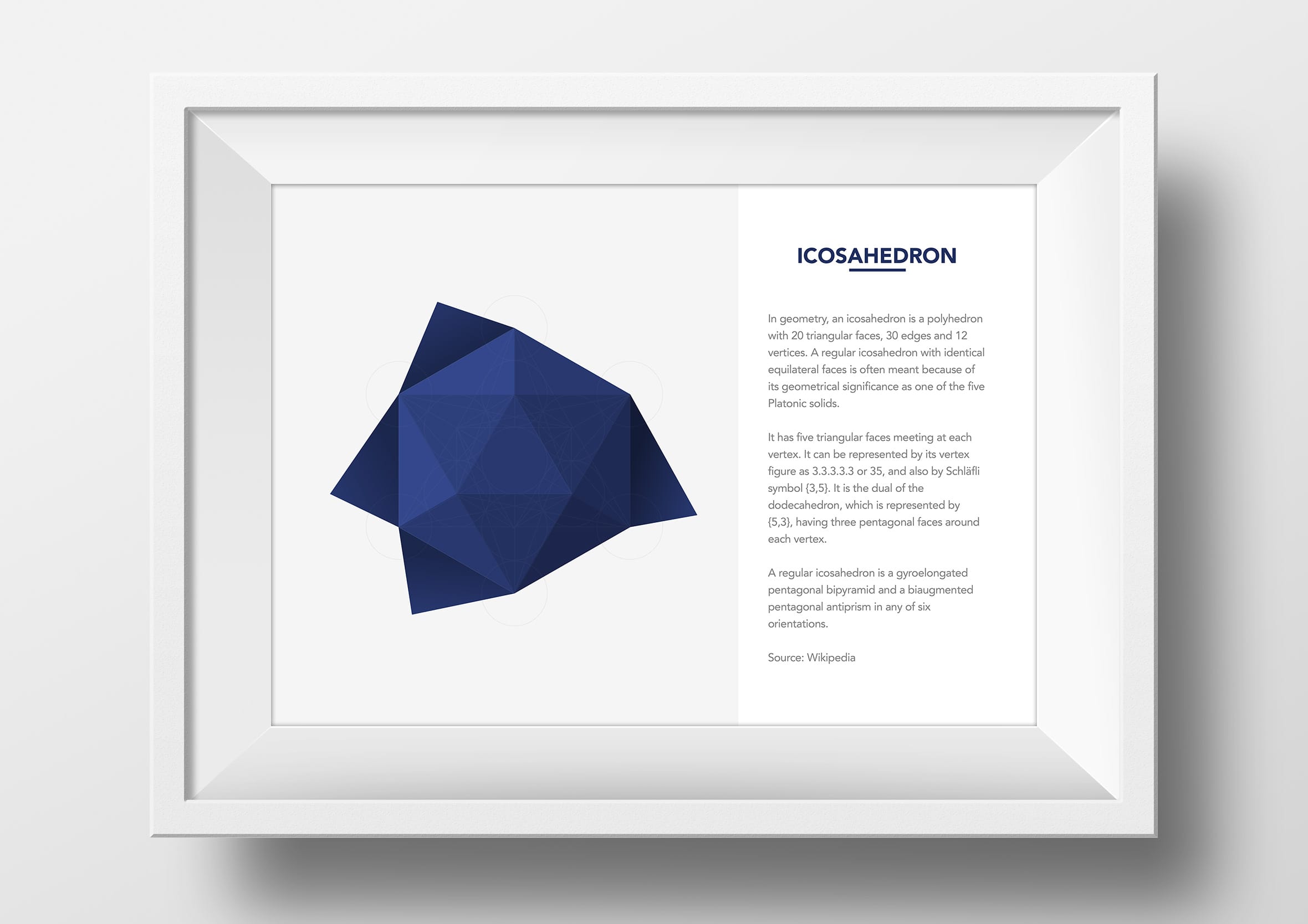
Purchase a framed print
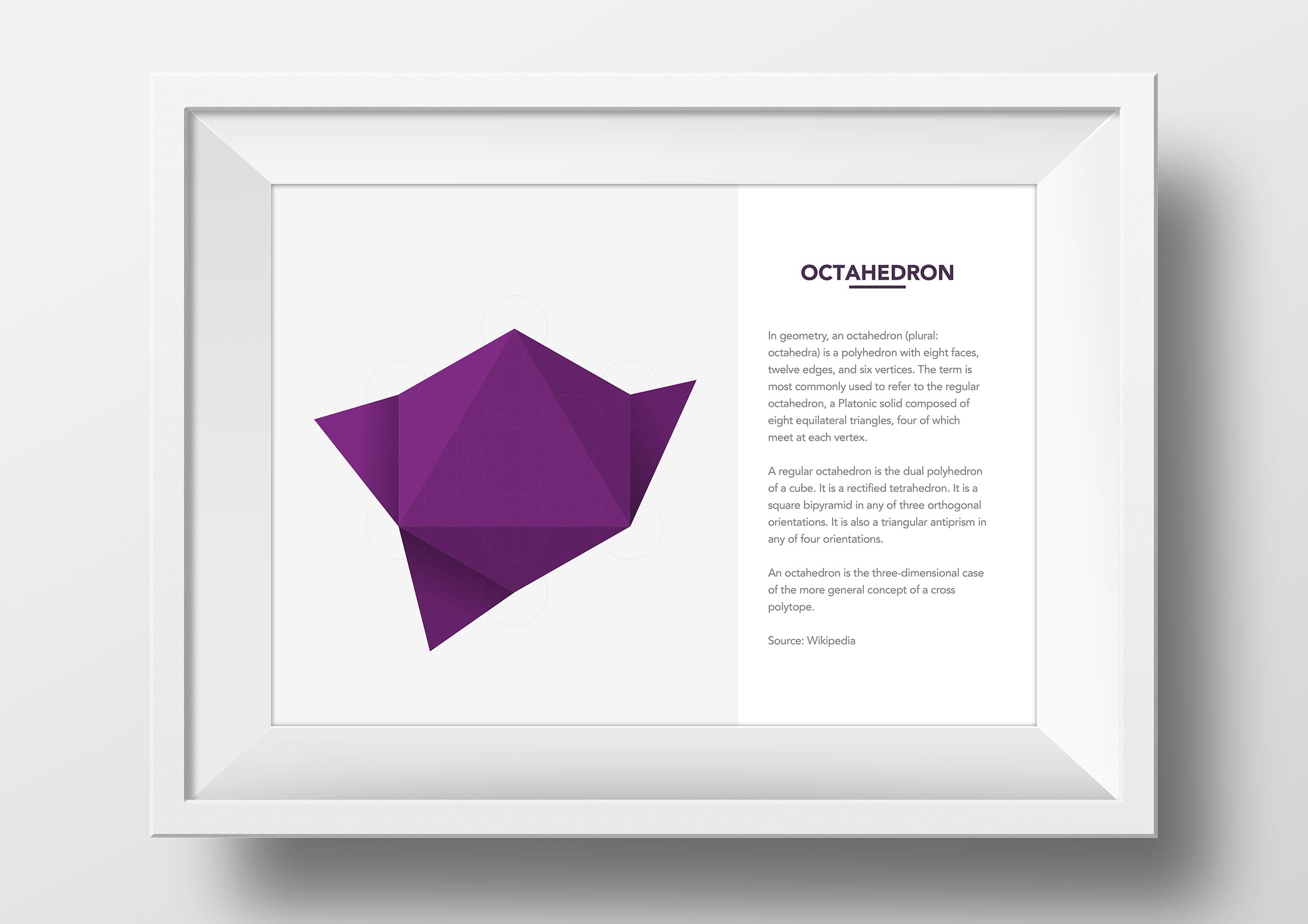
You can also purchase a framed (or unframed) print of the various shapes via the app. The ability to customise the white or black frame with the option for international shipping.


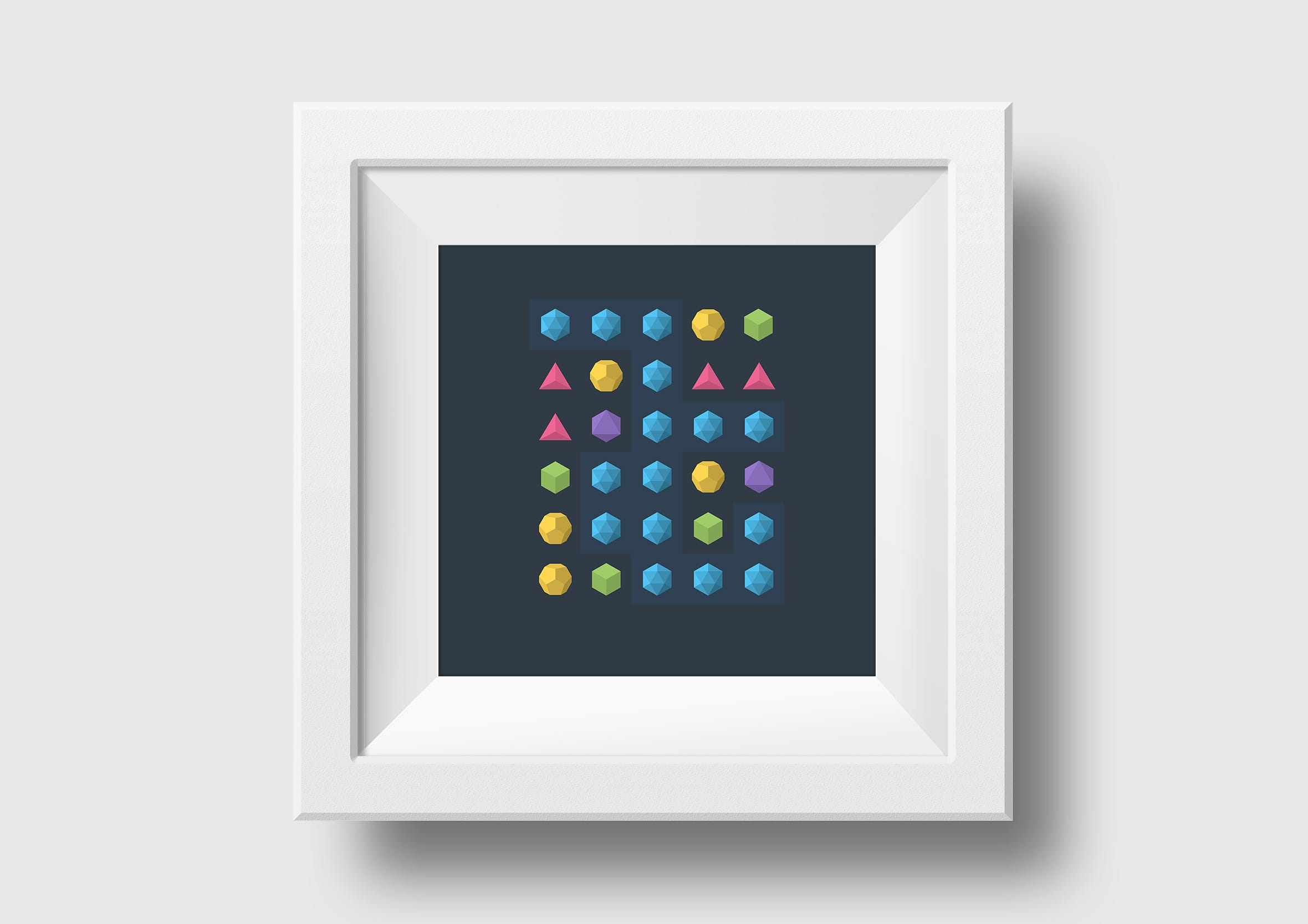
Mobile app game I completed as part of the Daily UI Challenge
By re-using and repurposing some of the design elements I was able to create a simple mobile game. Nothing too groundbreaking, more of a design challenge I set myself to see what I could do with the things I already had. It ended up becoming one of the prompts in my Daily UI project, 100 days of constraints that pushed me to build something new every single day.

An idea that unfolded and escaped its own dashboard
This one didn’t start as a plan, it started as a distraction. While working on a complex business intelligence diagram for Mero, I was experimenting with abstract shapes for different parts of the diagram, nothing to do with origami, just visual language for a dashboard.
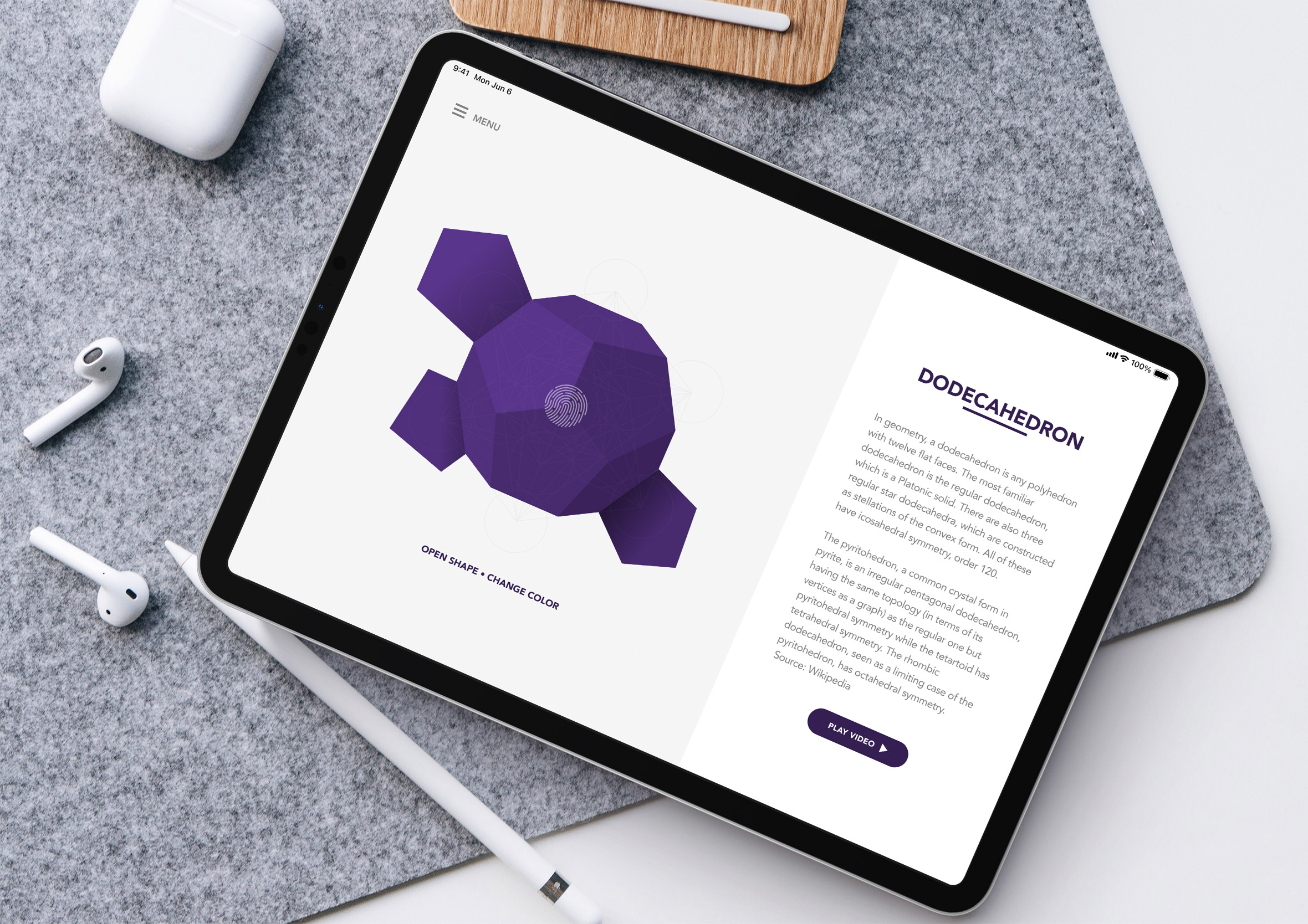
Somewhere in the middle of that, the shapes themselves got more interesting than the diagram they were meant to explain. Platonic solids, sacred geometry, all of it started to feel like something that could exist outside a screen entirely, printed, folded, held in someone’s hands rather than just viewed on it. Could this same shape thinking turn into something completely different, an app for making real, physical origami?
That’s the whole project in one sentence: an idea that started as a footnote on Mero’s data dense analytics, and ended up as its own self-initiated app, complete with a shop and a spin-off mobile game.