

Wellington UX/UI Product Designer
I’m Rich McNabb, a Wellington UX/UI Product Designer based in New Zealand. I design beautiful, interactive experiences for mobile and web, drawing on nearly 20 years, product design, UI design and design systems.

You’re in good hands
Nearly 20 years of product design experience across mobile apps, dashboards, design systems, and everything in between. I’ve worked with startups, banks, government agencies, and scale-ups across New Zealand and beyond.
As a dyslexic thinker, I’m wired for pattern recognition, big-picture thinking, and making the complex simple. That combination shapes every project I work on. Here’s a breakdown of what I do and how I think.
On this page:

Every project starts with gathering information and insights, from user research and personas through to information architecture and design thinking.

Sketching and ideation come first, rough and low-fidelity, then wireframing shapes it before product design pulls it all together.

Iconography, illustrations, and typography turn a well-structured experience into something people actually want to use, not just decoration.

UX/UI design encompasses experiences from dashboards and mobile apps through to native iOS and Android platforms.

Gamification and e-commerce psychology use real behavioural techniques, like rewards and social proof, to drive genuine engagement rather than noise.
User research and real-world usability testing
I love going to where people will actually use what I’m building. That means observing them in their own environment, asking the right questions, and testing prototypes with real people before the design is locked in. Good research doesn’t just validate ideas. It challenges assumptions, uncovers pain points you’d never find at your desk, and gives you the confidence to design with purpose.


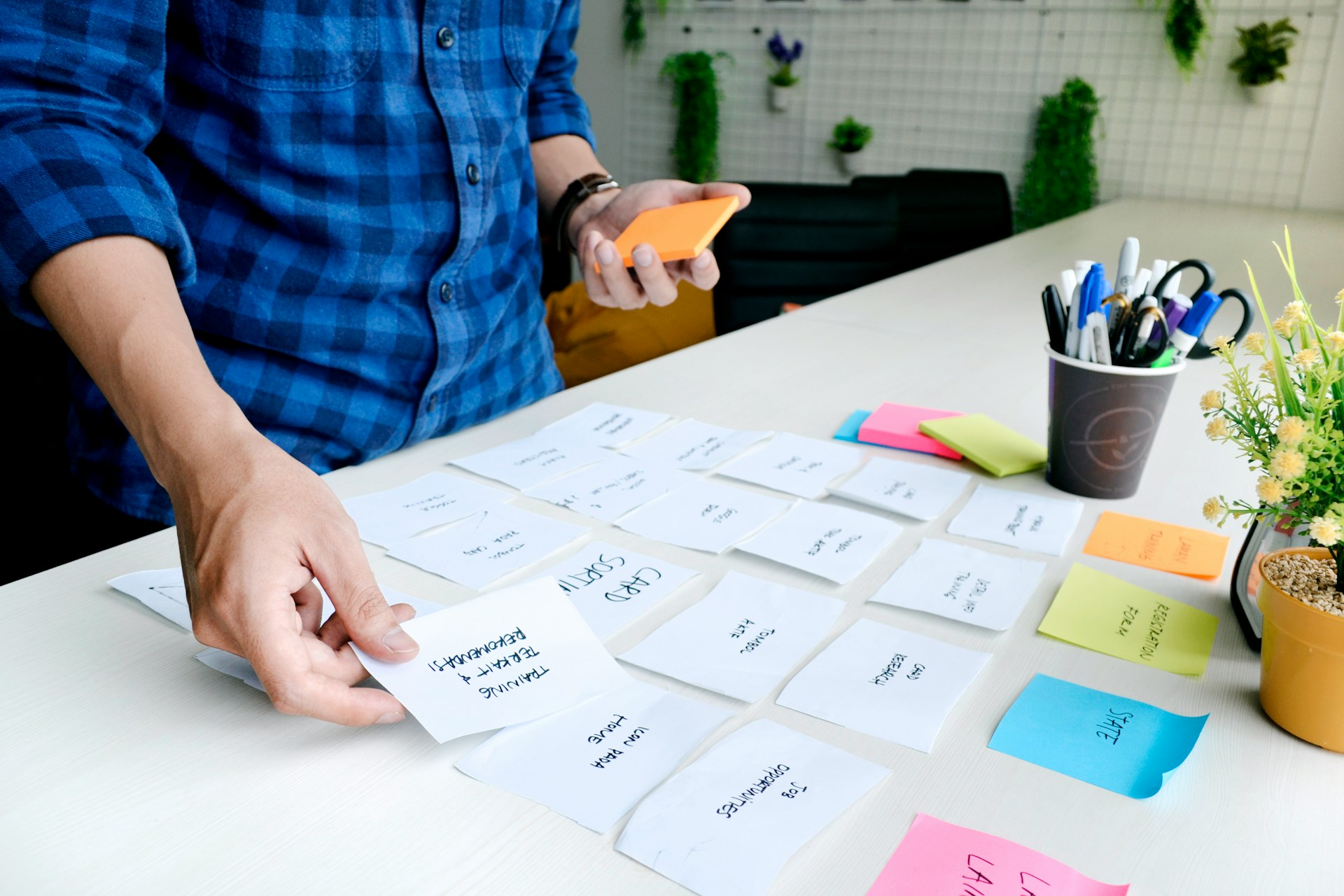
UX: User Experience design
UX is the thinking behind the experience. It’s the decisions you make about how something works before you decide how it looks. By investigating new and existing experiences, both digital and physical, you can identify where things break down, simplify processes that have become unnecessarily complex, and add moments of delight that keep people coming back.

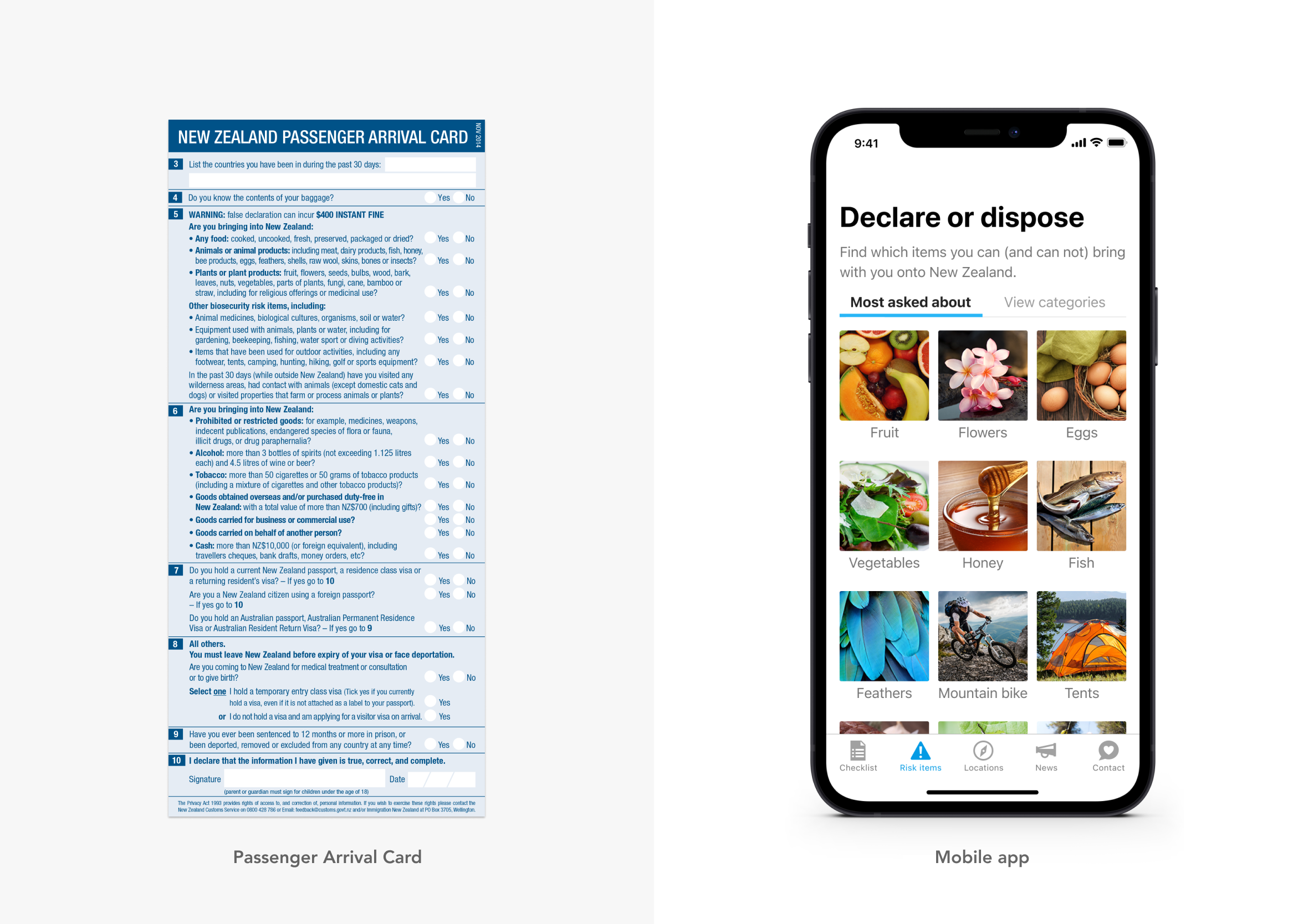
Product design
Product design is where everything comes together. Imagining, creating, and iterating on products that solve real problems or address genuine gaps in the market. I still get a kick out of watching people use something I’ve worked hard to build. That feeling hasn’t gone away after nearly 20 years, and I hope it never does.
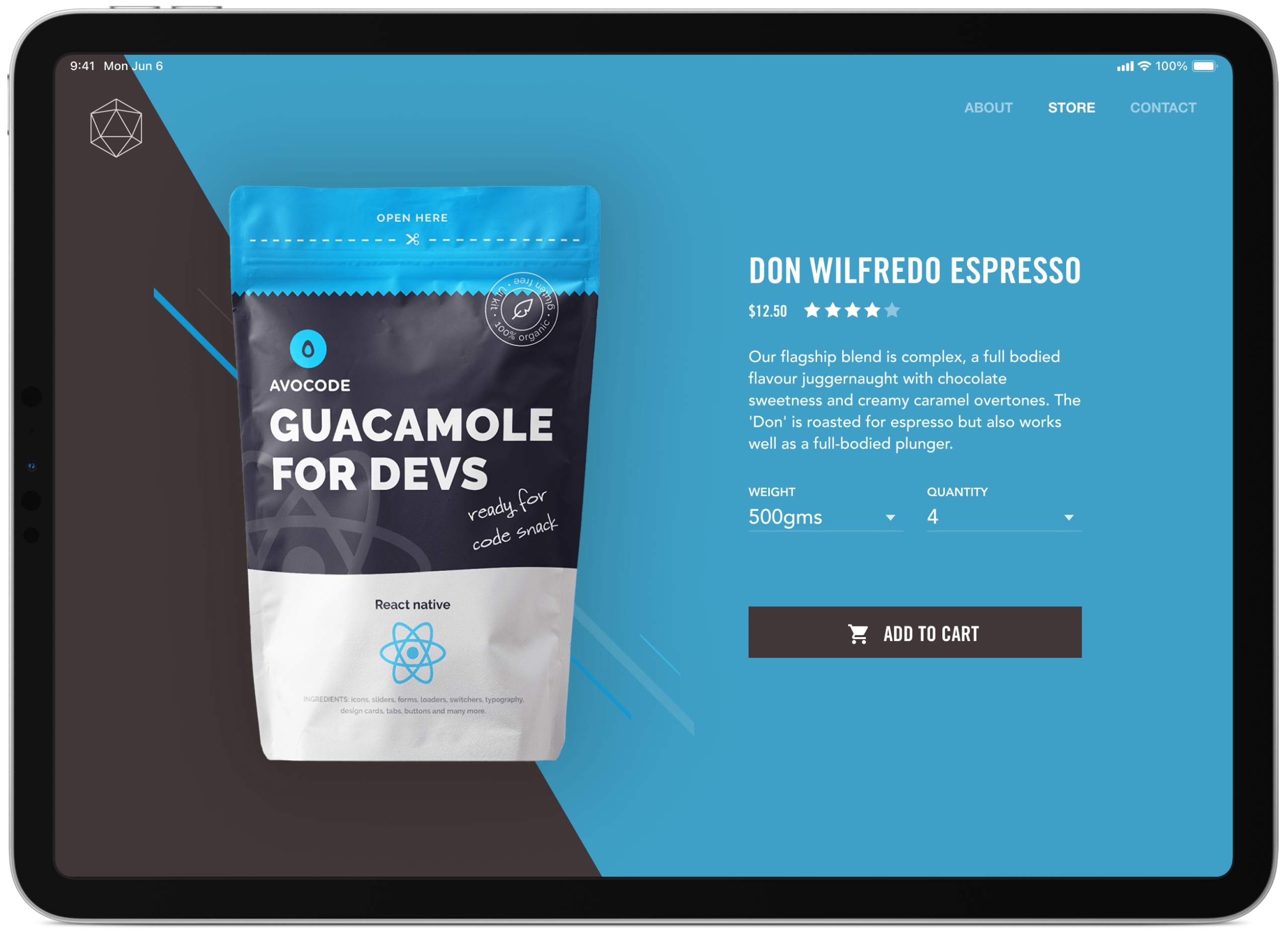

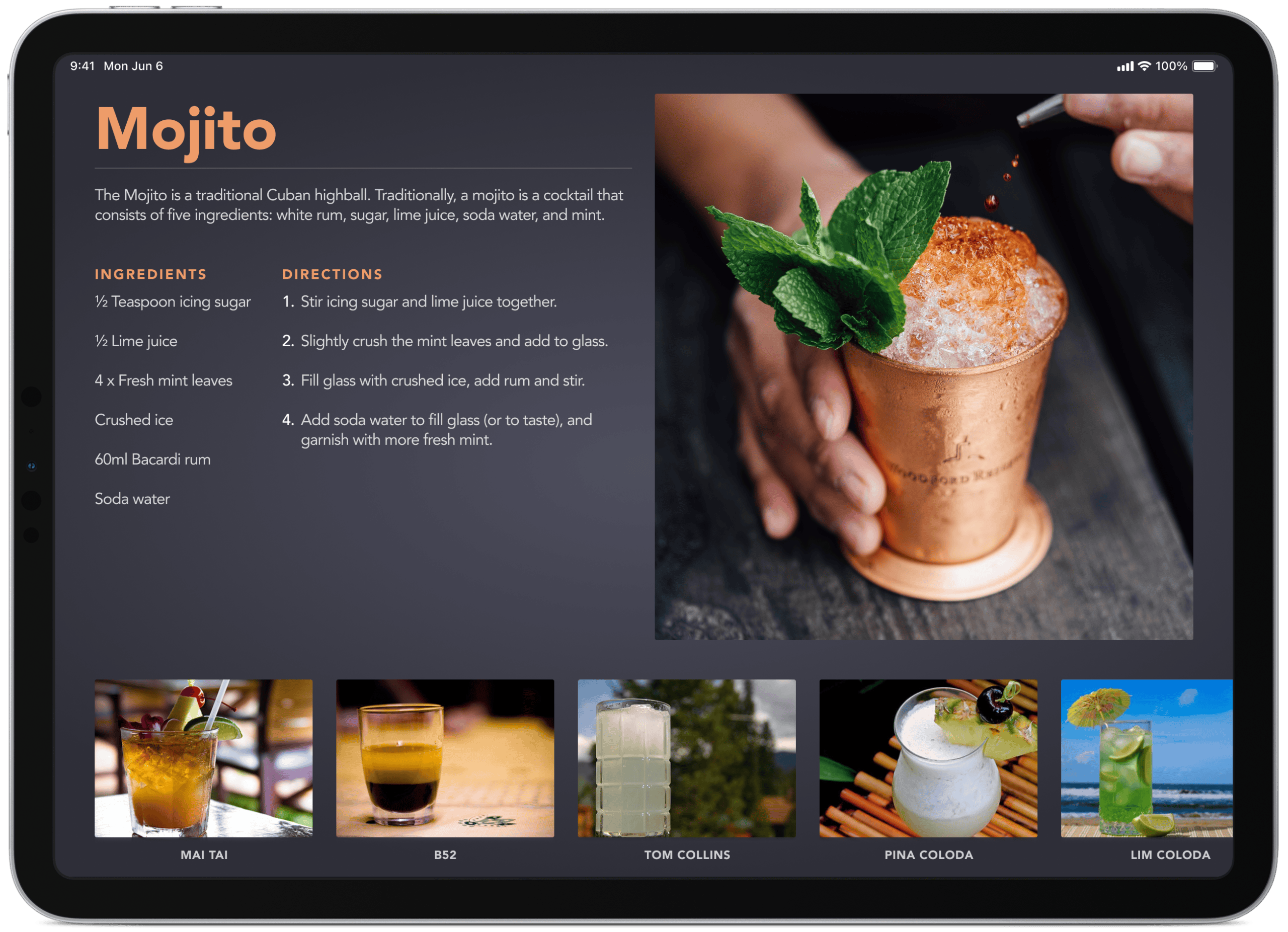
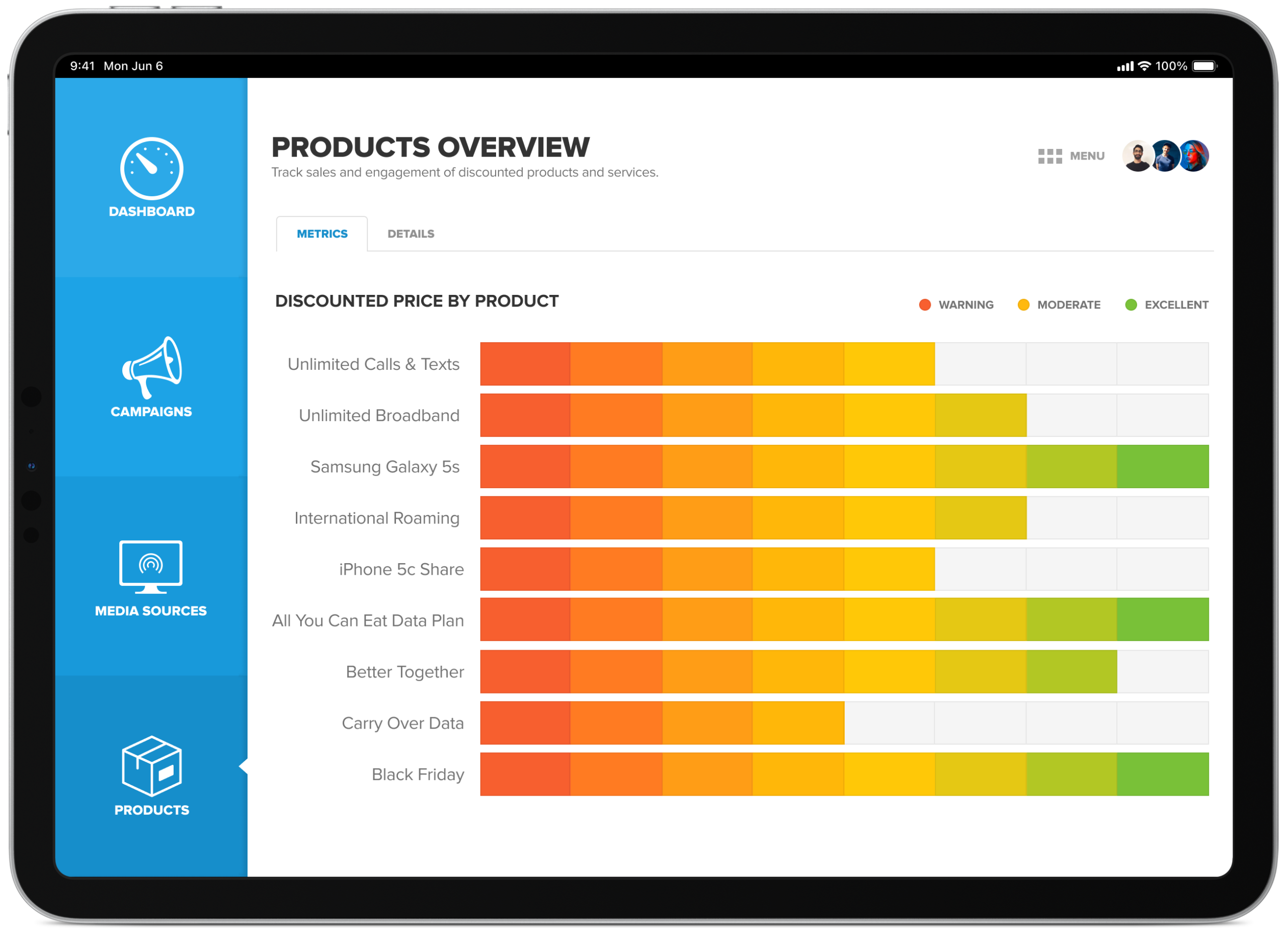
Dashboards, analytics and responsive web apps
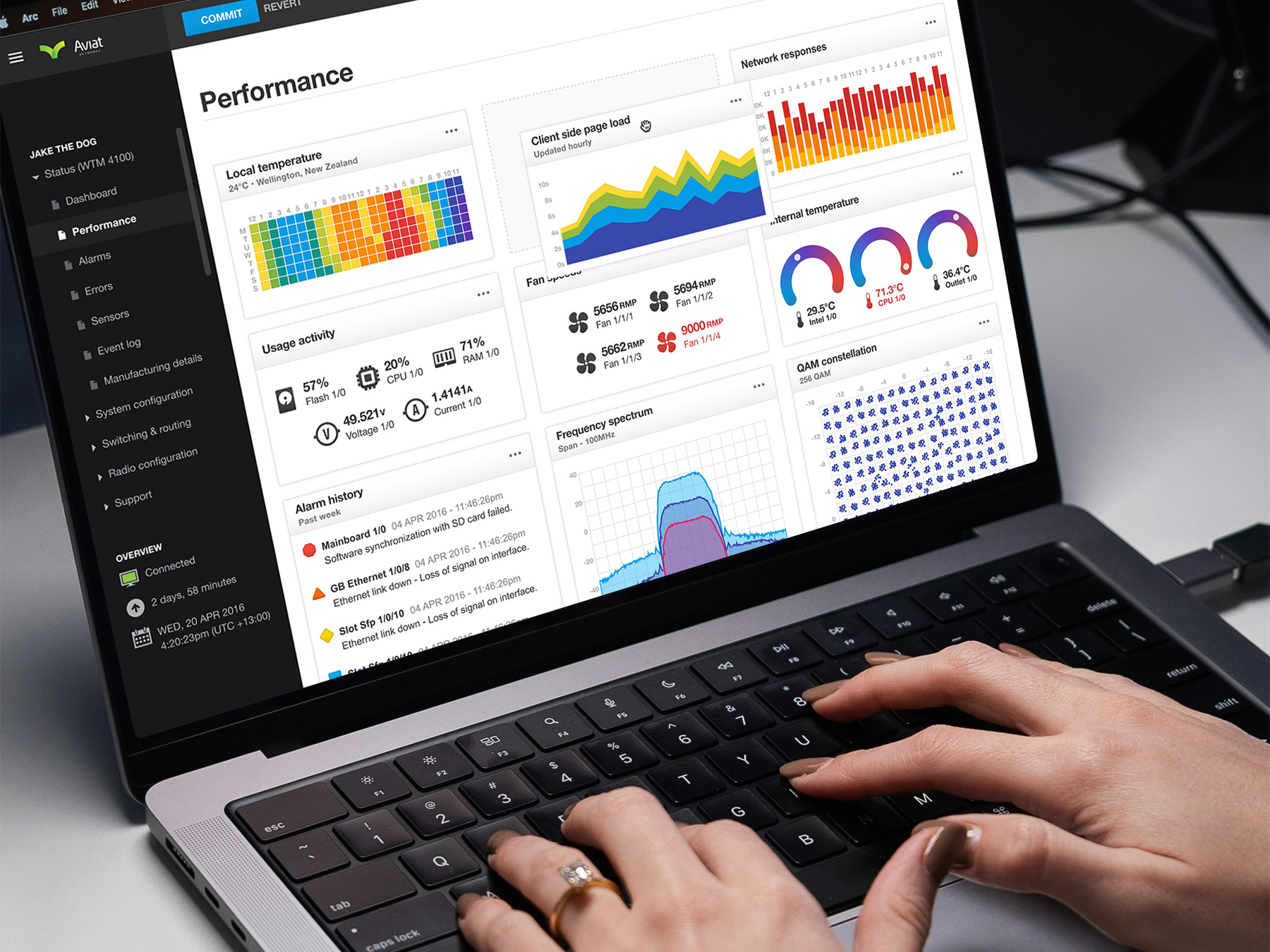
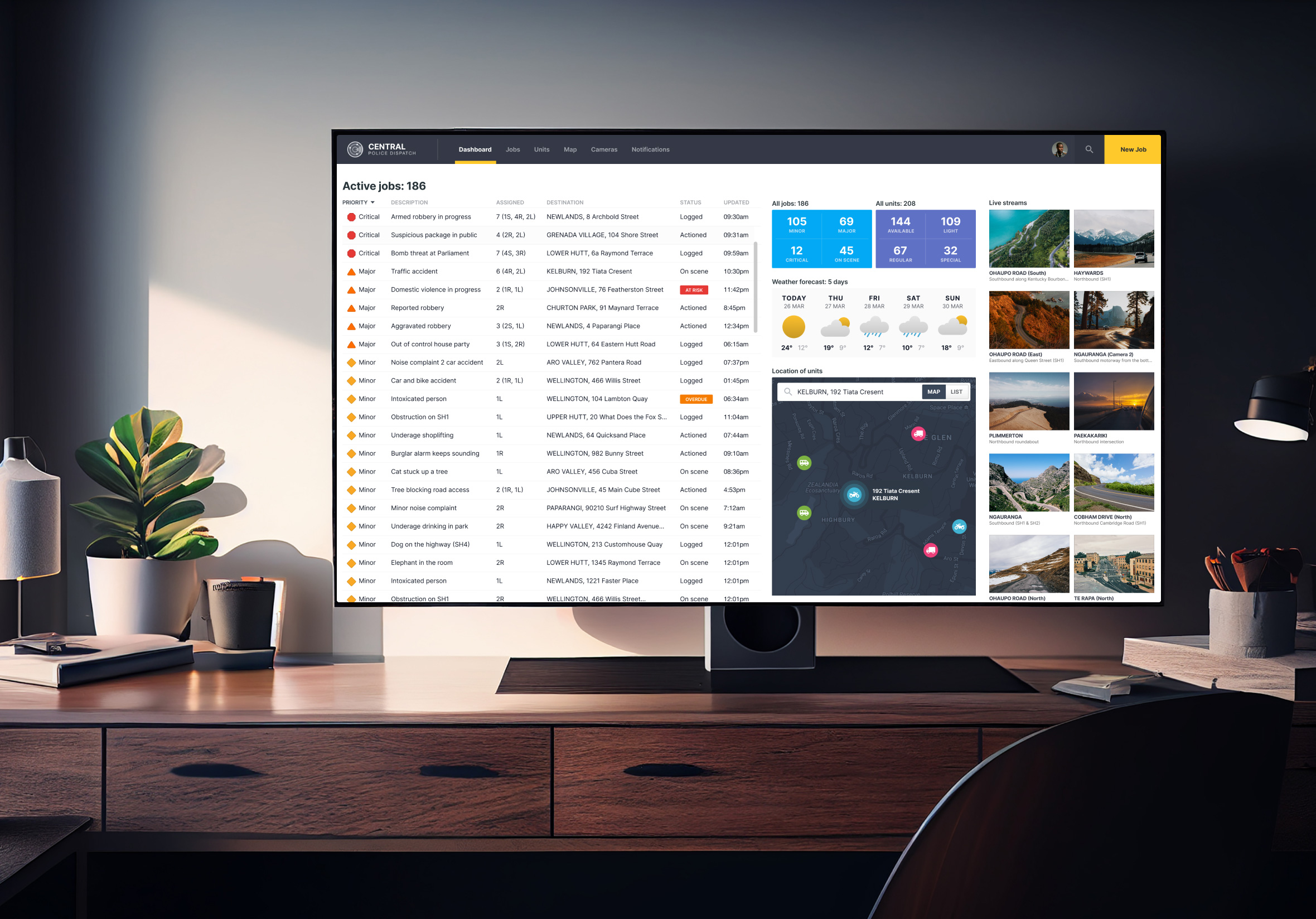
Dashboards visually track, analyse, and display the KPIs and metrics that matter most. A good dashboard puts control back in the user’s hands. They decide what to see and how to act on it. Responsive web apps extend that thinking across screen sizes, making sure the experience holds up whether someone is at their desk or on the go.
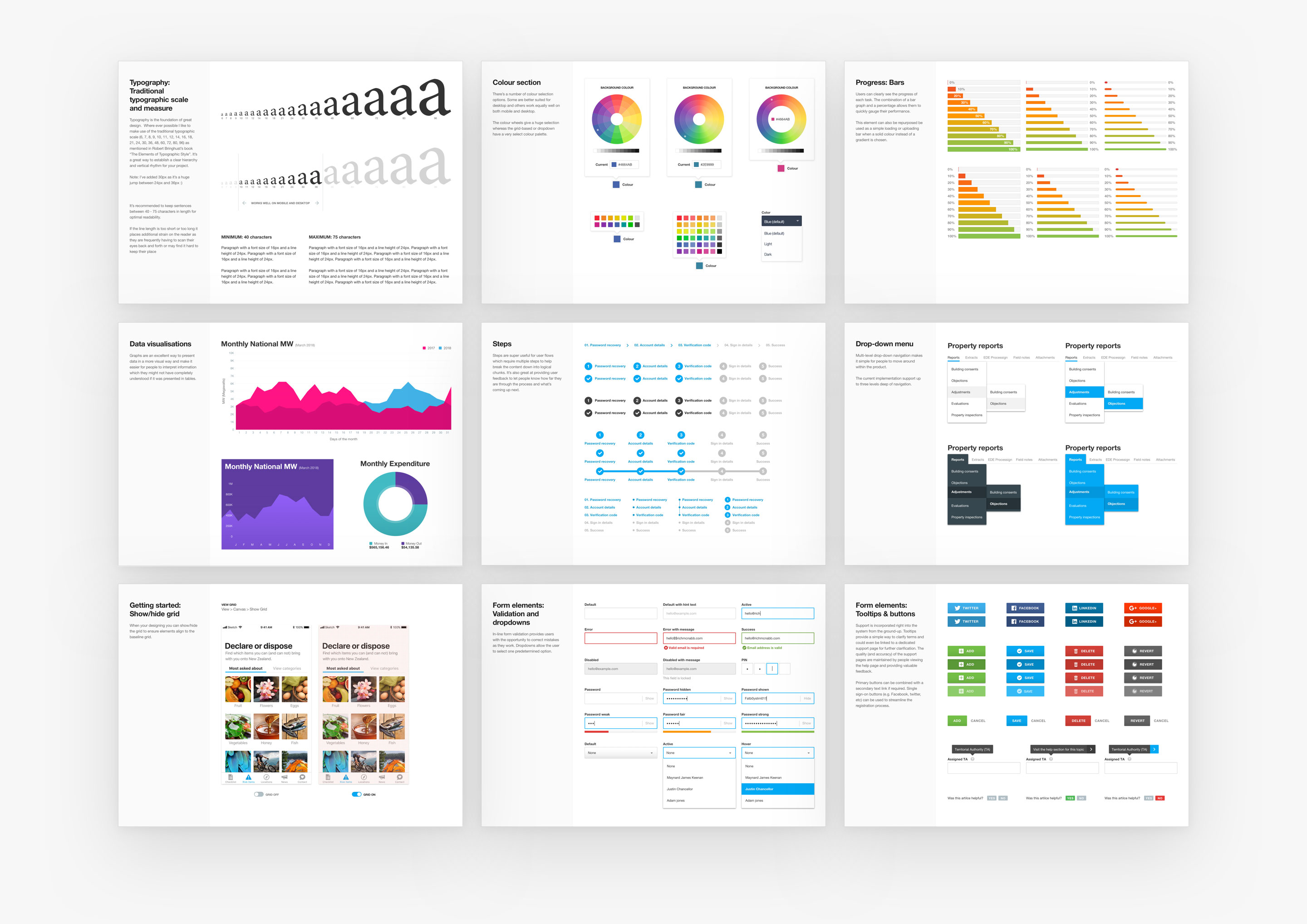
Design systems, pattern libraries and reusable components
I design UI components using Brad Frost’s Atomic Design approach. Reusable, consistent elements that speed up design and delivery, and get updates into users’ hands faster. A solid design system means less rework, fewer inconsistencies, and a much smoother handoff to development.
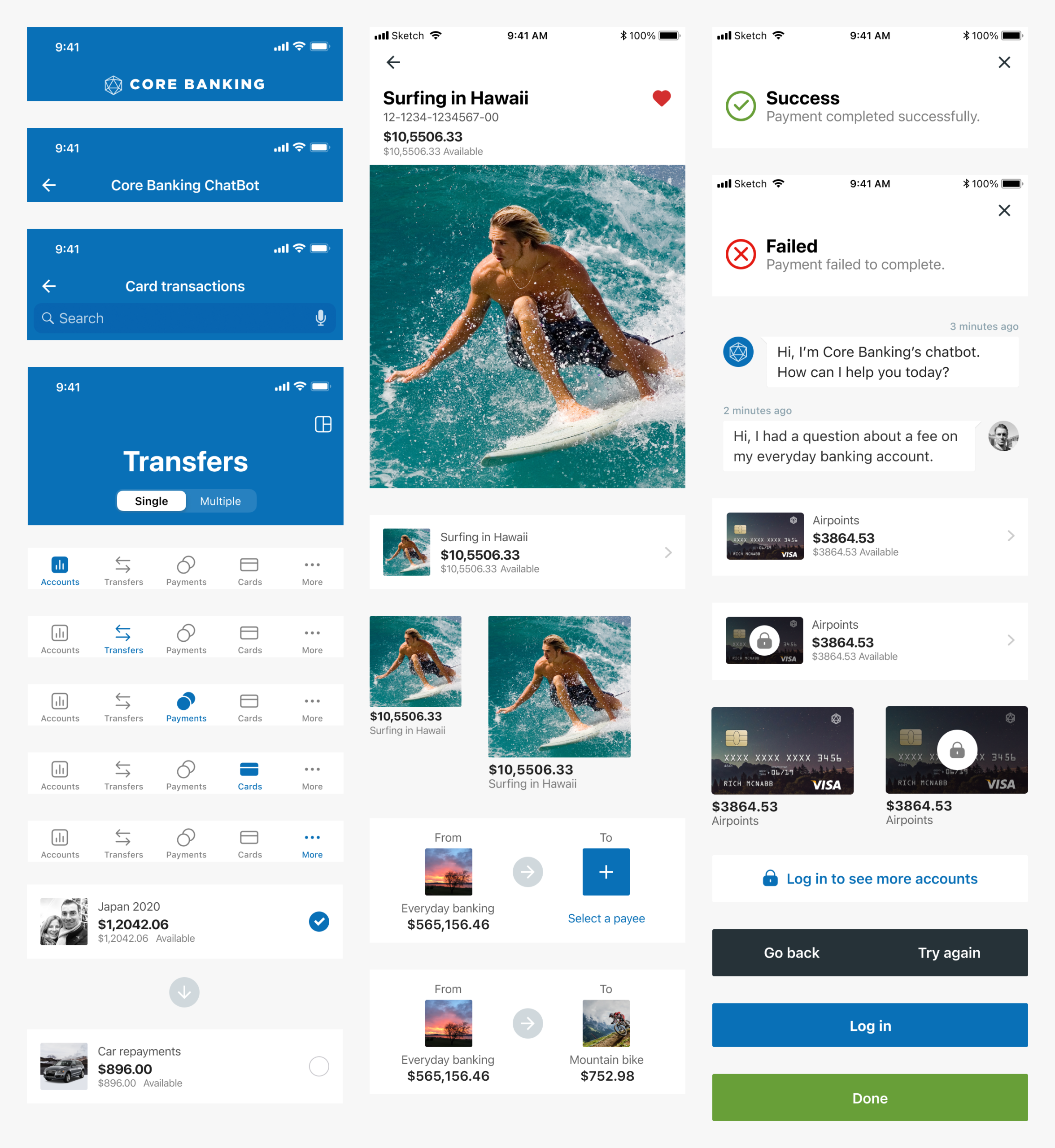
Mobile app design
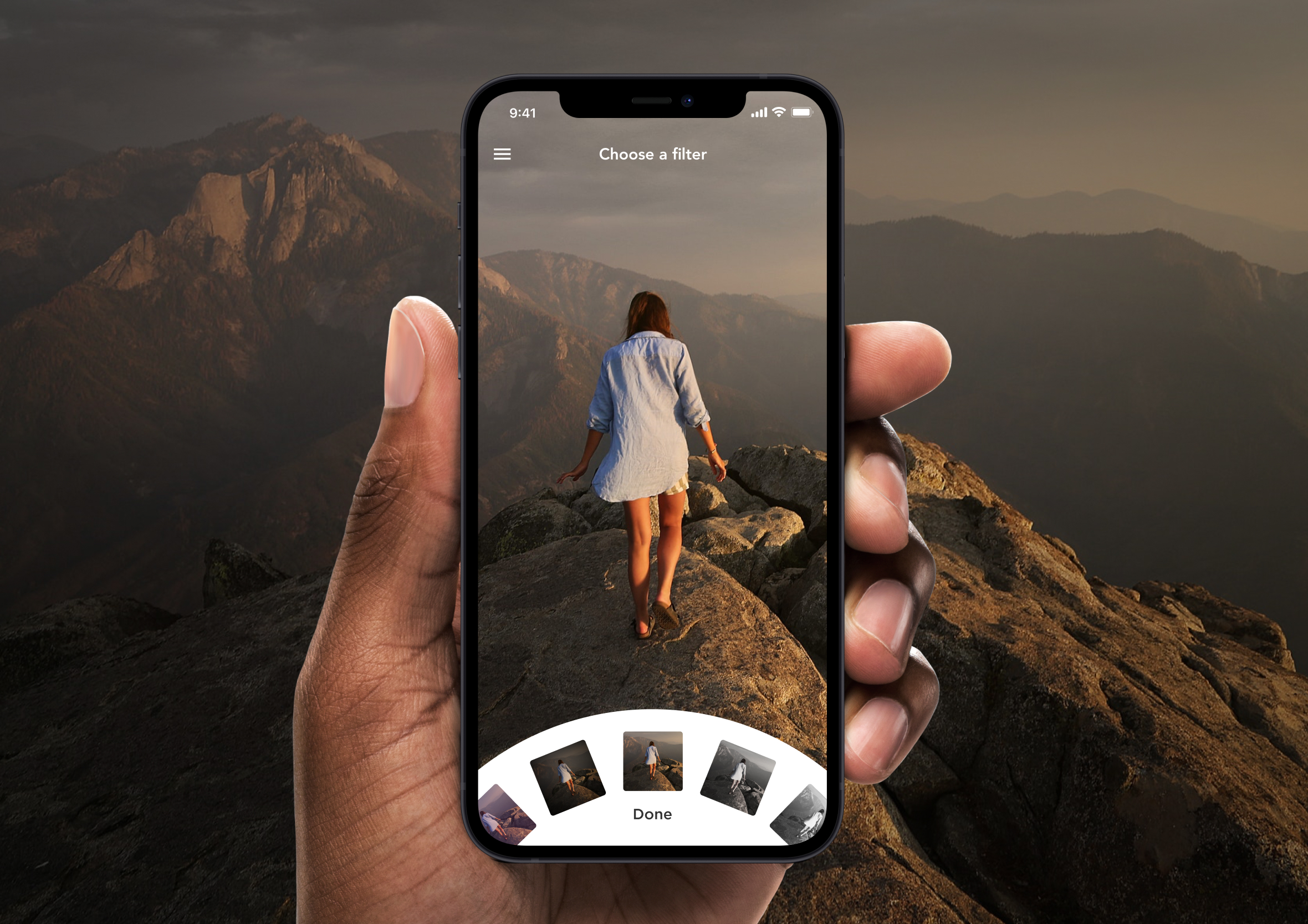
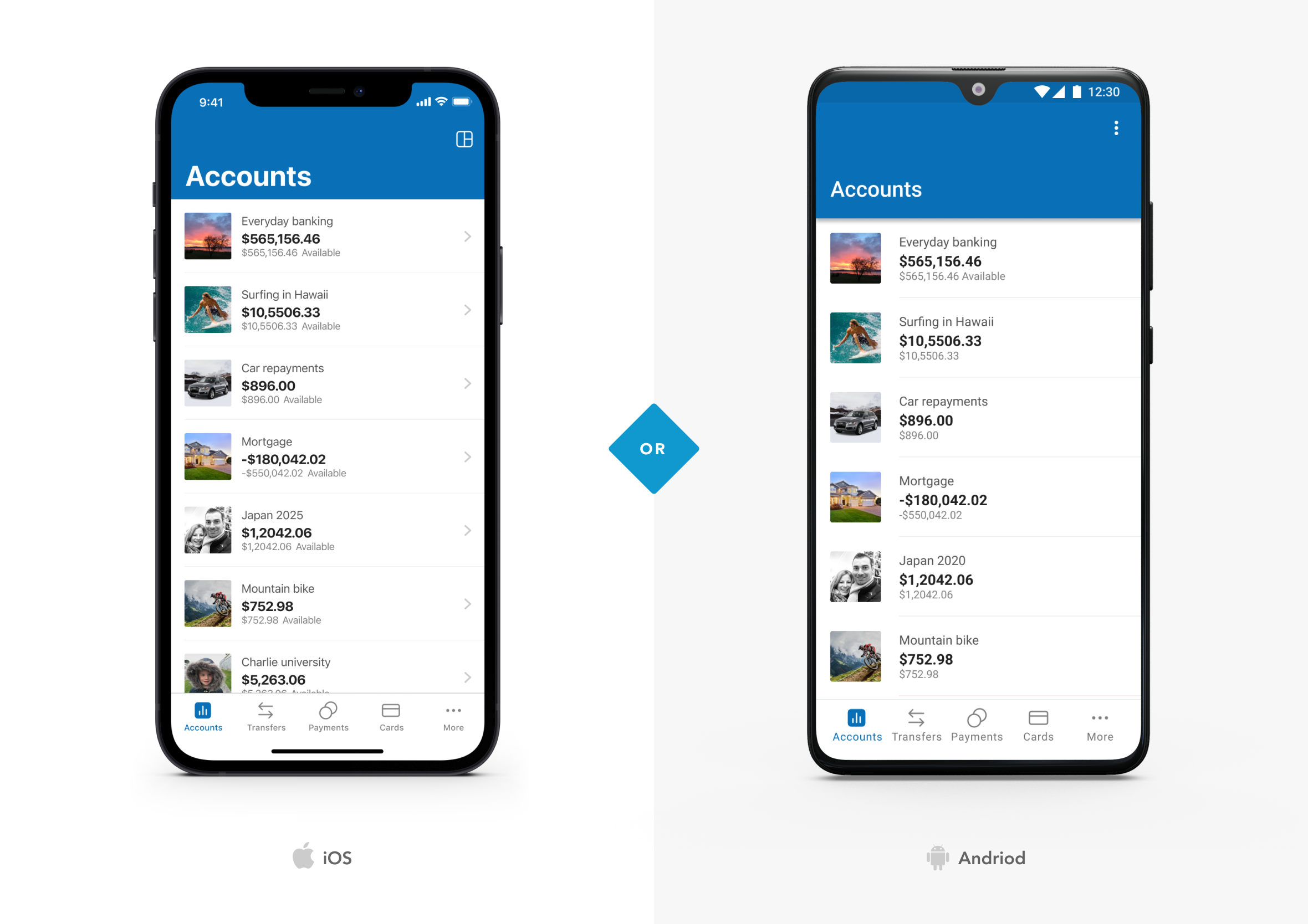
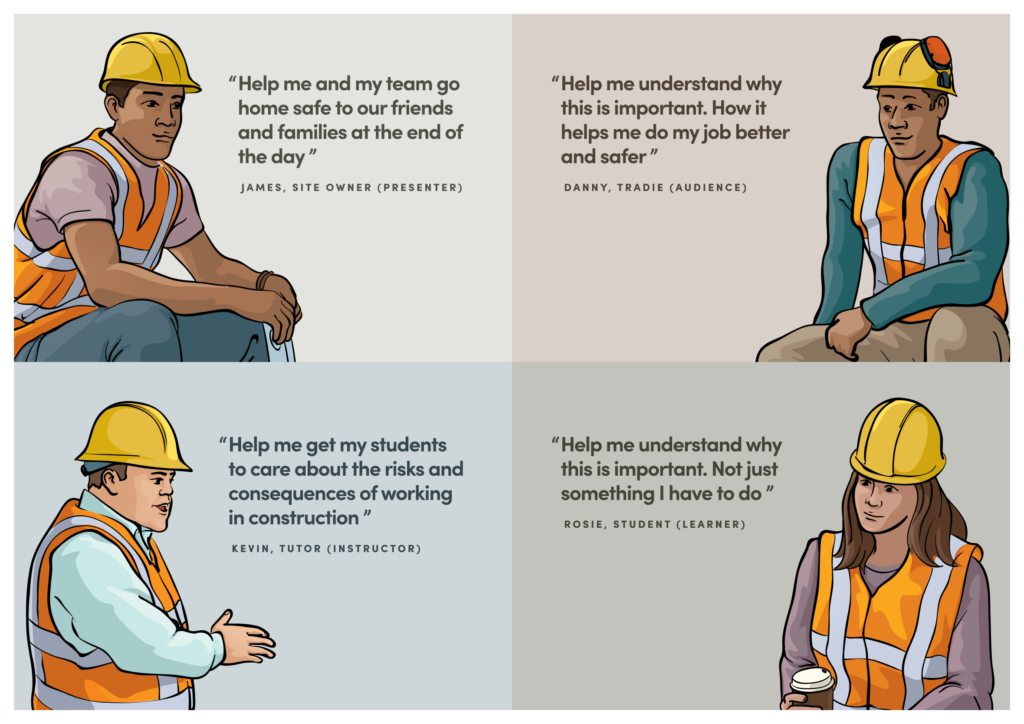
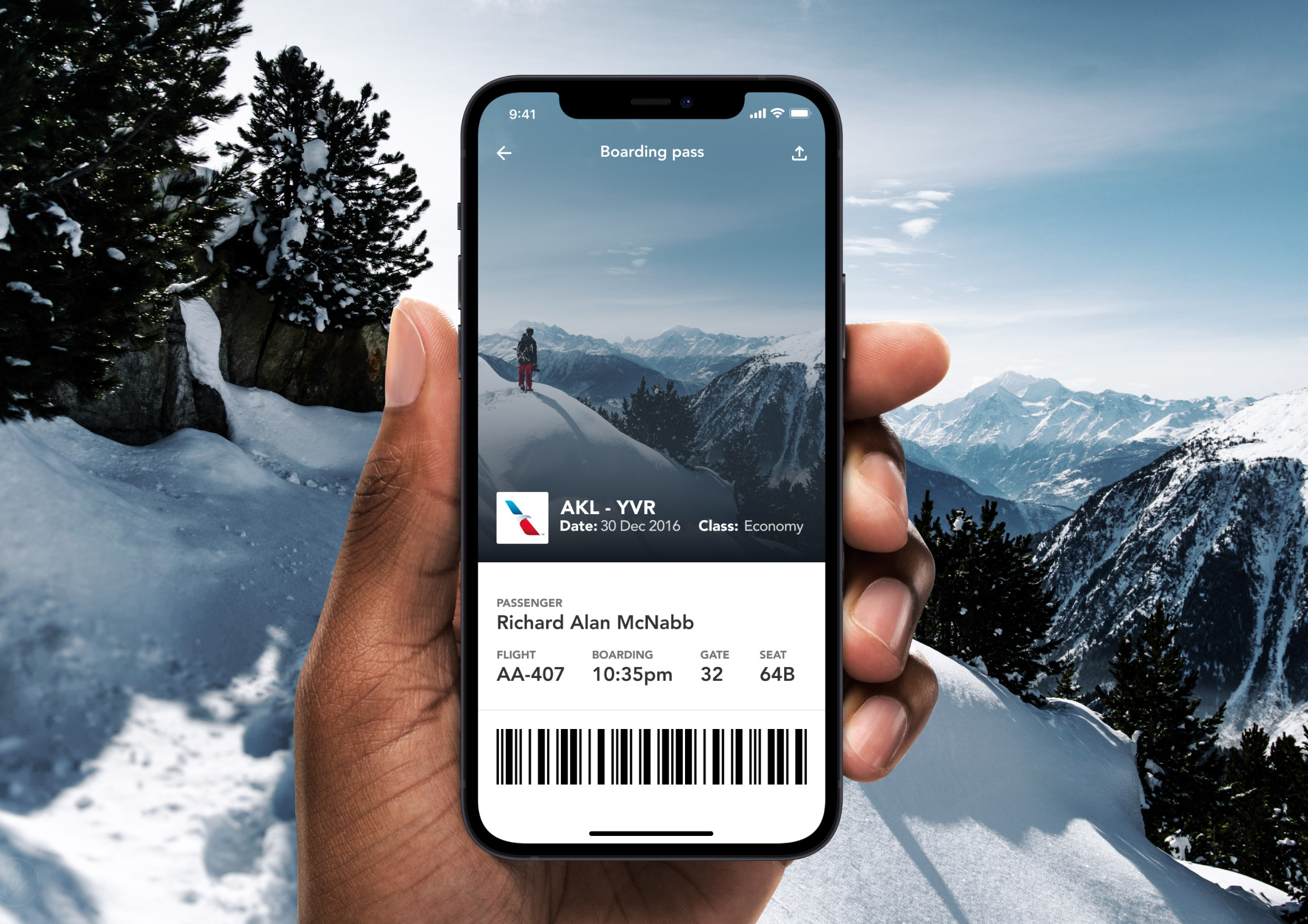
I design mobile apps to the iOS Human Interface Guidelines and Google Material Design specifications. That keeps apps looking native and feeling intuitive on both platforms. From consumer apps built for everyday banking, to behavioural design for challenge and rewards platforms, government health and safety apps, and onboarding built for busy job sites, the brief is always the same: make it simple, make it fast, and make it something people actually want to use.
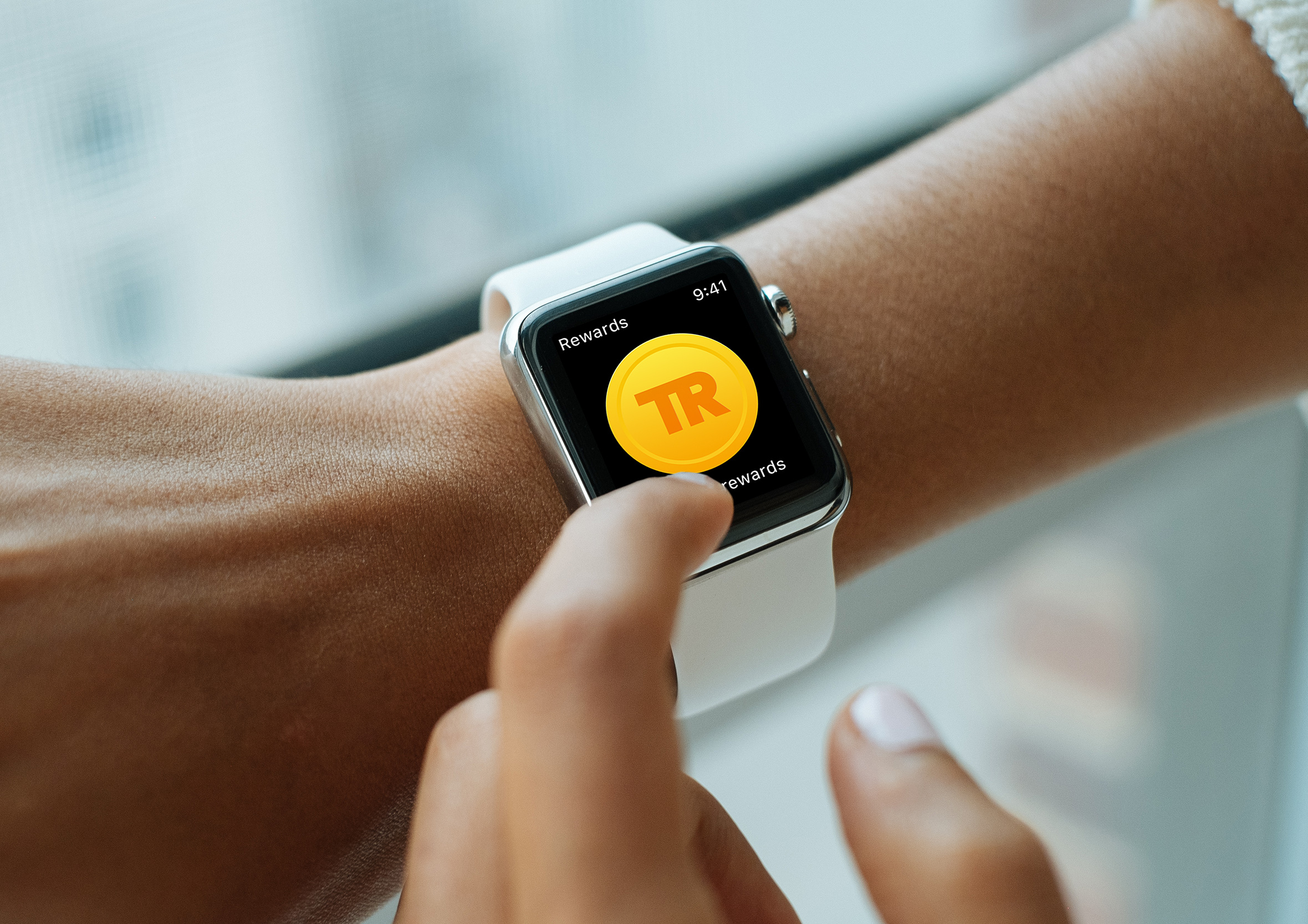
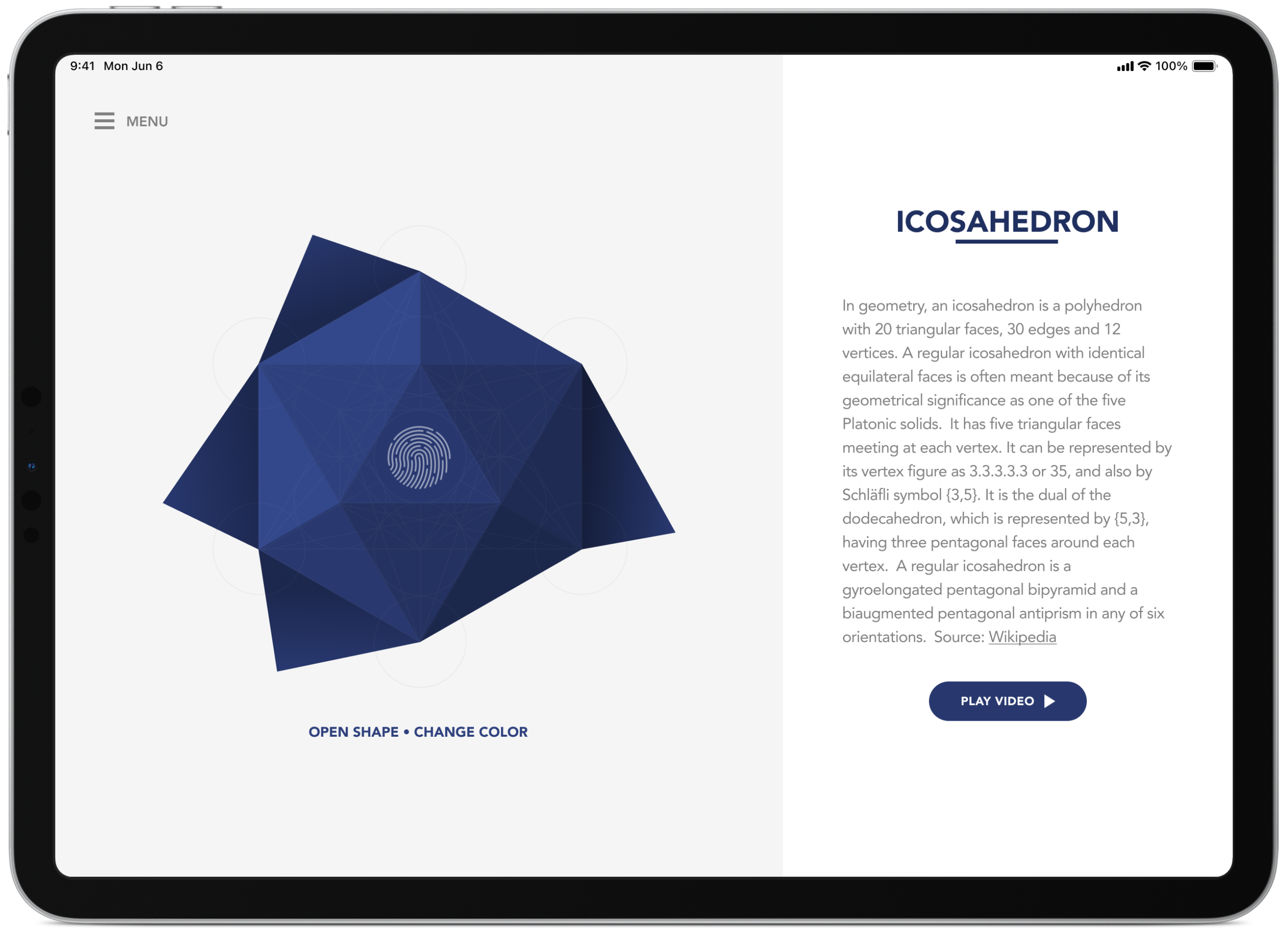
This includes tablet apps too. Larger screens open up richer layouts, more context, and better opportunities for content hierarchy. And smartwatch apps, where the challenge is the opposite: bite-sized information and push notifications that complement the mobile experience without overwhelming it.
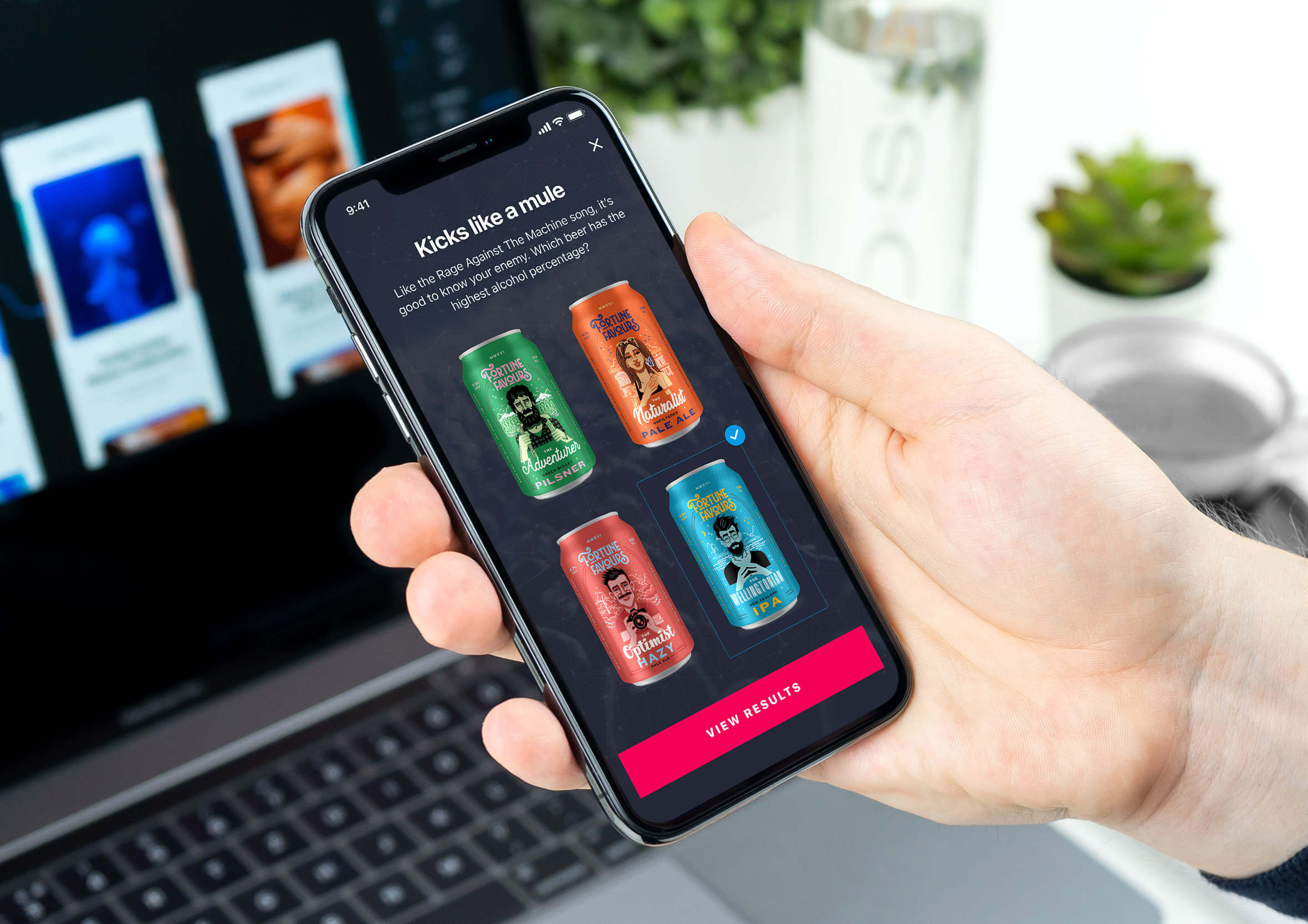
iOS and Android app design
Designing to platform guidelines isn’t just about aesthetics. It’s about respect for the user’s existing mental models. When an app behaves the way someone expects it to, they spend less time figuring it out and more time getting value from it. Less confusion means less rework. Less rework means apps reach users faster.
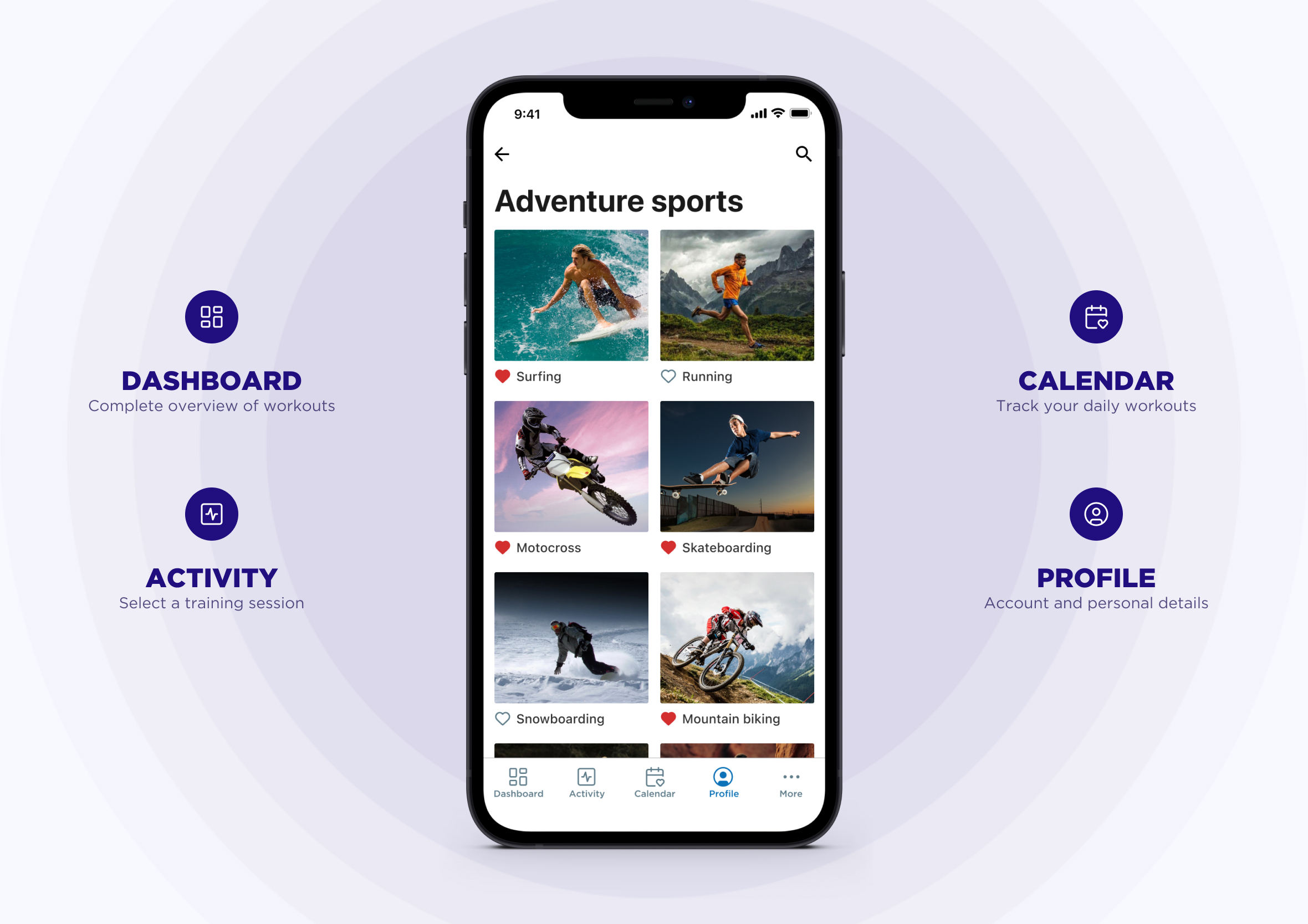
IA: Information Architecture
Information architecture goes hand in hand with wireframing. It maps out exactly which screens are needed, how they connect, and all the interface elements that make up the user flows. Having everything in one place makes it much easier to spot gaps, dead ends, and areas for improvement before a single pixel is pushed.
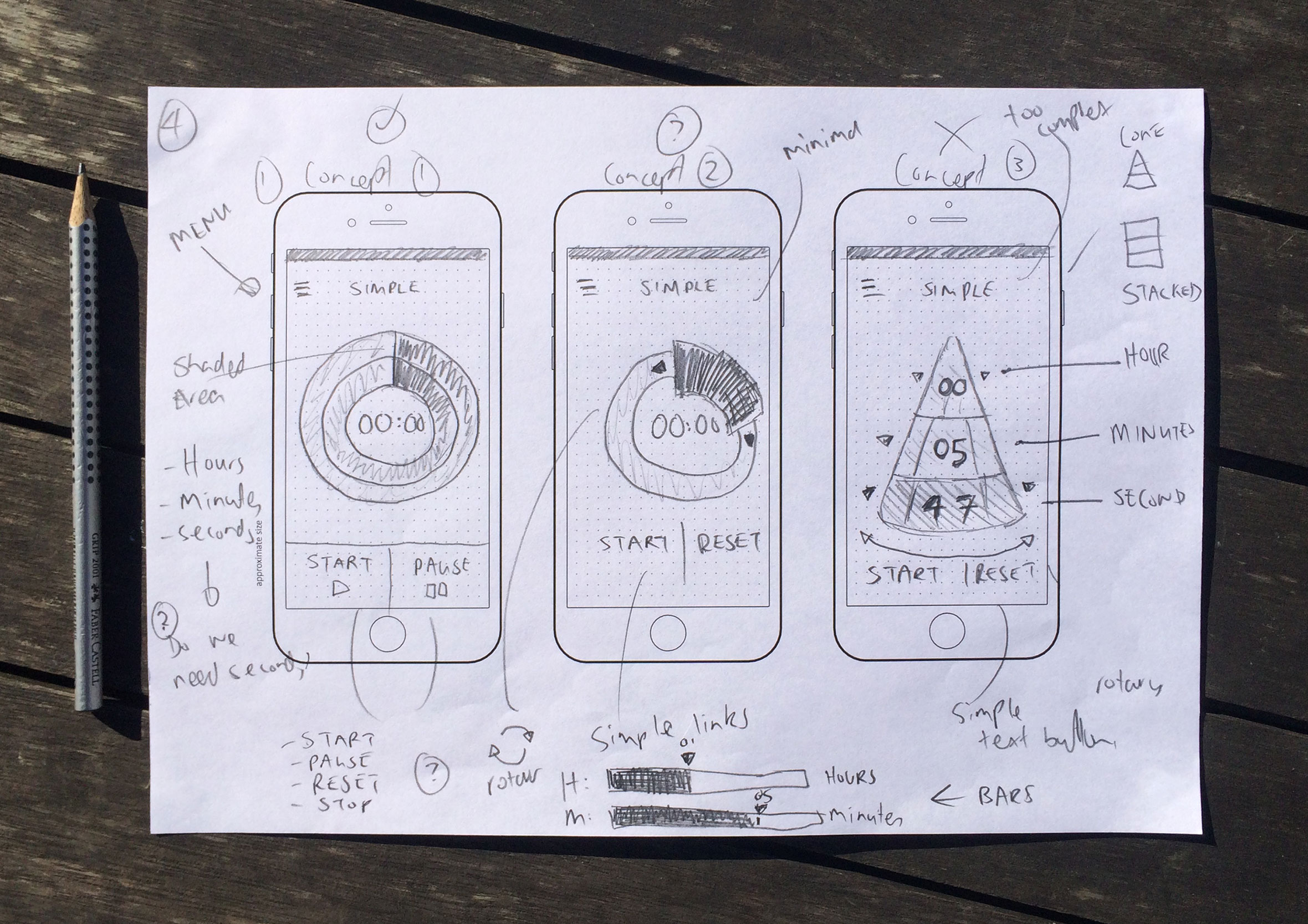
Sketching, ideation, wireframing and prototyping
I always start low-fidelity. Pen and paper, rough sketches, exploring as many directions as possible before committing to anything. From there I’ll produce wireframes or jump straight into rapid prototyping, depending on what needs validating. The goal is to get something in front of real users as quickly as possible.

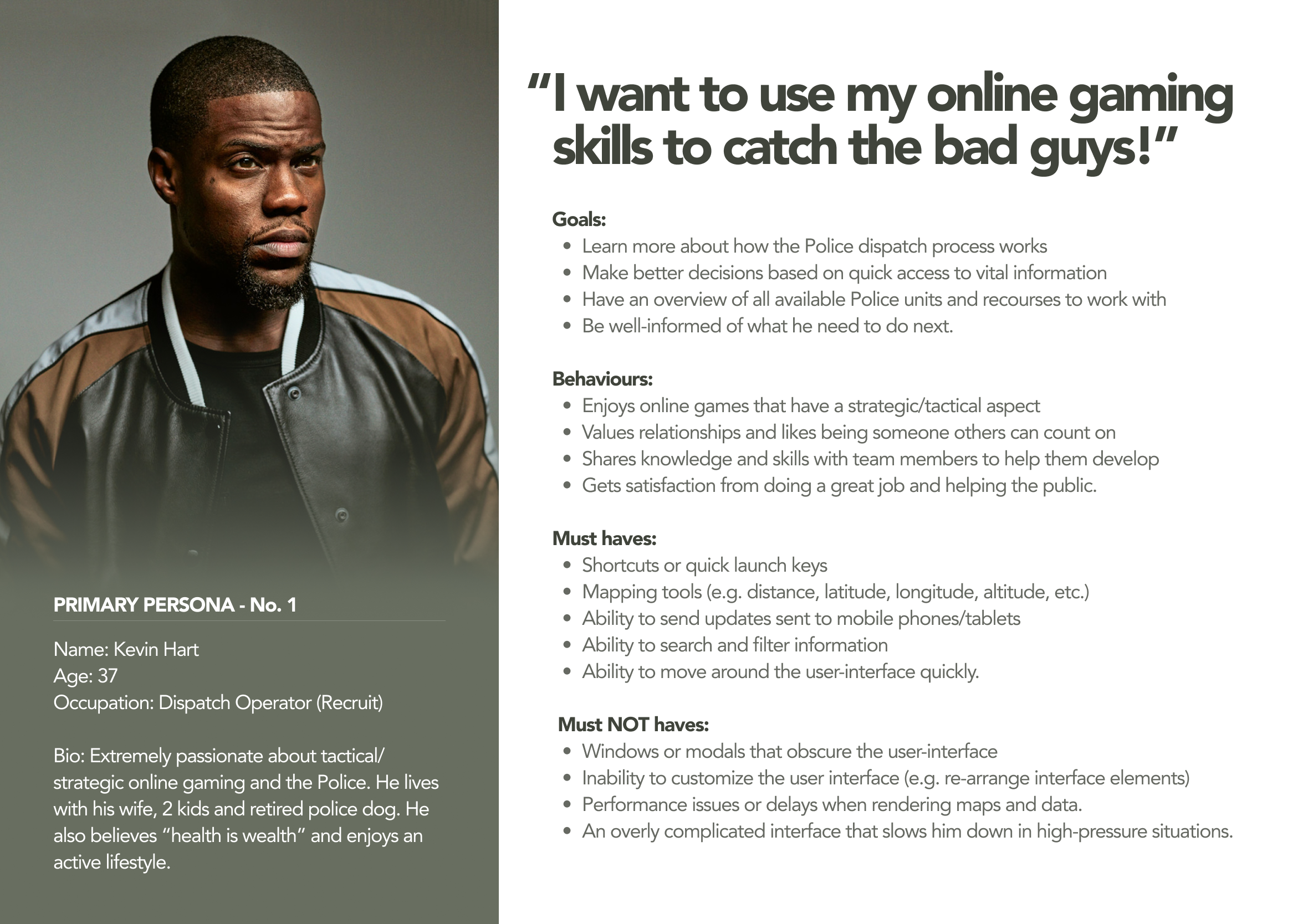
Personas and user interviews
Personas built from real interviews bring empathy and direction to a project. They surface what people actually care about, including their background, pain points, goals, and the features they can’t live without. Keeping the focus on solving real problems for real people makes a measurable difference to the outcome.

Design Thinking methodology
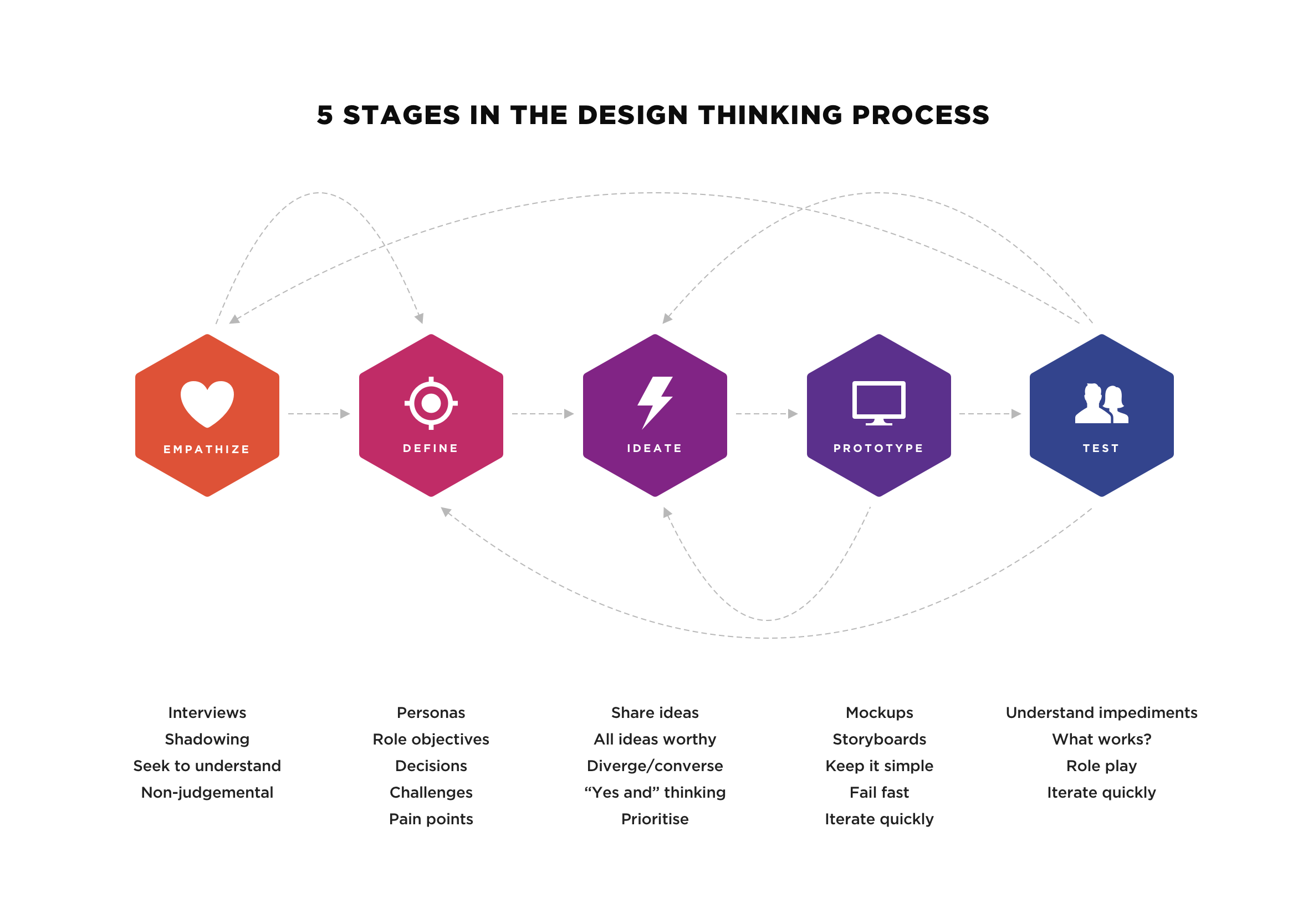
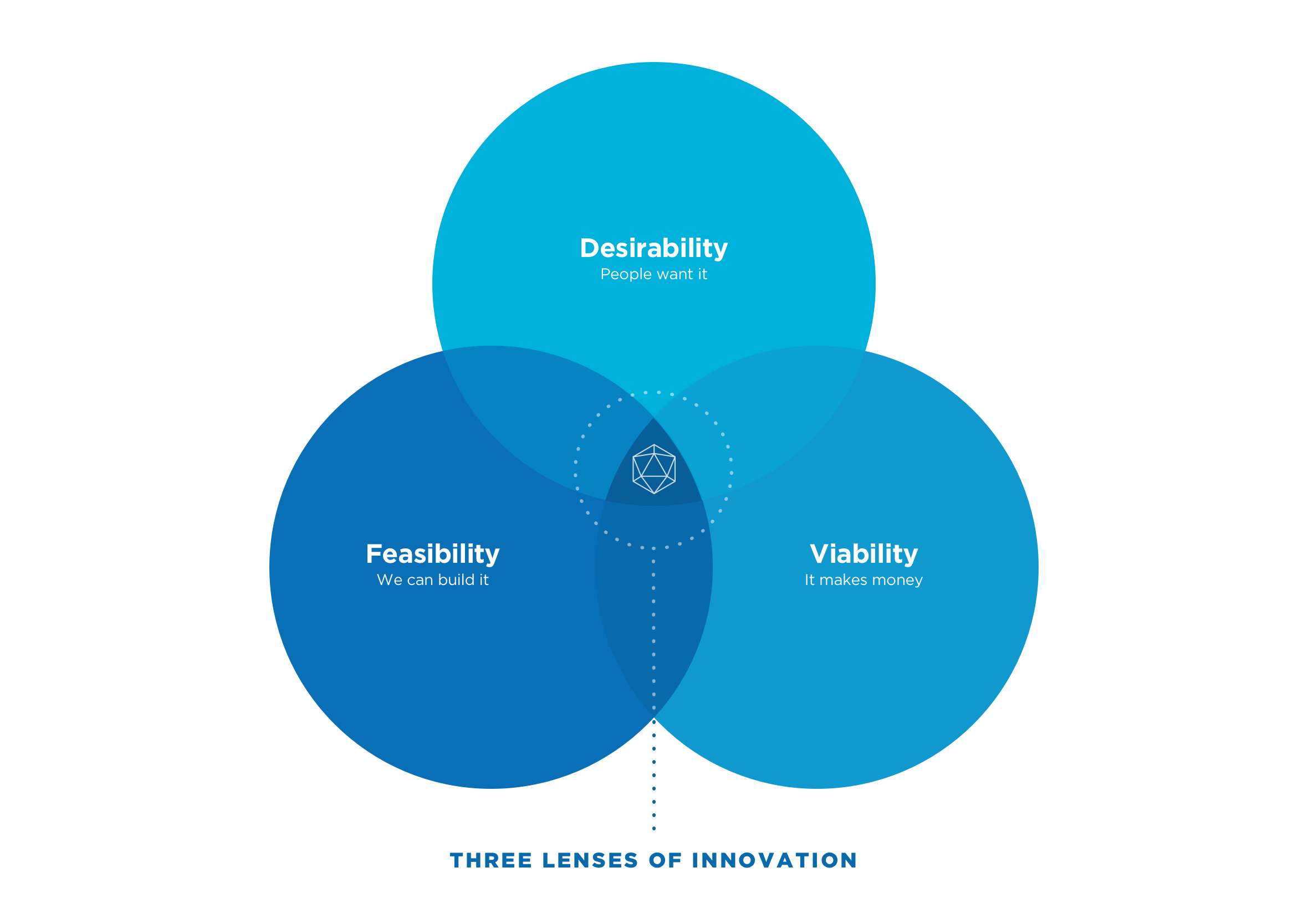
The Design Thinking methodology gives product teams a framework for solving complex problems, whether they’re small or enormous. Design, technology, and business work together to deliver products that help people and generate revenue. You get five clear stages with the freedom to move between them as the project demands. Structured enough to keep teams aligned, flexible enough to respond to what you learn along the way.
UI: User Interface design
UI is where everything comes to life. It’s the visual layer that turns a well-structured experience into something people actually want to use. Good UI design isn’t decoration. It enhances the experience, creates a consistent visual language, and brings the product to life in a way that feels polished and intentional. It’s usually the last stage in the design process and provides the final layer of craft.
Iconography and illustrations
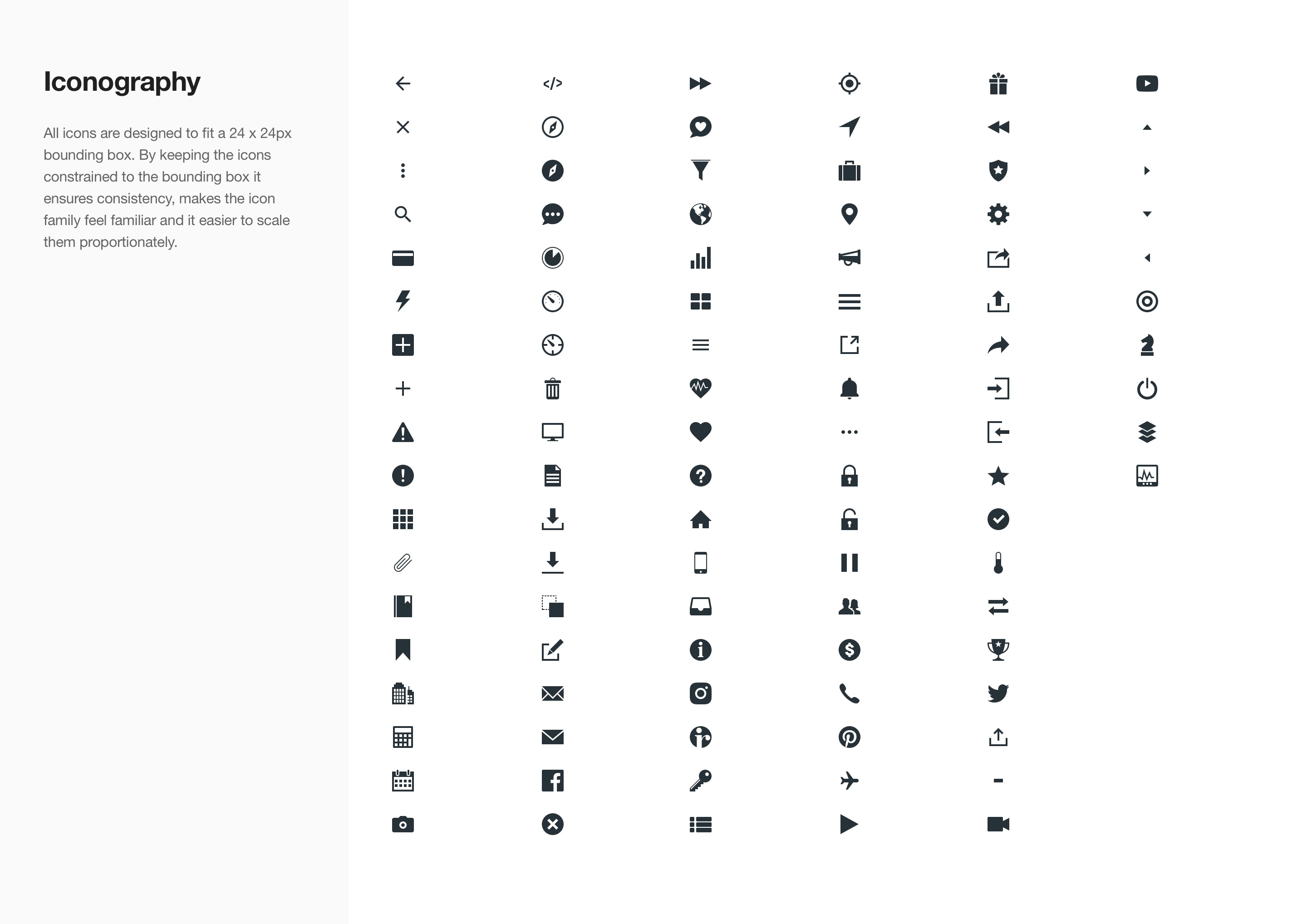
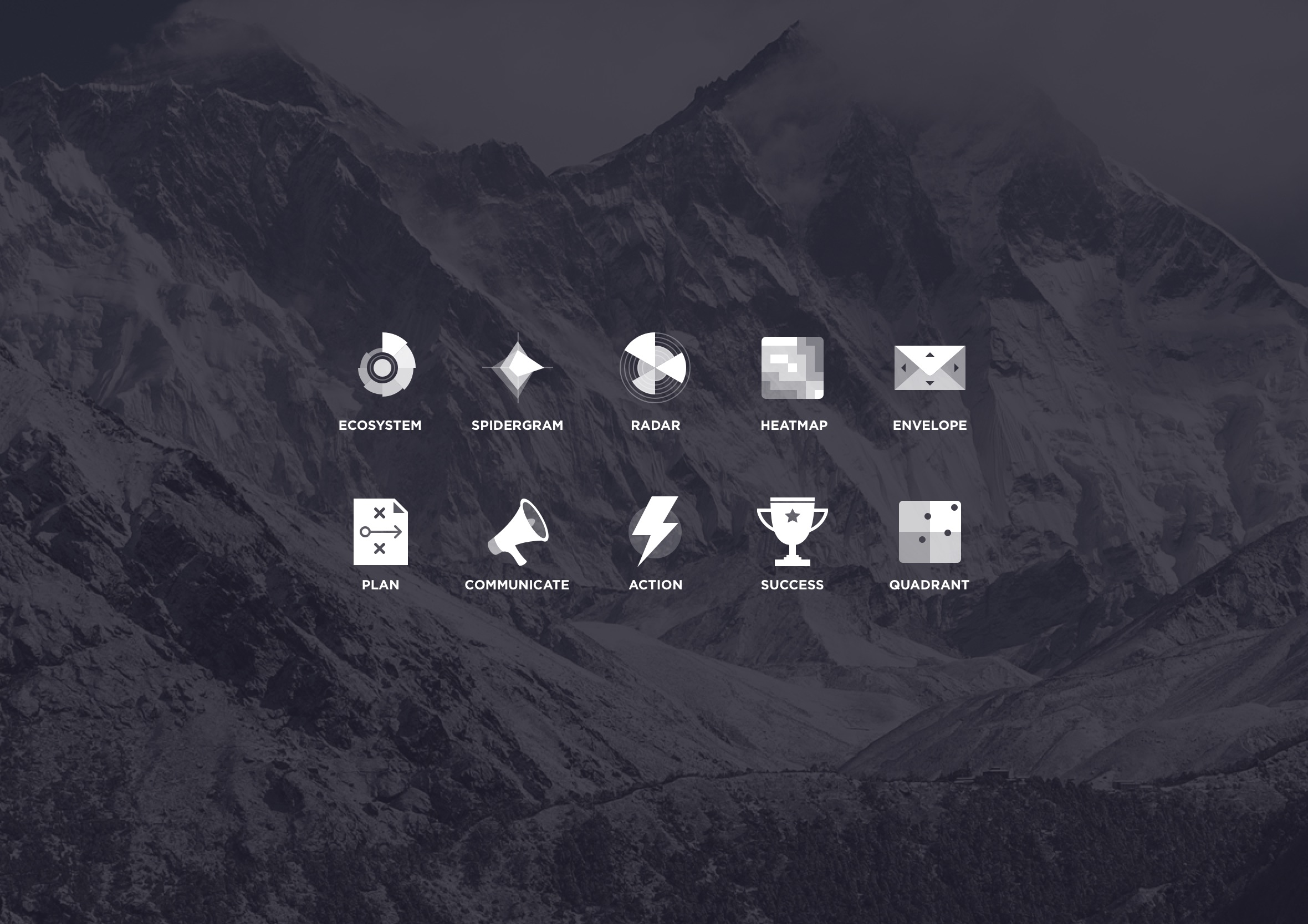
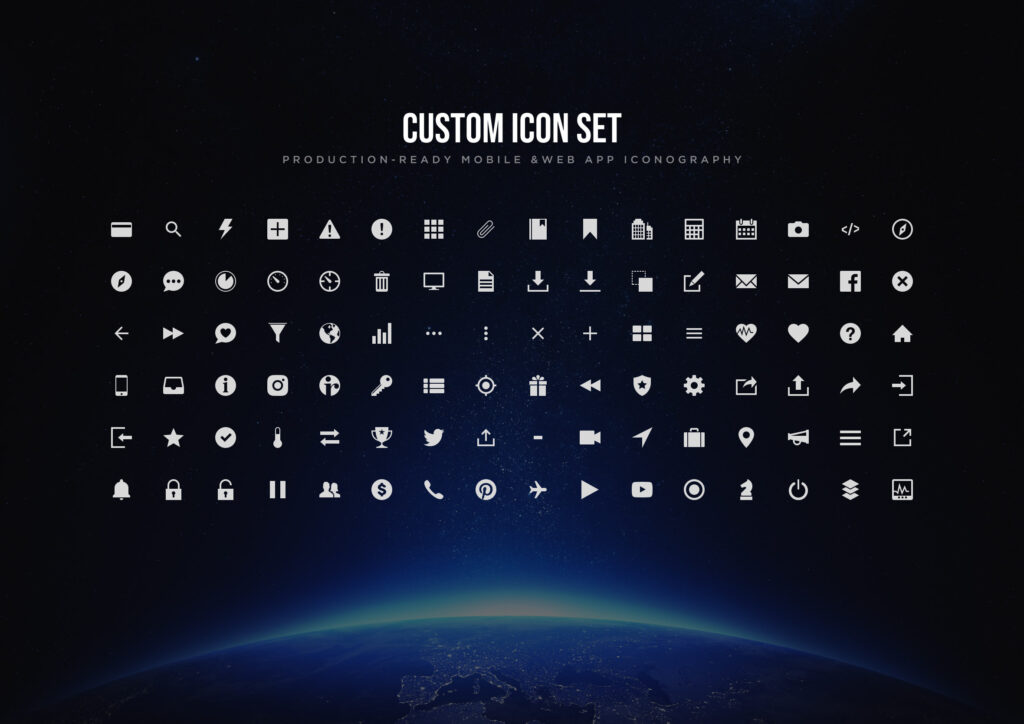
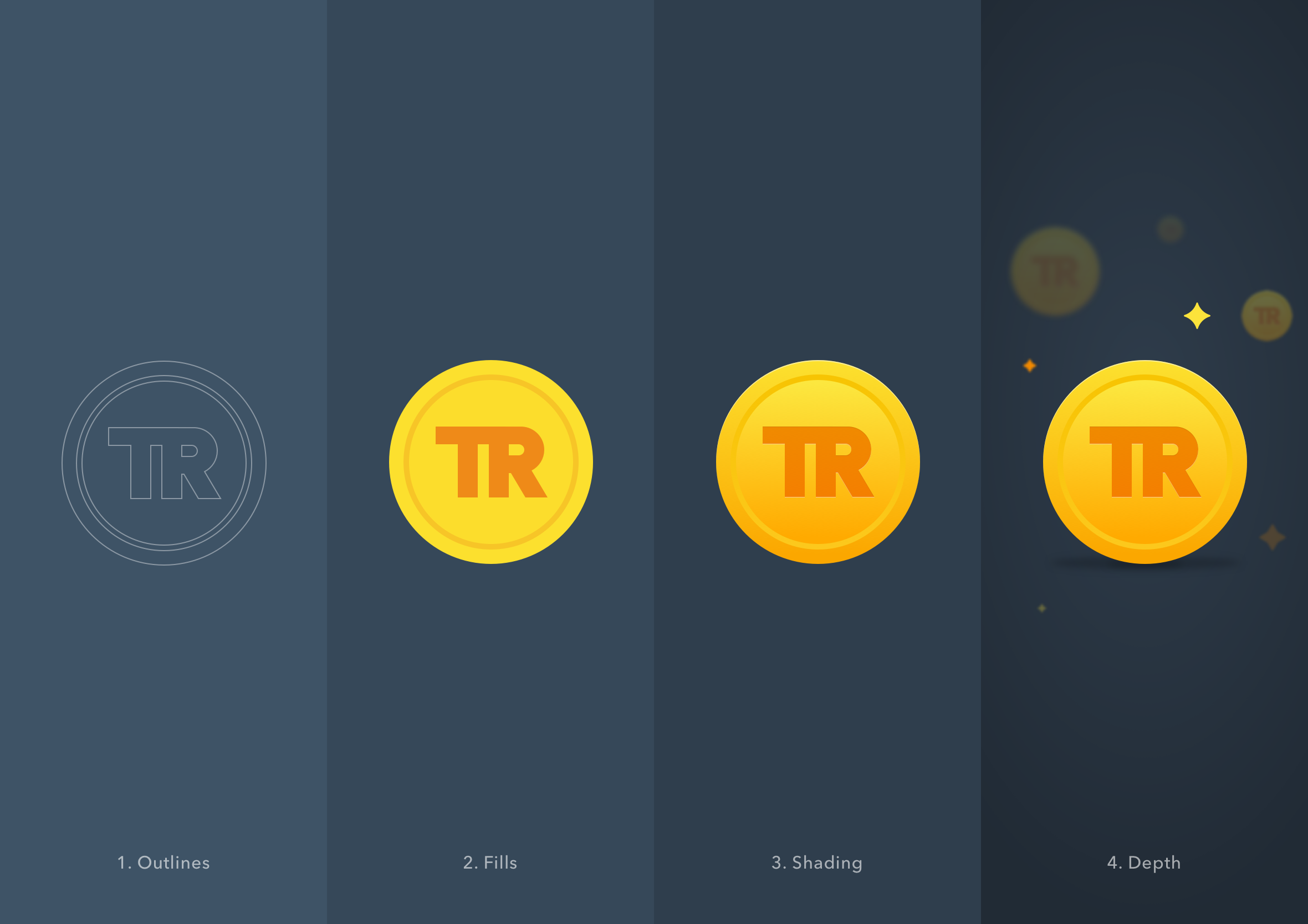
All icons are designed to fit a 24x24px bounding box. That constraint keeps the family consistent, makes scaling straightforward, and ensures everything feels cohesive across a product. Illustrations bring personality and delight into the equation. They help create a meaningful connection between the people using a product and the product itself.
Typography and typeface design
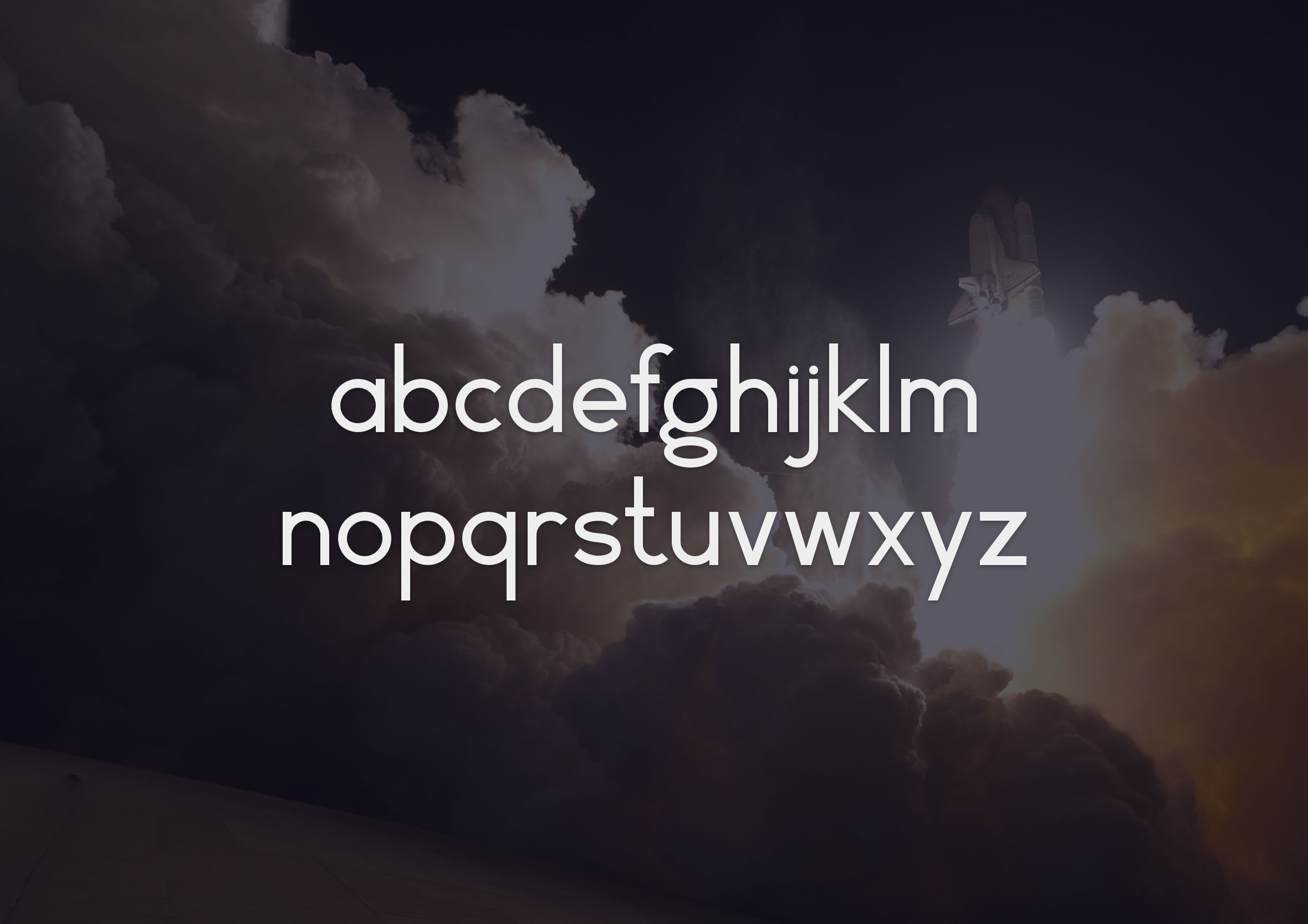
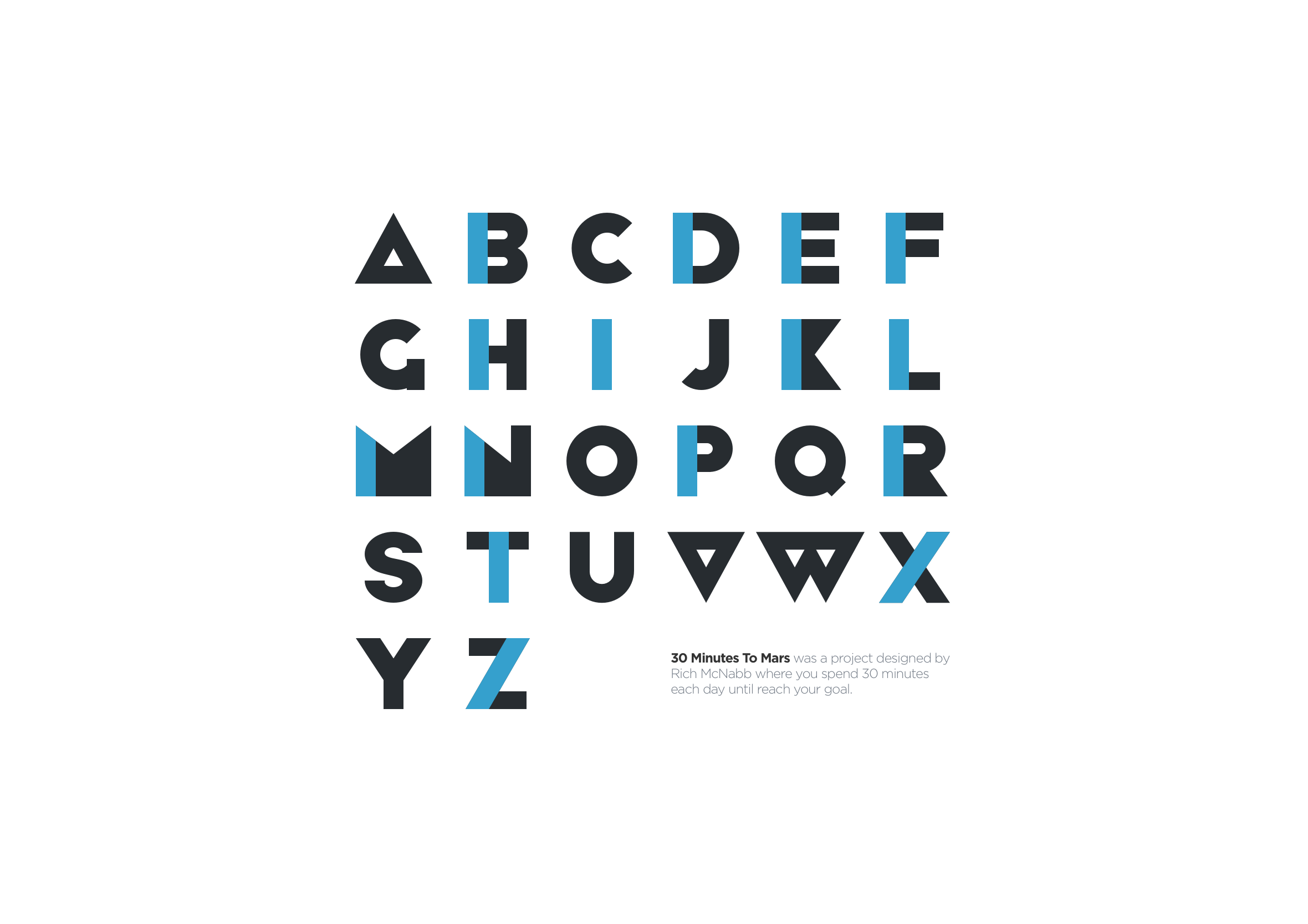
Type is one of the most powerful tools in a designer’s kit. Done well, it does a lot of the heavy lifting before a user reads a single word. I designed a free geometric vector font called 30 Minutes to Mars as a way to sharpen my vector skills, build out my portfolio, and give something back to the design community.
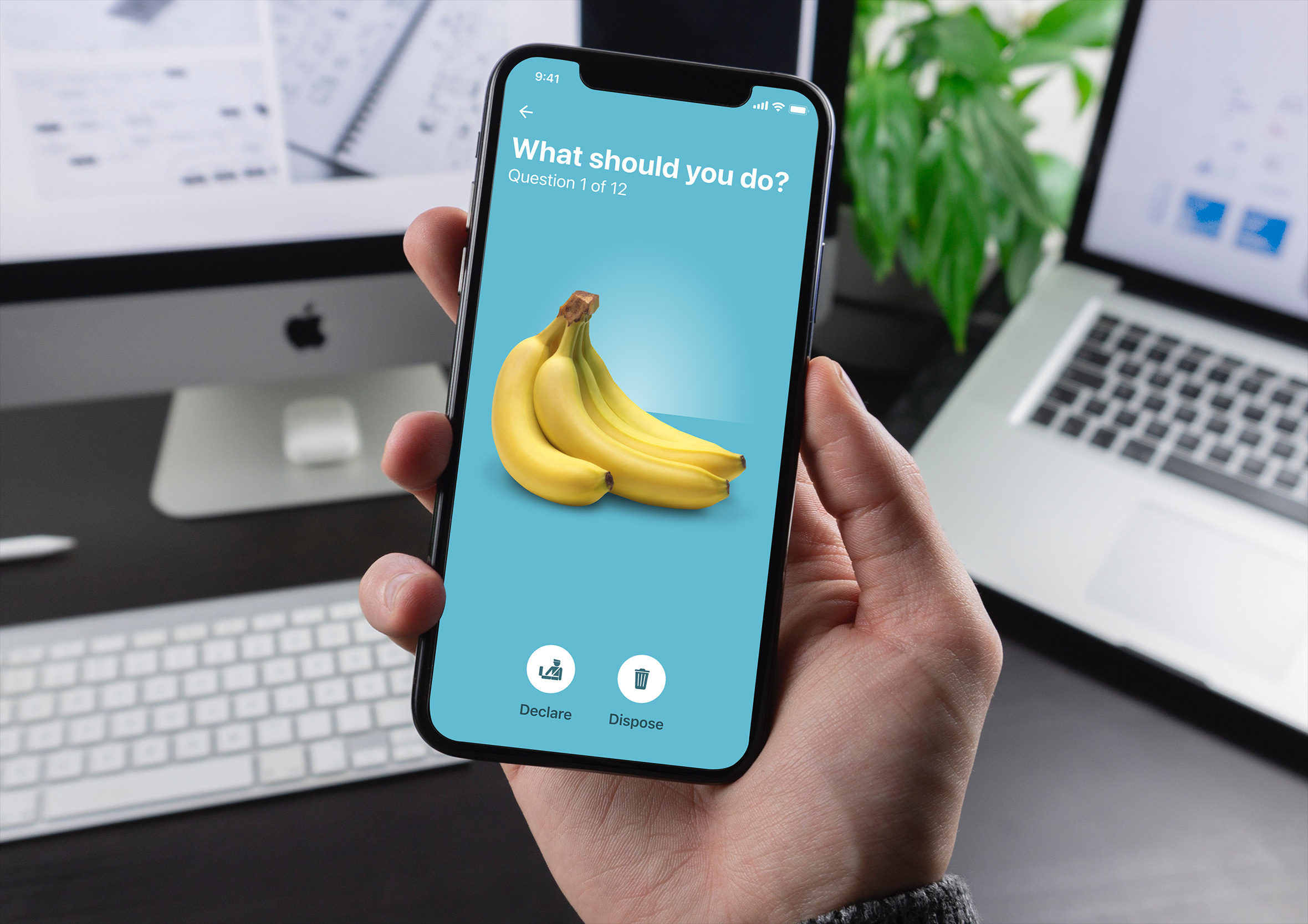
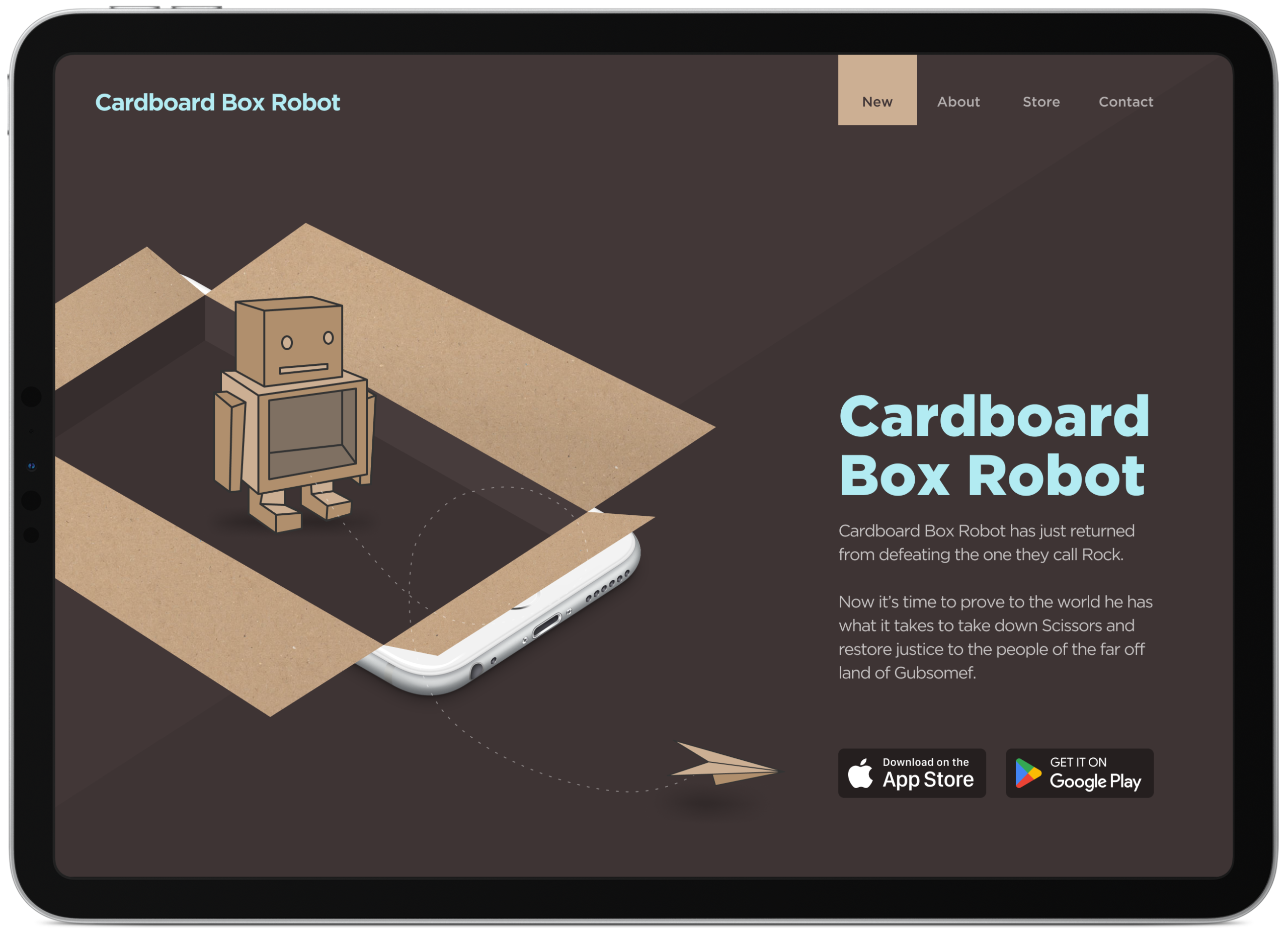
Gamification, rewards and educational games
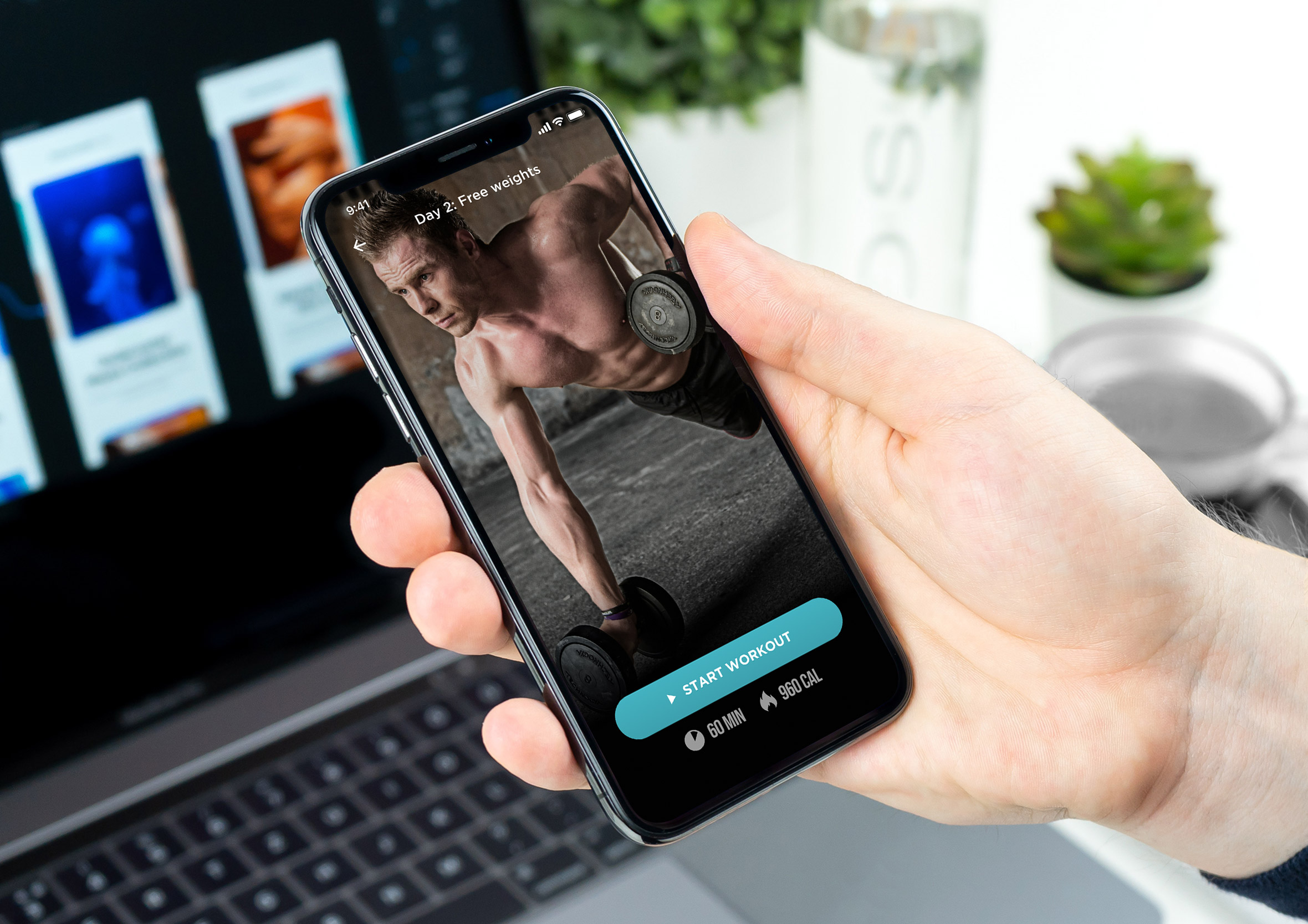
Gamification done well creates genuine engagement, not just noise. Rewards, tokens, and leaderboards can meaningfully increase user engagement and drive real business outcomes when they’re tied to behaviour that matters. I’ve designed mobile and web-based games that make compliance training, educational content, and onboarding experiences feel far less like a chore.
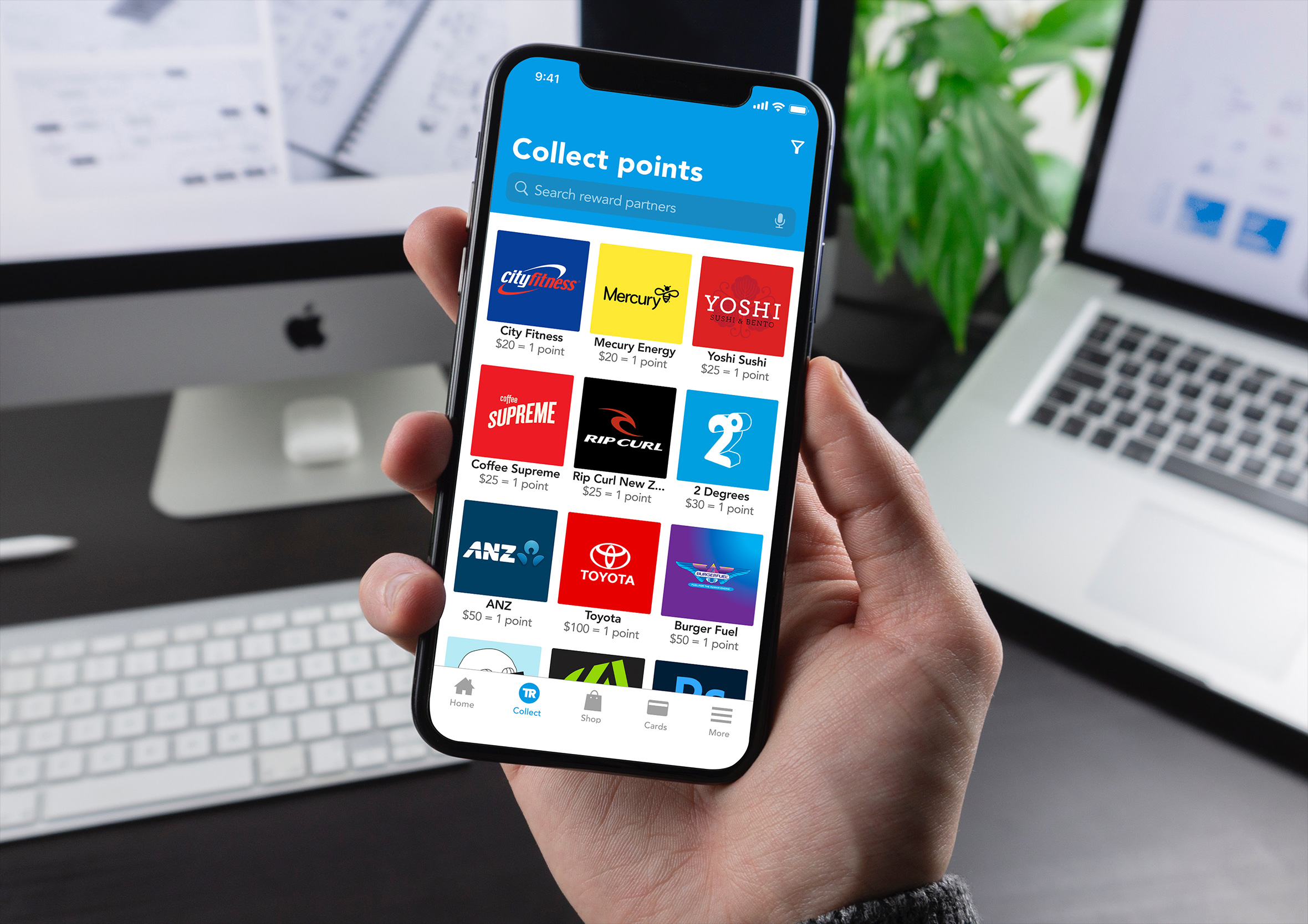
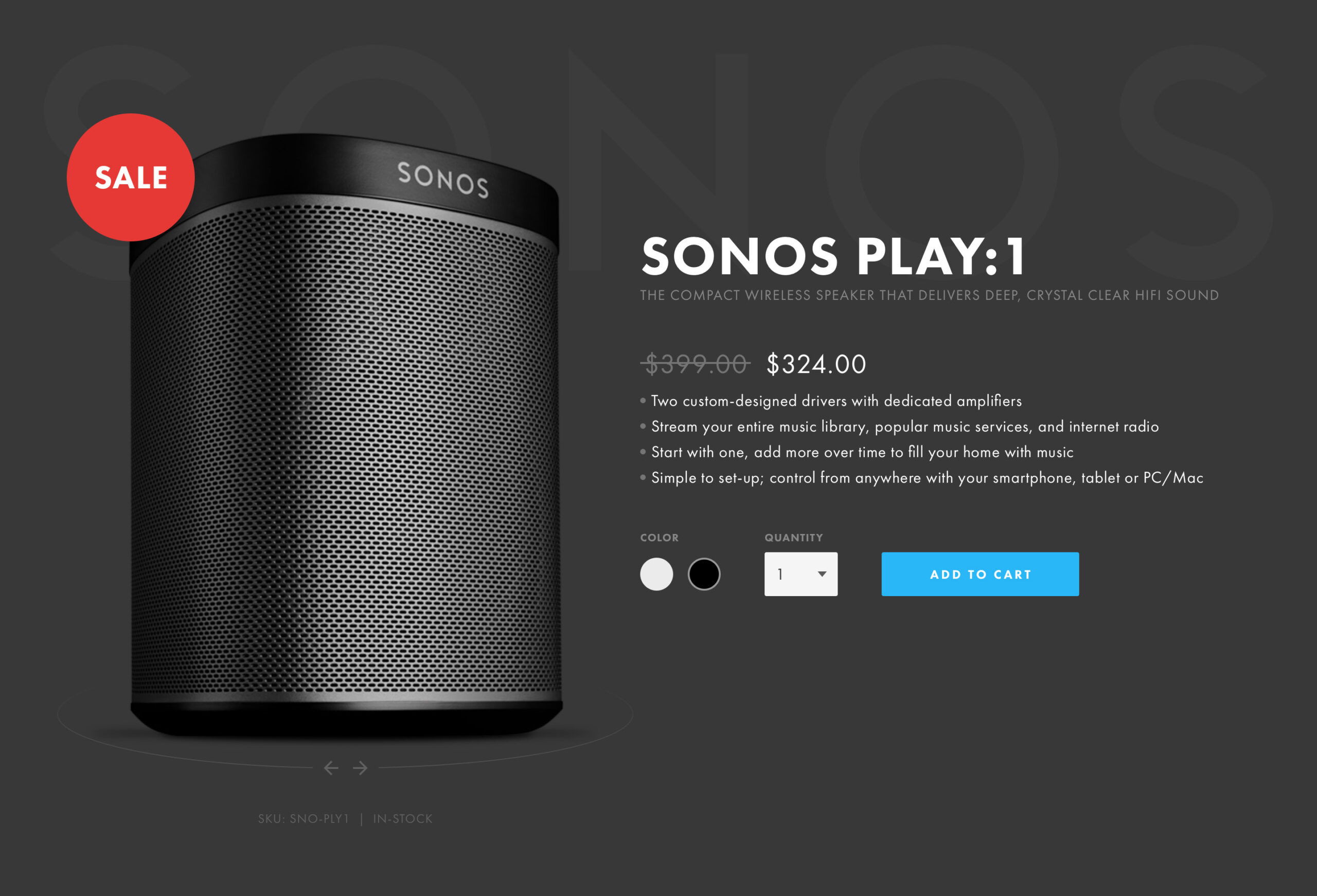
E-commerce and persuasive sales psychology
Ethical sales nudges and psychology-backed techniques like scarcity, reciprocity, and social proof can meaningfully increase sales and customer retention. The key word is ethical. When done well, they benefit the customer and the business equally.
The experience to back it up
Skills only tell half the story. The other half is where they’ve been put into practice in the real world, the teams I’ve worked alongside, and the problems we solved together.
If you’d like to see how these skills have been applied, take a look at my product design experience, from 2007 to 2026.