

Craft Beer Adventures: Wellington bar tour app
Wellington’s craft beer scene, turned into a game you can actually finish. Route planning, group messaging, badges and trivia, all wrapped around a gamified bar tour that people actually plan, start and finish together.
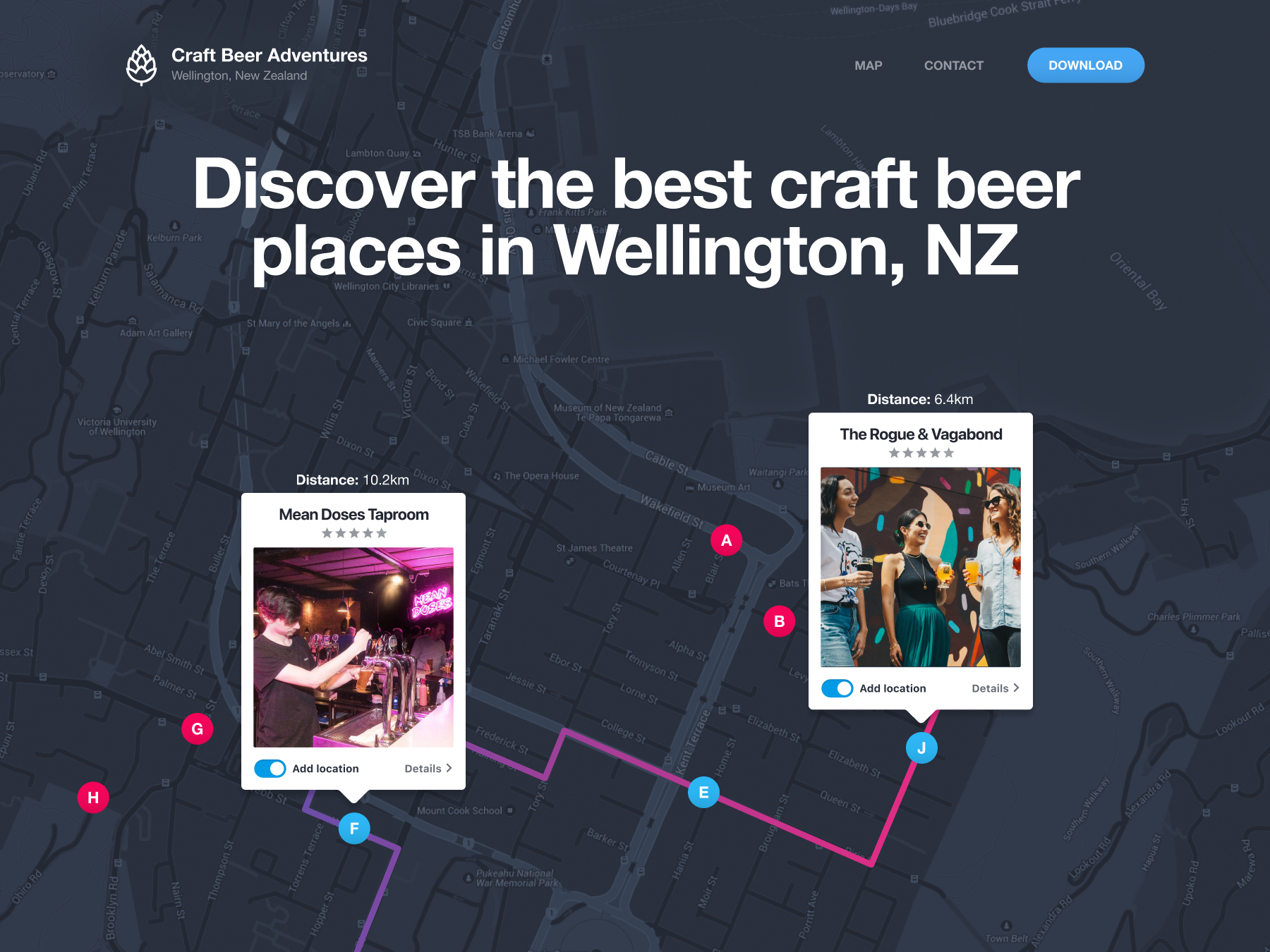
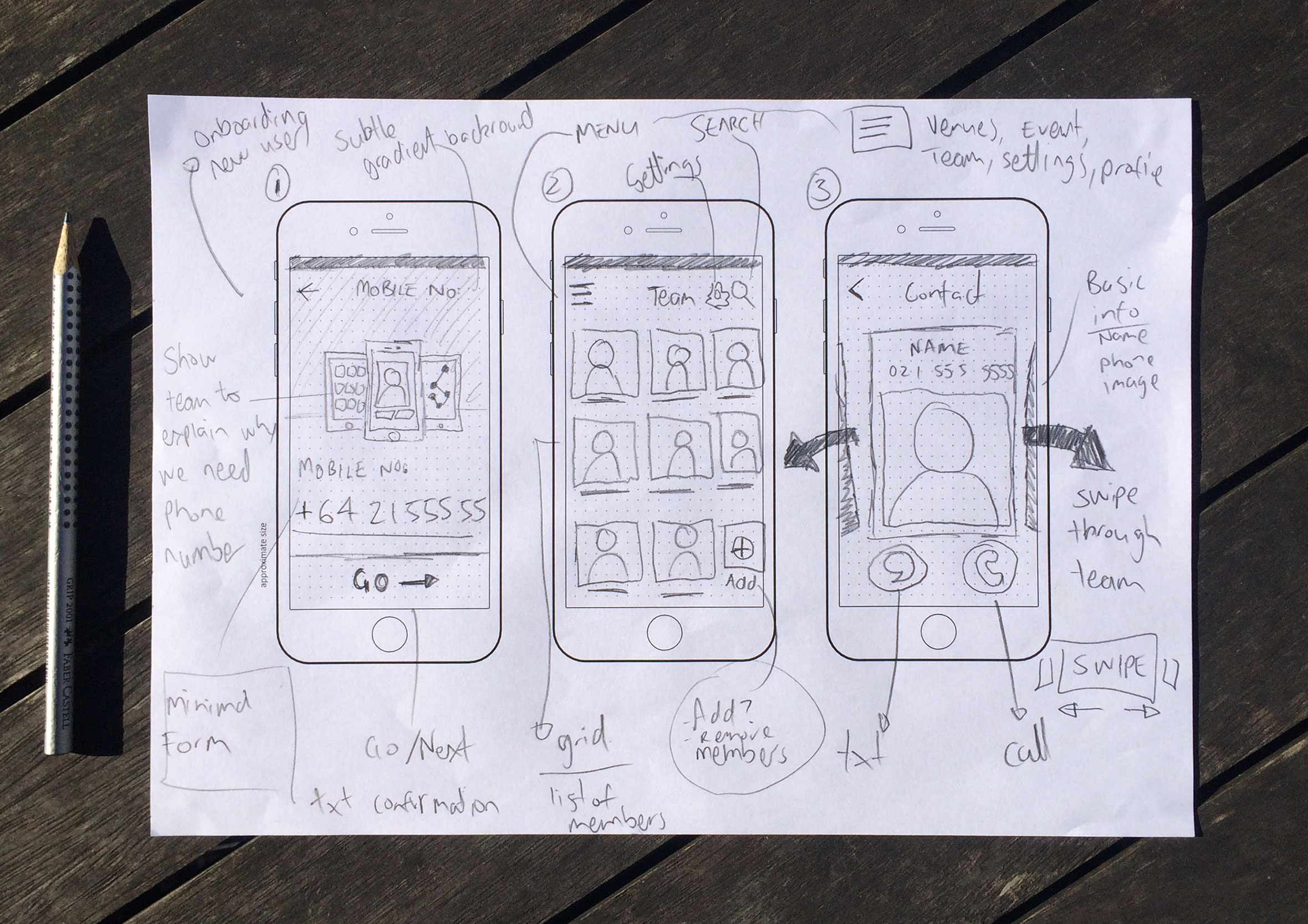
Rapid low-fidelity sketches
Craft Beer Adventures is an event planning app for Wellington bar tours, first designed back in 2016, well before this kind of app was its own category, built to turn “let’s go get a beer” into an actual plan, complete with a route, a group chat and a bit of friendly competition along the way. I’ll be the first to admit these sketches aren’t very attractive, however, they are a great way to get ideas down quickly and test designs before opening design tools to start producing highly polished finished designs.
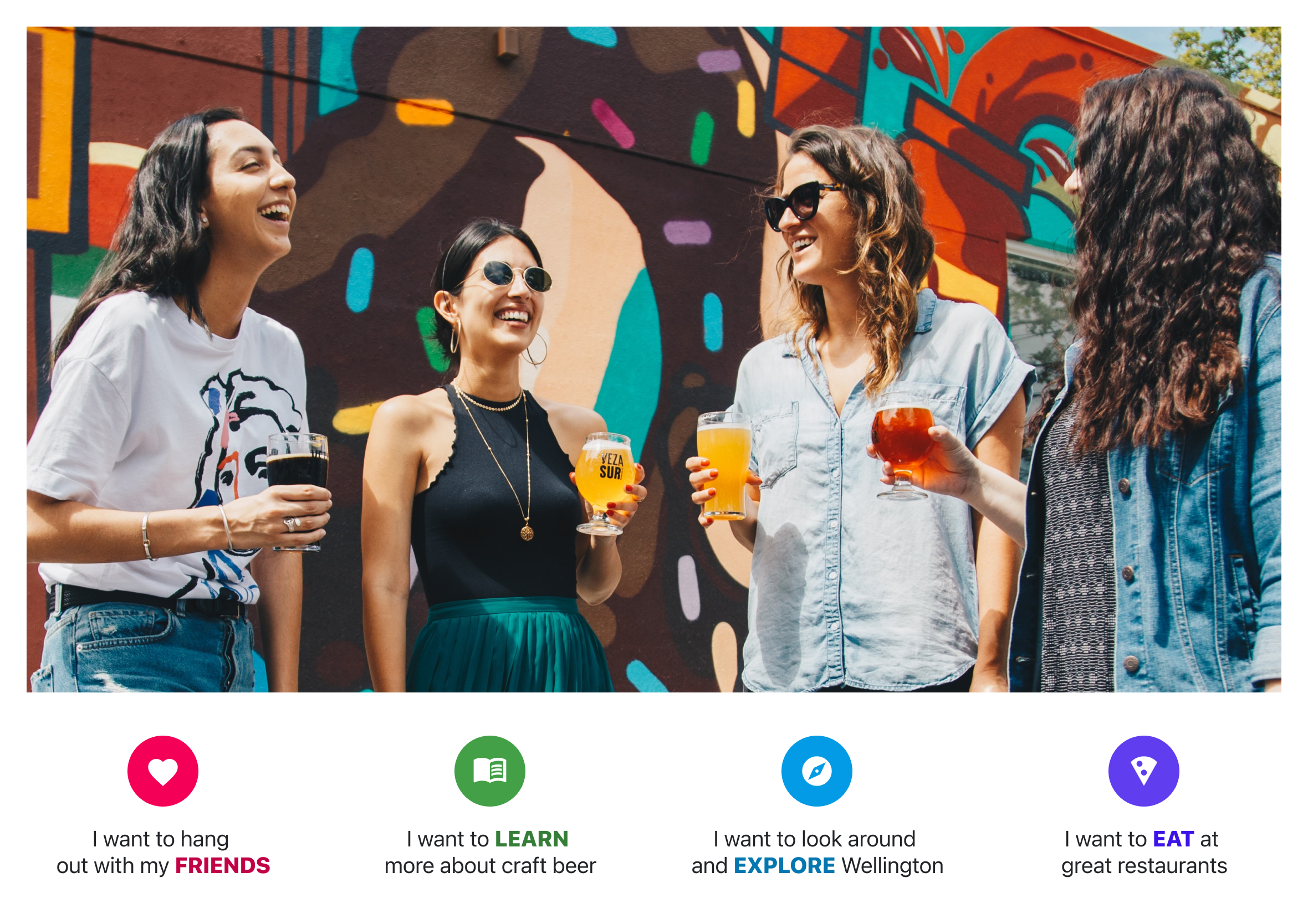
User interviews and research
Through conversations and fun group bar tours, we learned what works, what was confusing, people’s motivations, and their event expectations. Usability testing with folks who’ve had a drink had its unique challenges and rewards too!
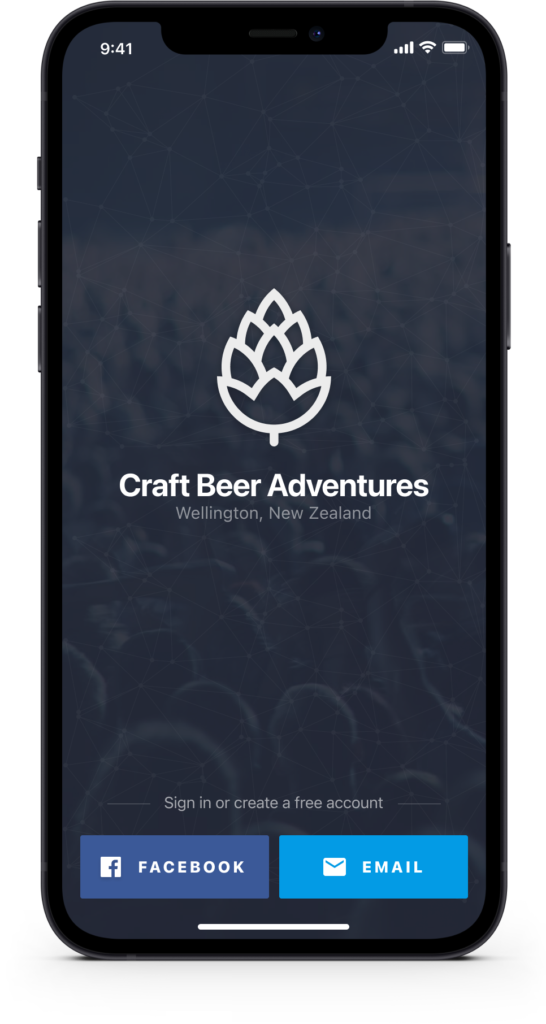
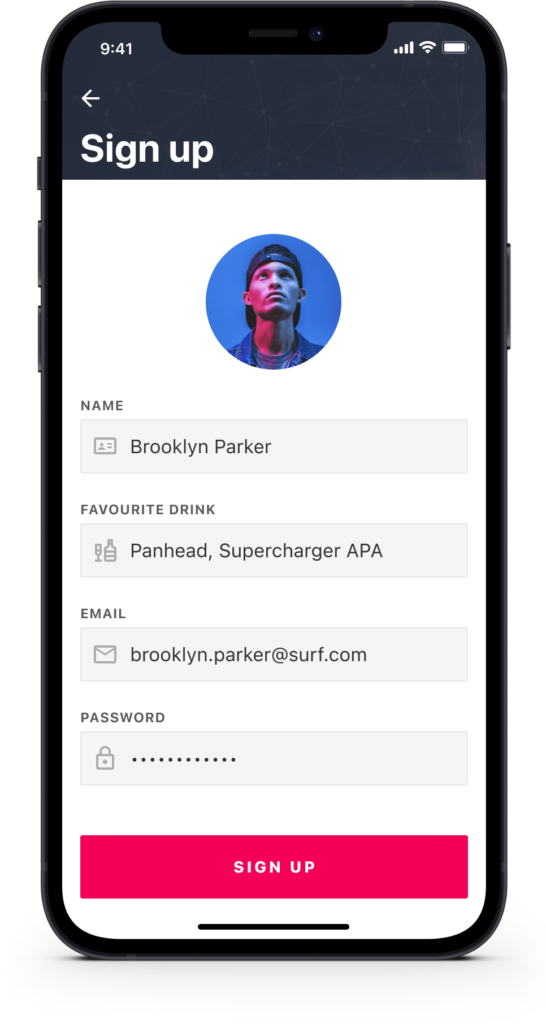
Easy sign-up and onboarding
The app uses the Facebook API to quickly access key information such as date of birth (for legal reasons) to get people up and running as fast as possible. Alternatively, people can create an account using their email address, which just takes a few extra steps.
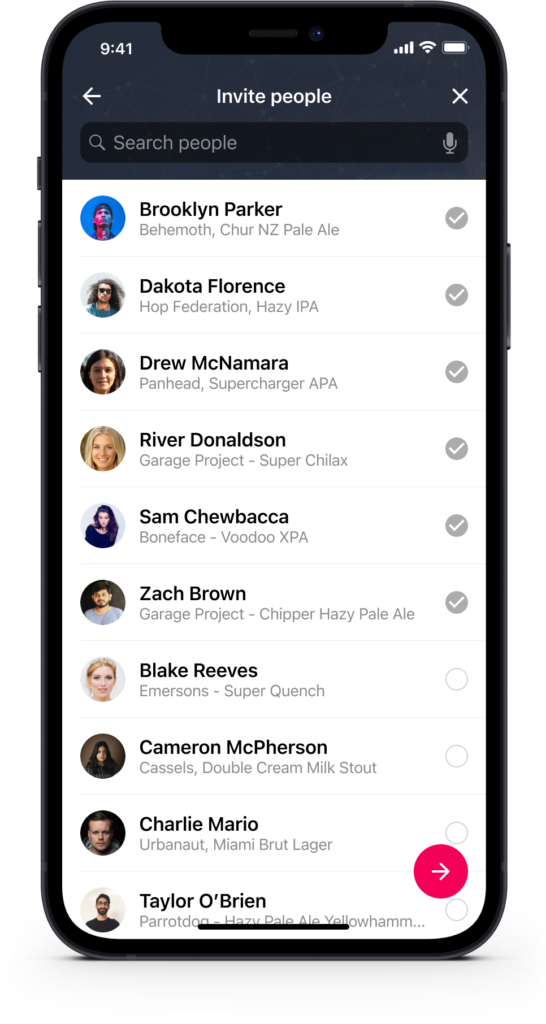
Create a bar walking event in just a few minutes
In just minutes, you can create an event and start inviting people to join your bar tour! Whoever ends up organising a night like this usually gets stuck doing all of it, chasing RSVPs, answering the same three questions, playing referee when someone wants a different order of bars. With the option for multiple hosts (or administrators), that load doesn’t have to sit on one person’s shoulders.
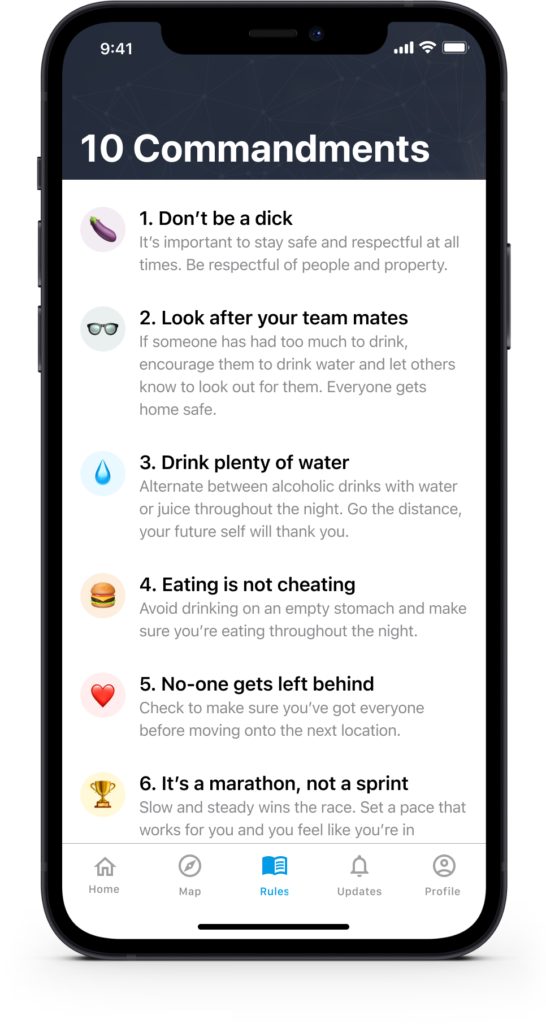
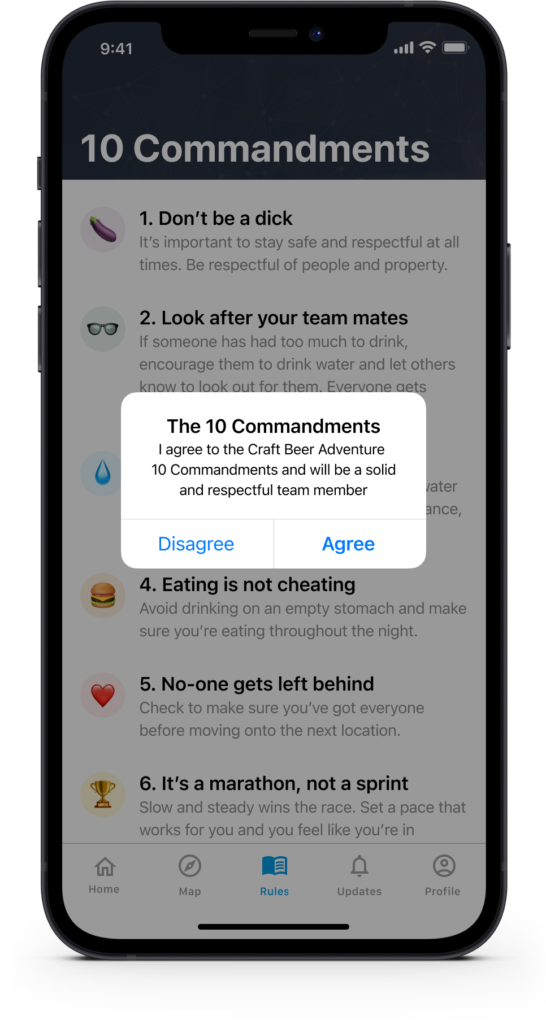
Set clear expectations and ground rules upfront
Right from the start, you can set clear expectations for everyone to ensure a fantastic experience! Behaving with respect and enthusiasm on the day is key, and we’ve got some helpful tips to make sure everyone enjoys themselves and maximises the fun at the event.
Build an optimised route using smart algorithms
Quickly research Wellington craft beer venues, check reviews and create a route on-the-go using an intelligent route optimisation algorithm. Get instant feedback on the number of venues you plan to visit and the total walking distance.
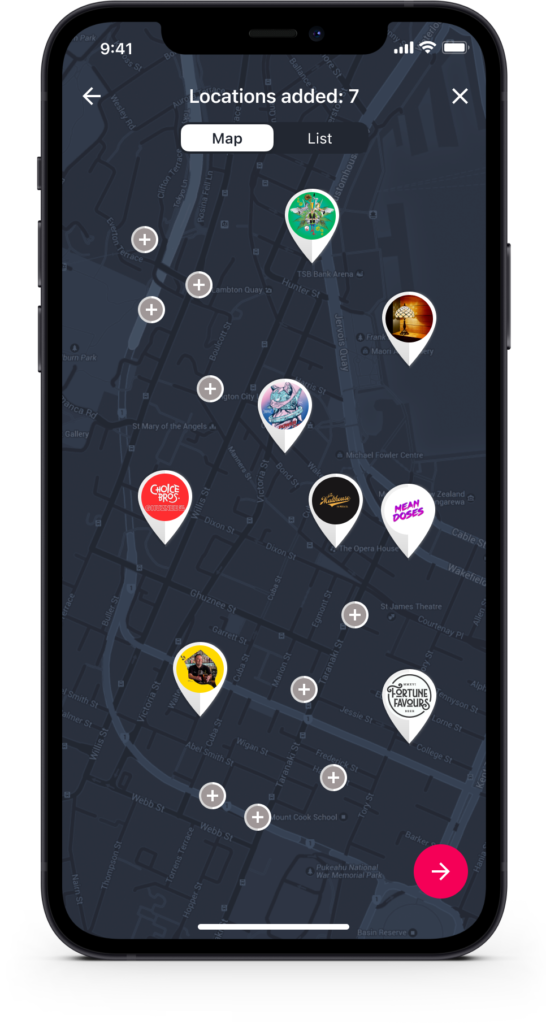
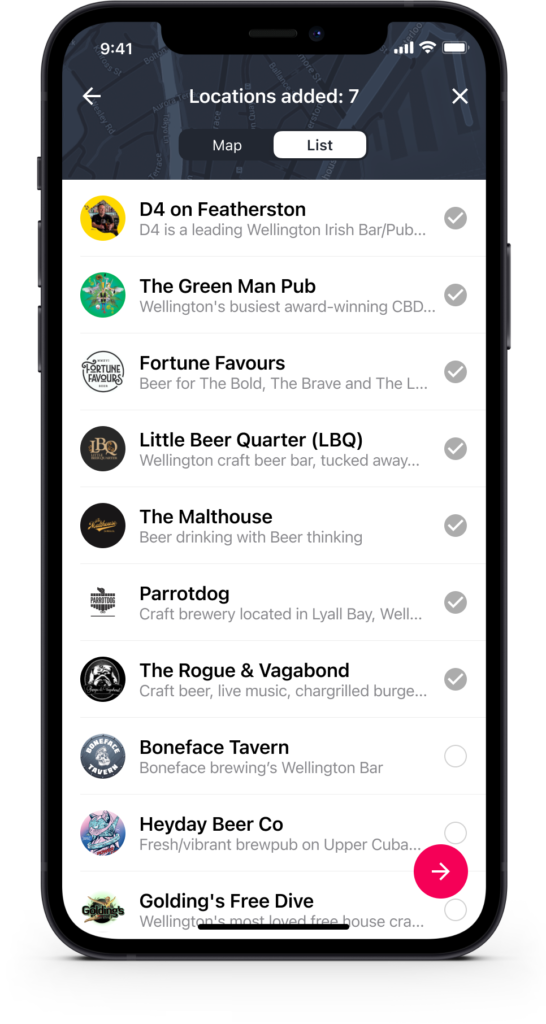
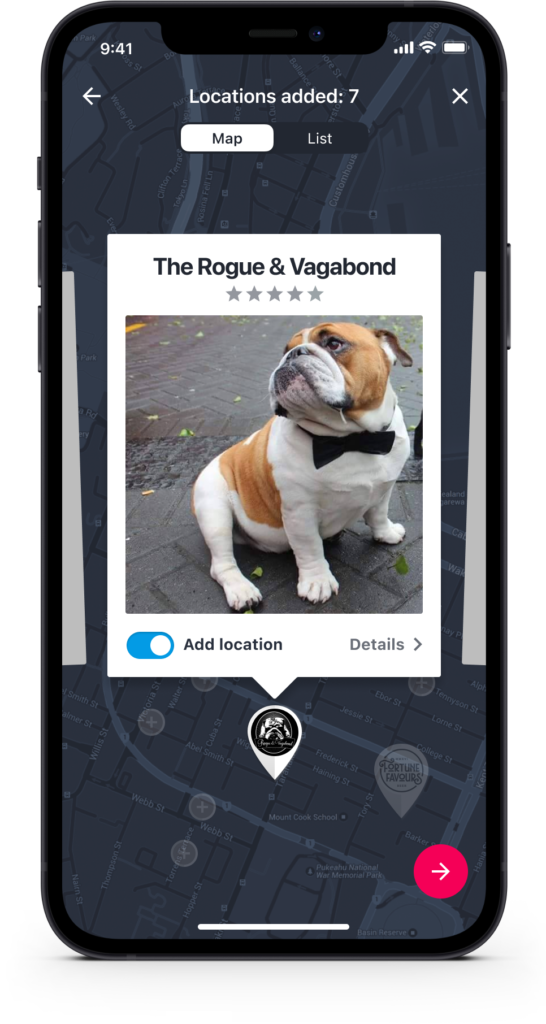
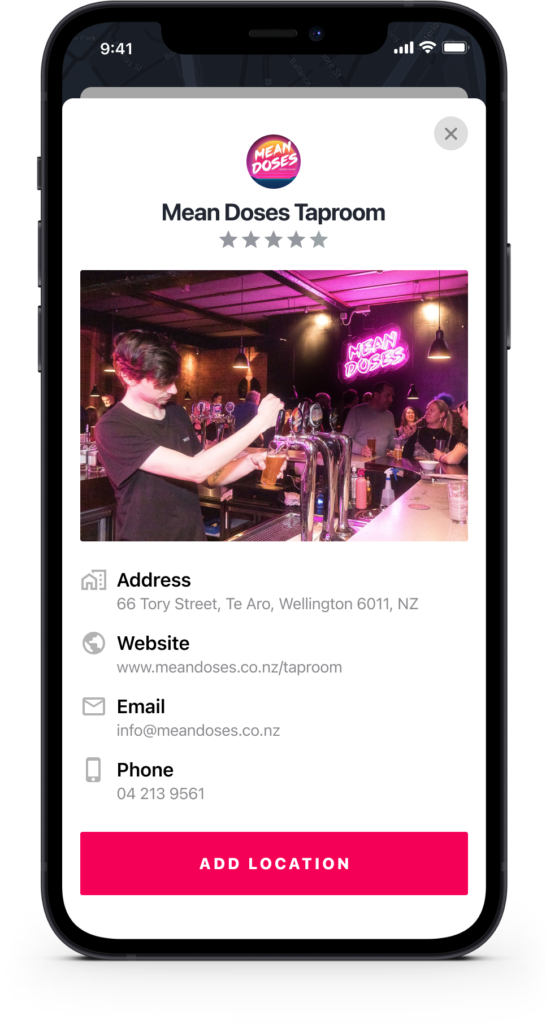
Reviews and recommendations as you plan your event
Add your favourite spots in a flash, and if you’re exploring a new venue, check out what others are saying to find potential gems that match your preferences.
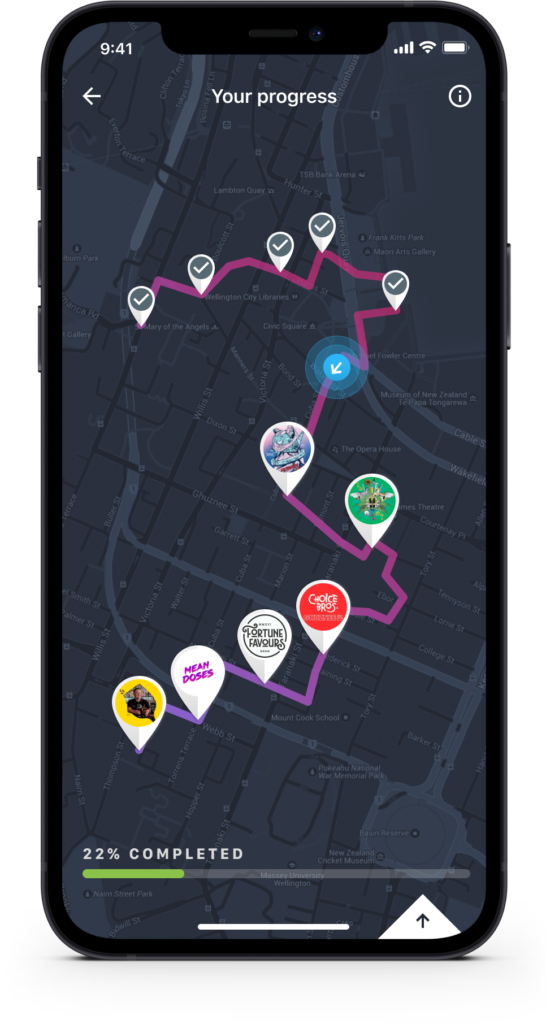
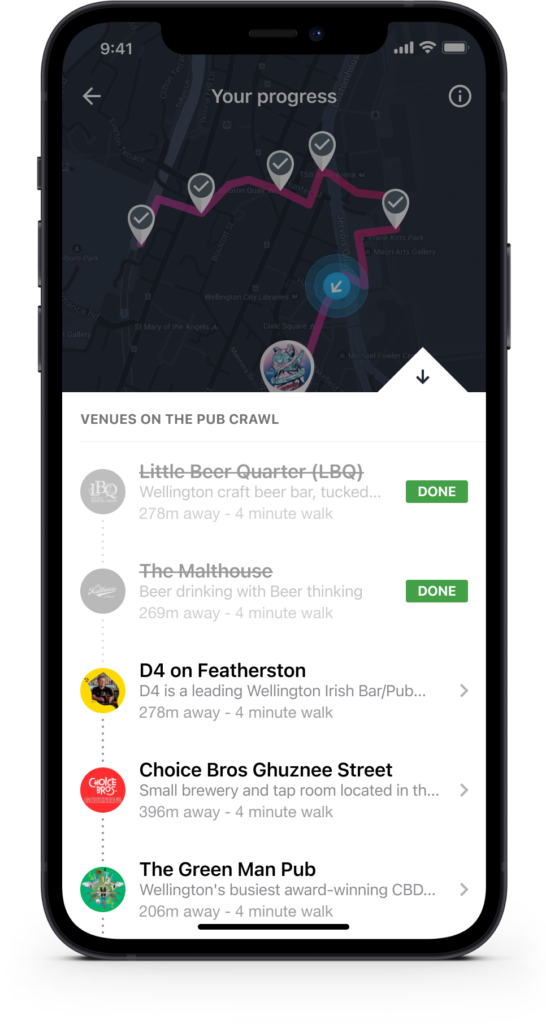
Get directions and track progress
The app harnesses the power of Google Maps, allowing you to easily track your progress, access directions, and get crucial distance information to the next venue.
Compete in beer trivia to win prizes along the route
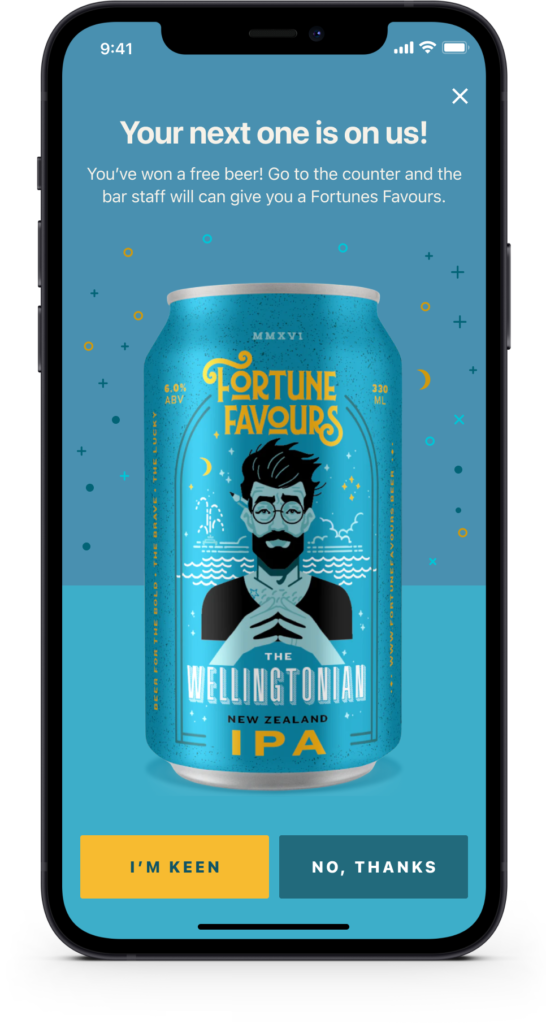
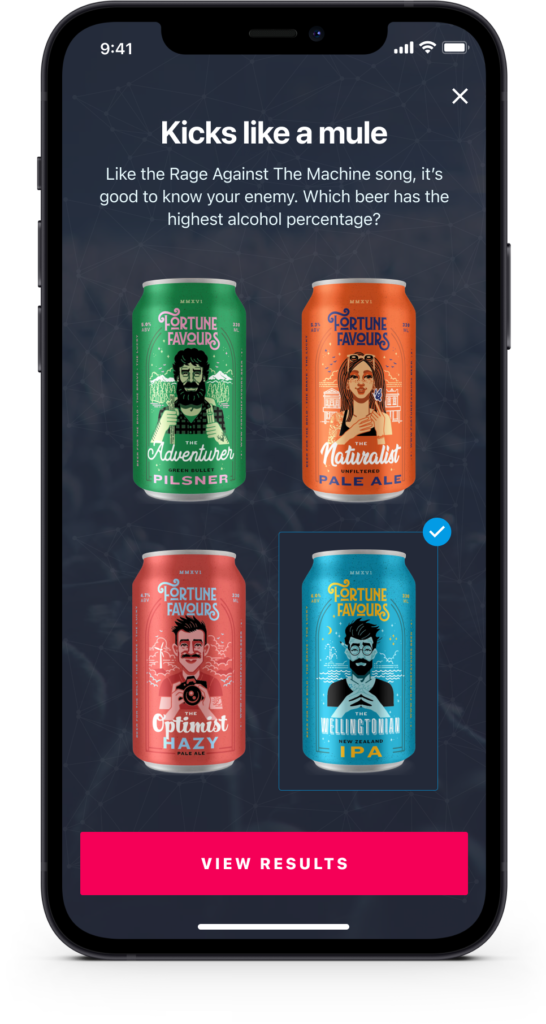
Want to add some extra excitement to the day? How about spicing things up with fun prizes and opportunities to test your craft beer knowledge throughout the event? These little delights will keep the energy high, break the monotony, and ensure an enjoyable and entertaining experience for everyone involved!
Chat and see who’s with you
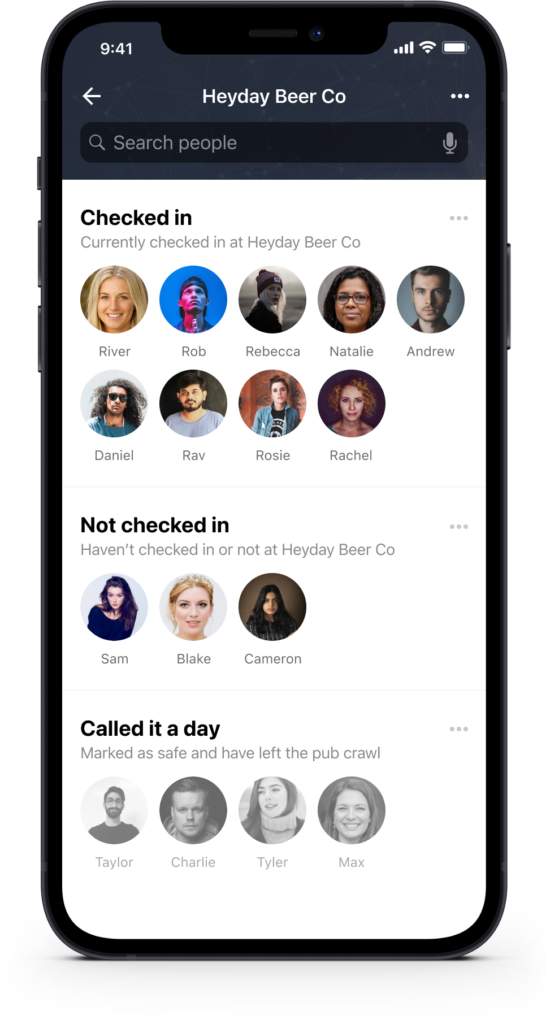
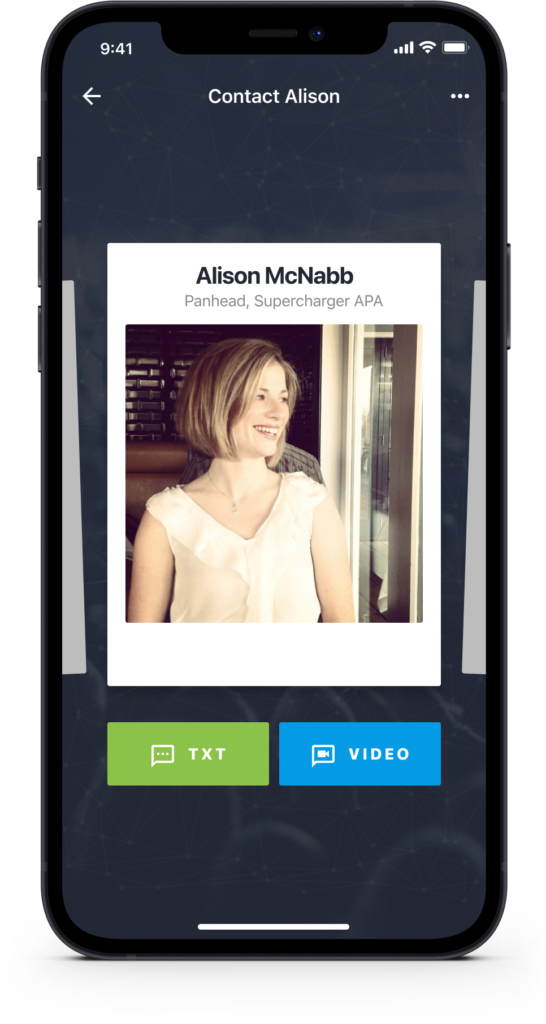
Team members can easily communicate (call or text) with each other throughout the craft beer tour. The app uses the phone’s native calling and text functionality so people can reach out to others in the group and see who else is on the tour as well. By making use of the phone’s capabilities it reduces the size of the app and removes the need for developers to reinvent the wheel or dealing with additional APIs.
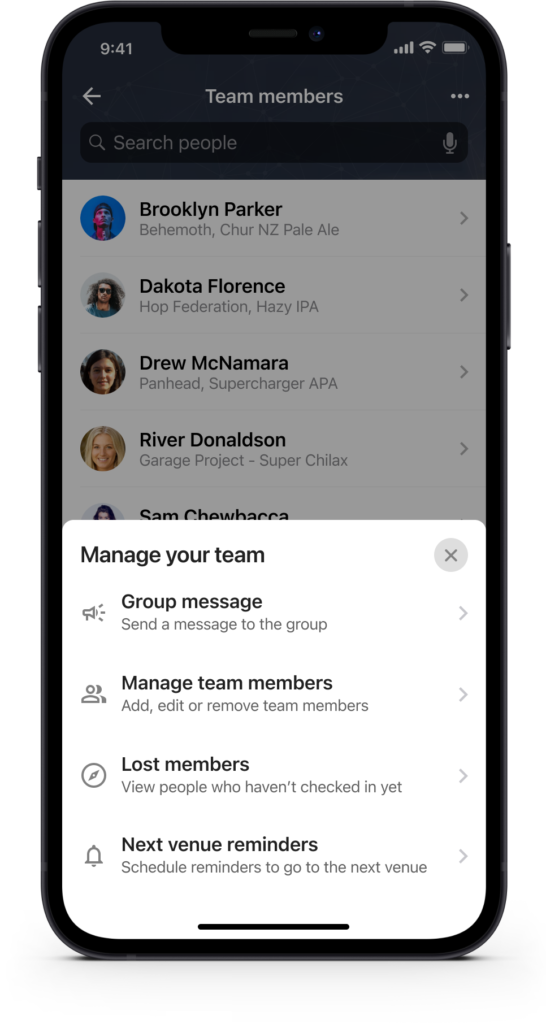
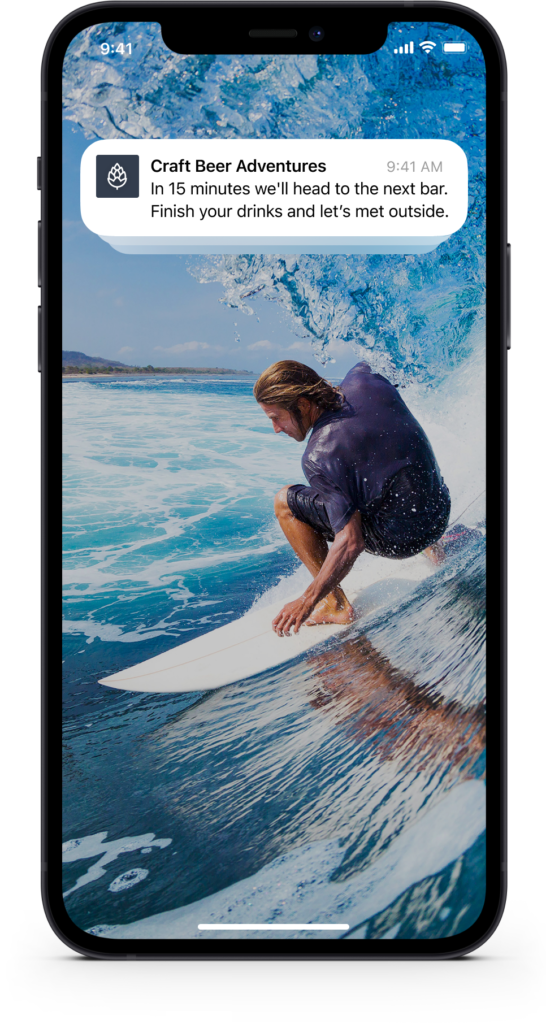
Admin only: Group message
Admins hold the power to send group messages to all tour participants! With a simple message, everyone gets a heads-up and learns the name of the next awesome bar to visit.
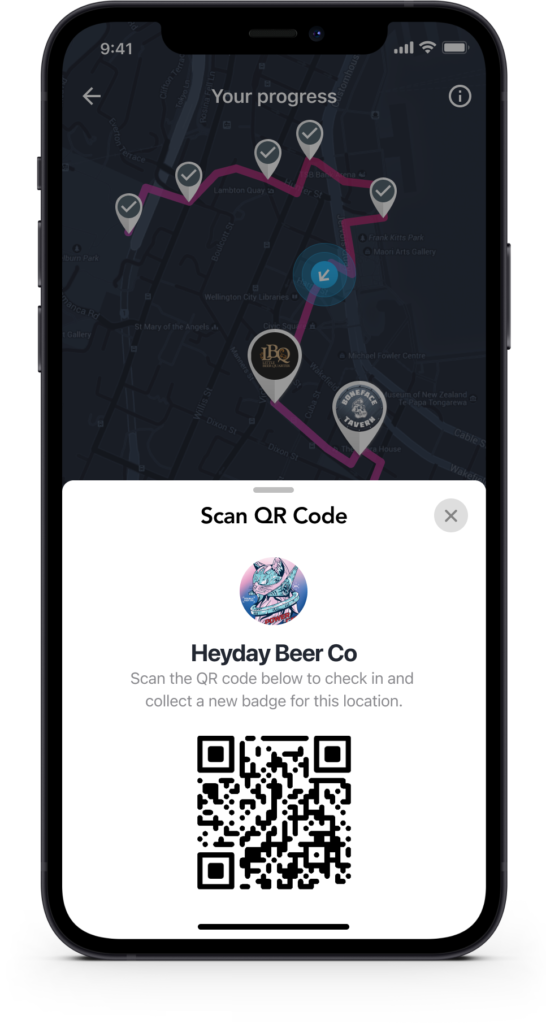
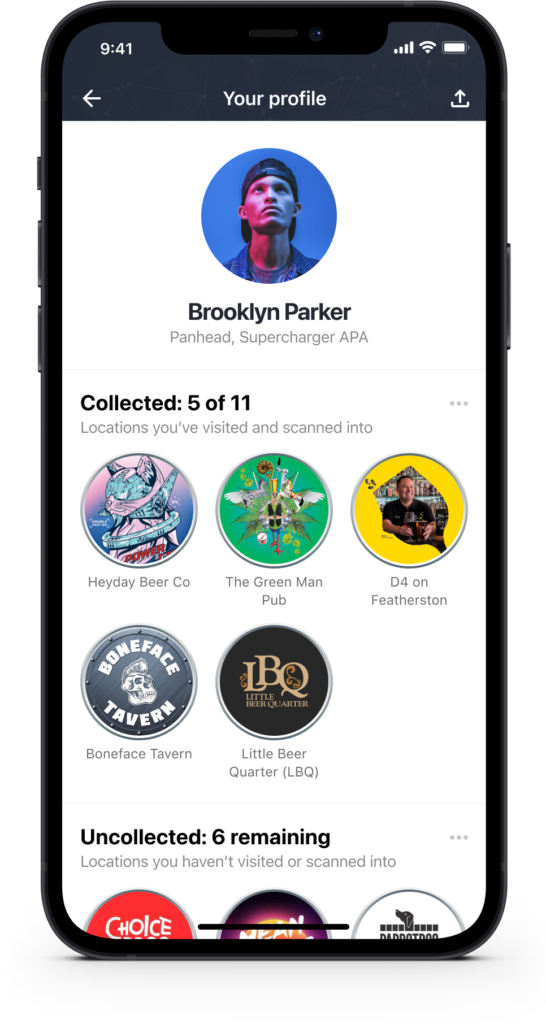
Scan to check-in and collect venue badges
By scanning in at each location, you’ll earn cool badges and keep track of how many you’ve collected. It’s a fun way to see your progress and discover the venues you may want to explore next! With these gamification features, let’s turn the journey into an enjoyable and rewarding adventure!
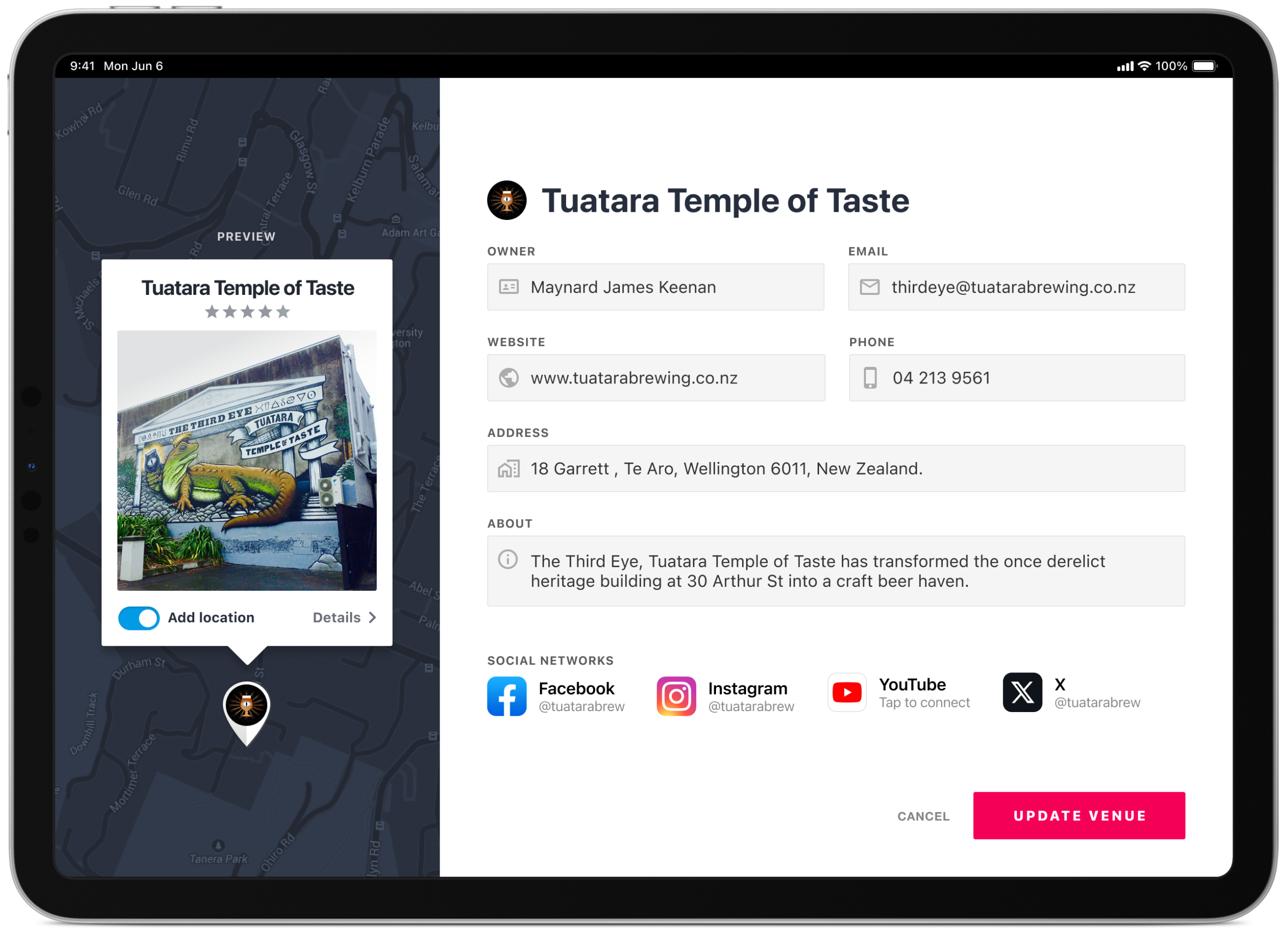
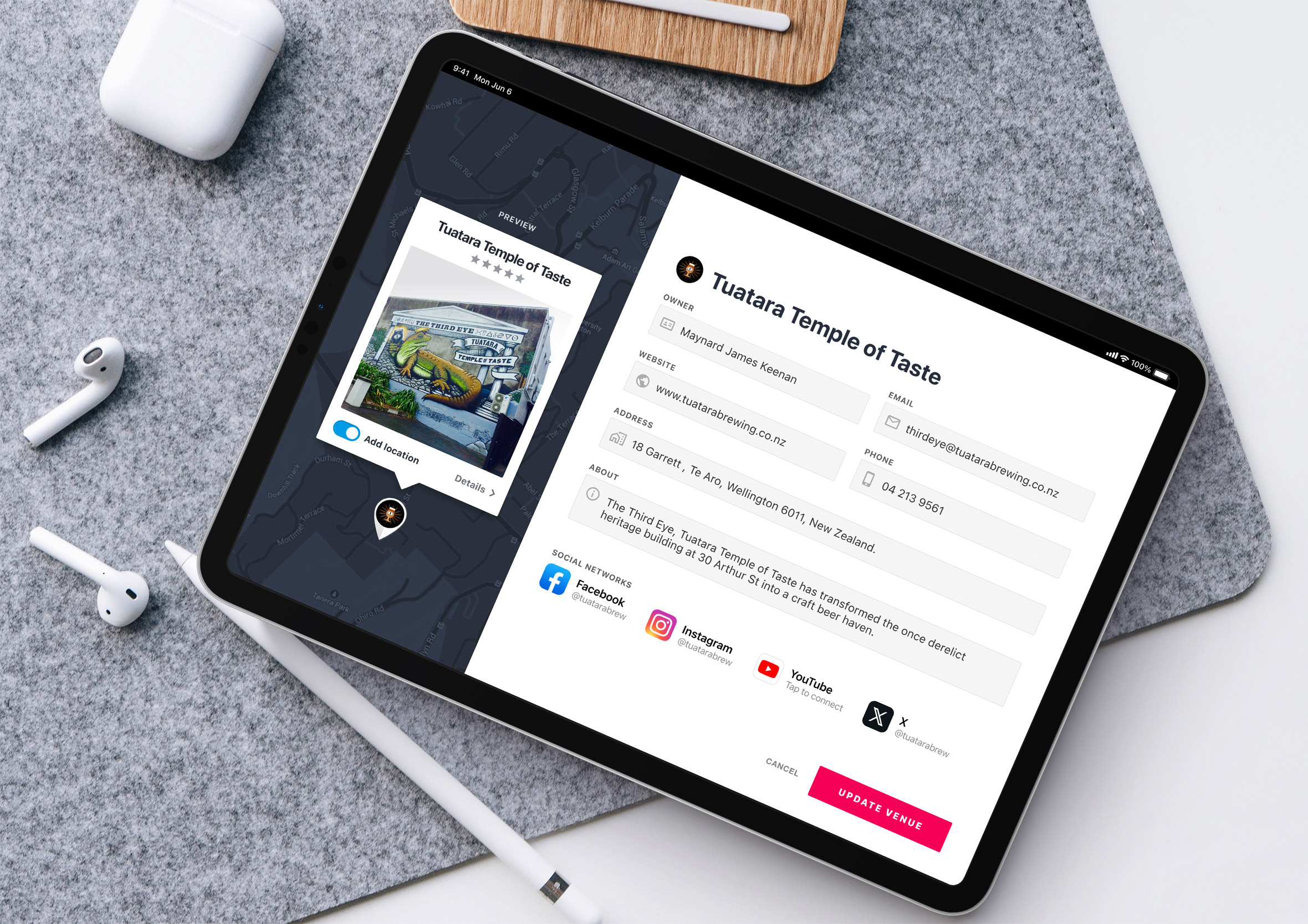
Bars: Manage your venue contact details and socials
Approved venue owners can sign into the app to ensure their contact information, social profiles, avatars and about section are up to date. This information is unlikely to change too much so it’s more “set and forget”, however, we wanted to ensure owners could update this themselves. We didn’t want to recreate what was already working elsewhere, so rather than asking owners to build out a whole profile from scratch, it’s a short bio and links to the social platforms they’re already using, less admin for them, and something that stays current without extra effort.
Minimal website by design
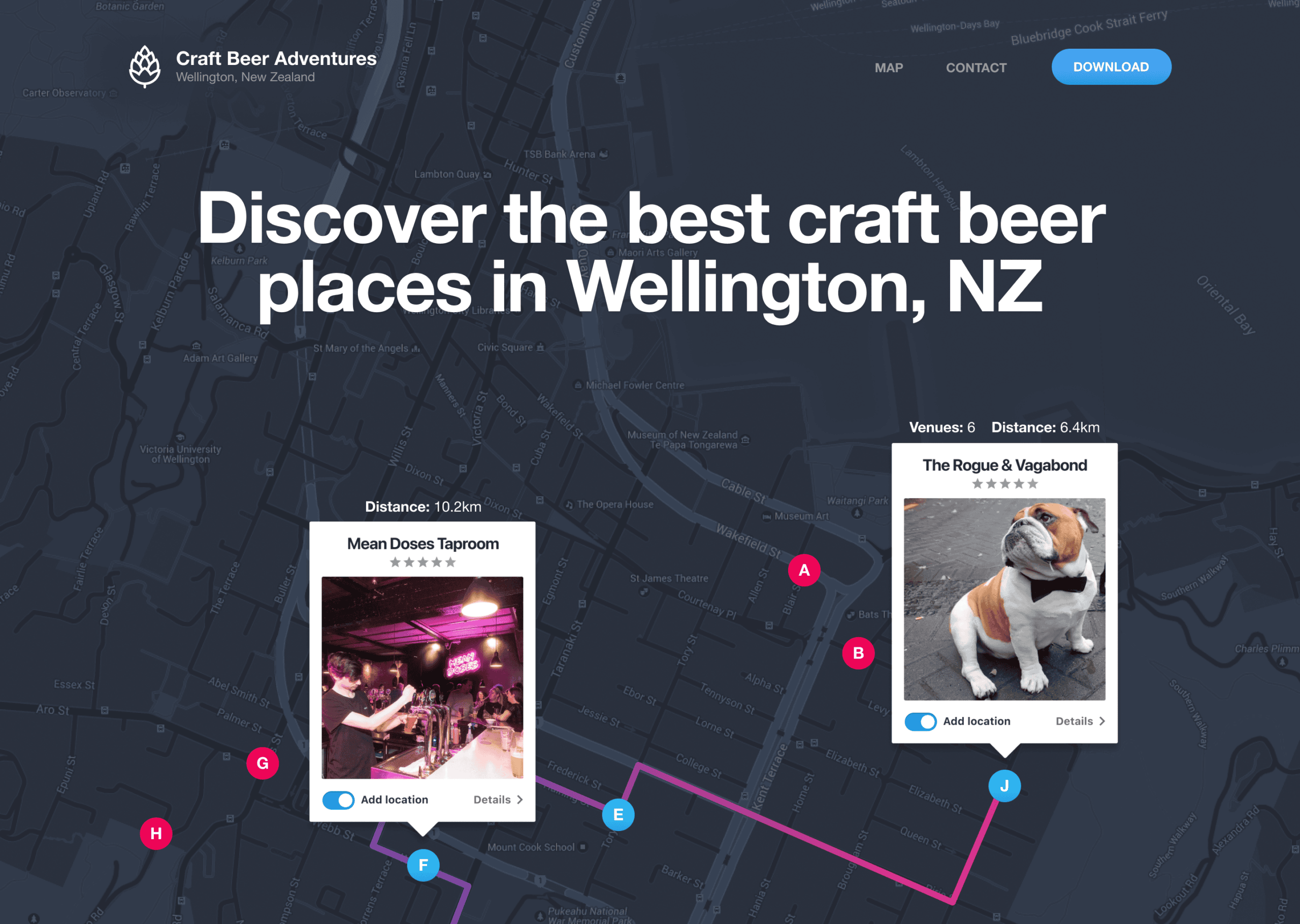
A website was created to promote and inform people how the app works. Throughout the website design, elements from the app would carry through to help navigate the person for when they start creating a route for themselves.
Final product design across multiple devices
Here’s a quick mockup of how the final design looks on an iPhone. If you’re wondering why the venue photo is a dog, his name is Bruce and he’s a regular at The Rogue and Vagabond.
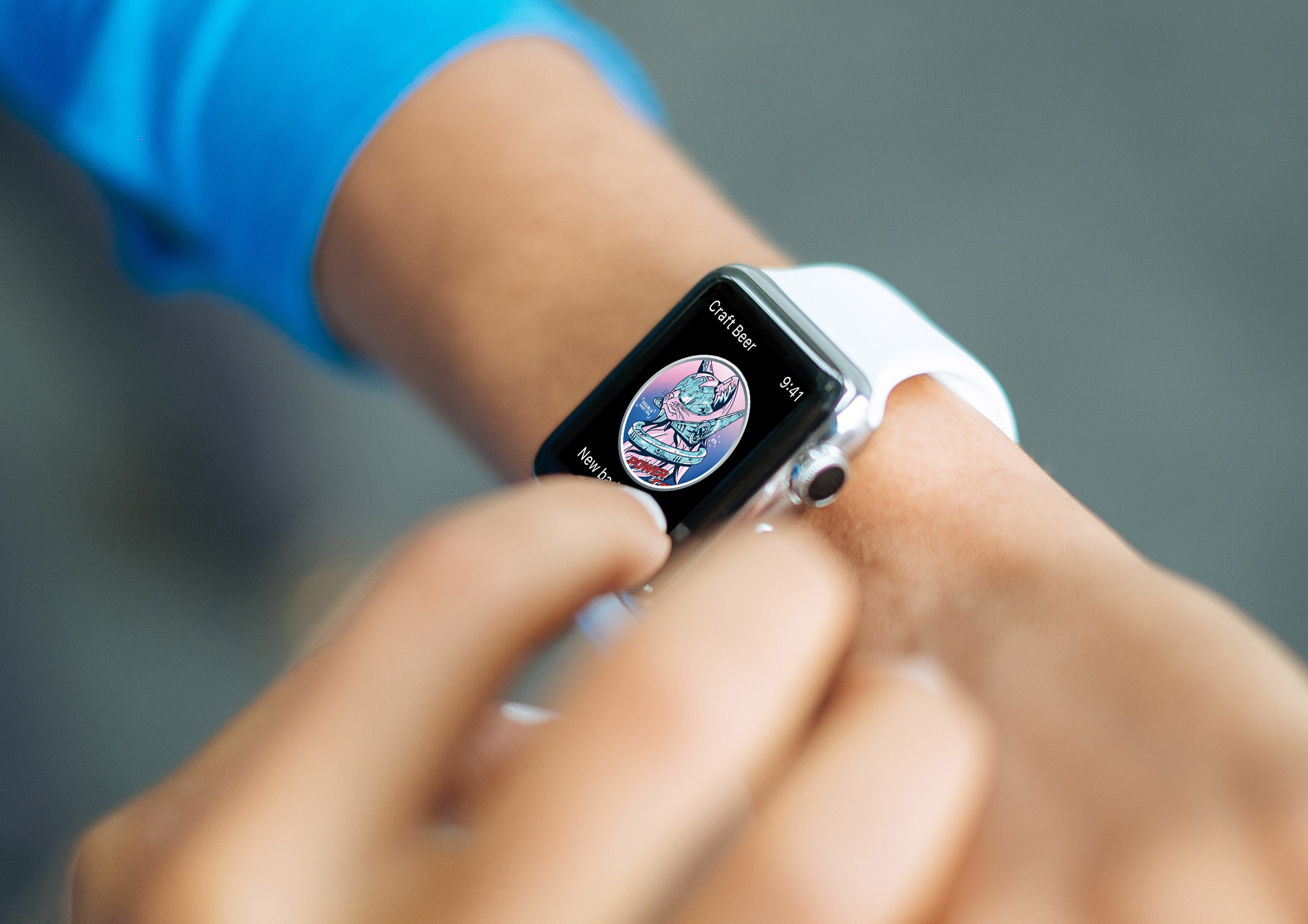
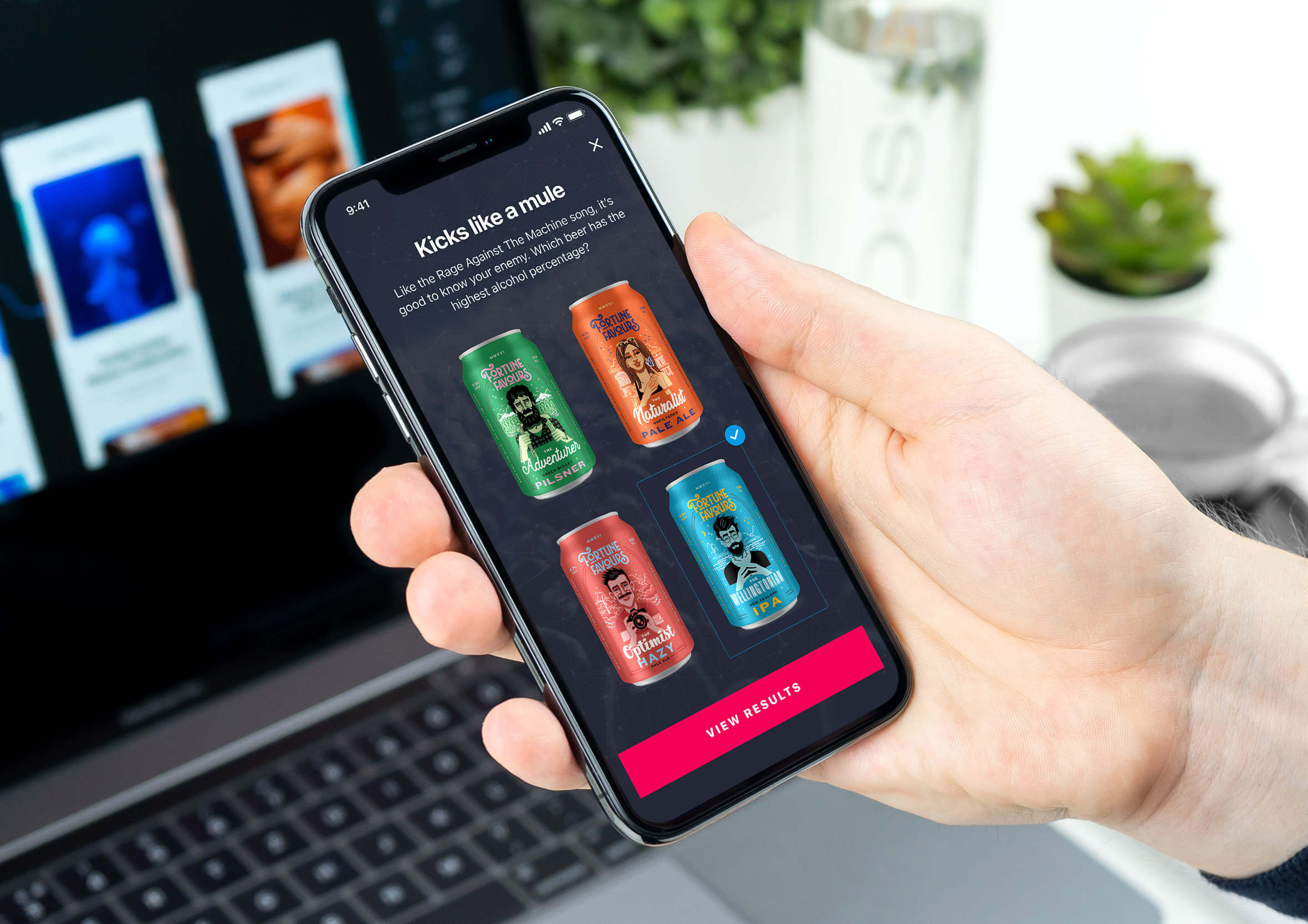
Designing for people who’ve had a few is a fun challenge
Most usability testing happens in a quiet room with someone taking careful notes. This one happened partway through an actual bar tour, with people who’d already had a drink or two, which changes the rules considerably.
People are more honest after a beer, though also less patient, less focused, and considerably more likely to just wander off mid-task if something doesn’t make sense straight away. Every screen had to work for someone whose attention span had shortened right along with their inhibitions.
That same idea, that real research means meeting people exactly where they are rather than where it’s convenient for you, carries into MPI’s consumer onboarding work, guiding travellers who are jet-lagged and impatient off a long flight. A different kind of impaired attention, though the same design lesson underneath it.