

StrategyBlocks: Onboarding & focus areas
Enterprise onboarding, rebuilt from the ground up. Information architecture, wireframes and form validation reworked so people reach the dashboard instead of giving up somewhere between the welcome screen and registration.
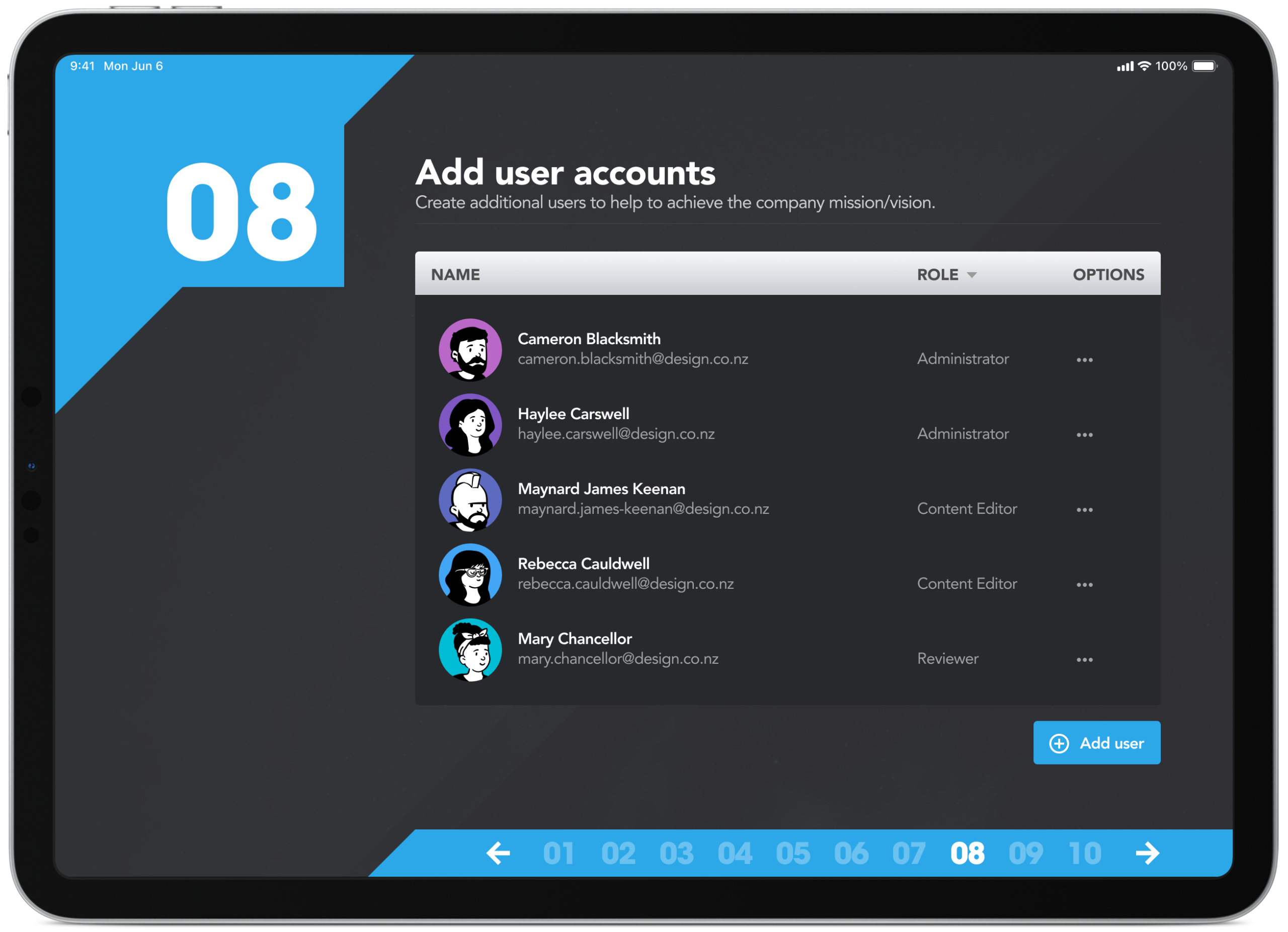
Information architecture: mapping every screen and flow
StrategyBlocks is a strategic planning platform, built to walk new customers through registration and their first strategic plan without losing them somewhere in the middle. The information architecture goes hand in hand with the wireframing process to map out exactly which screens are required and all the necessary user interface elements that make up the structure of the user flows. By having everything in the one place it makes it easier to identify areas of improvements or gaps in the overall user experience.
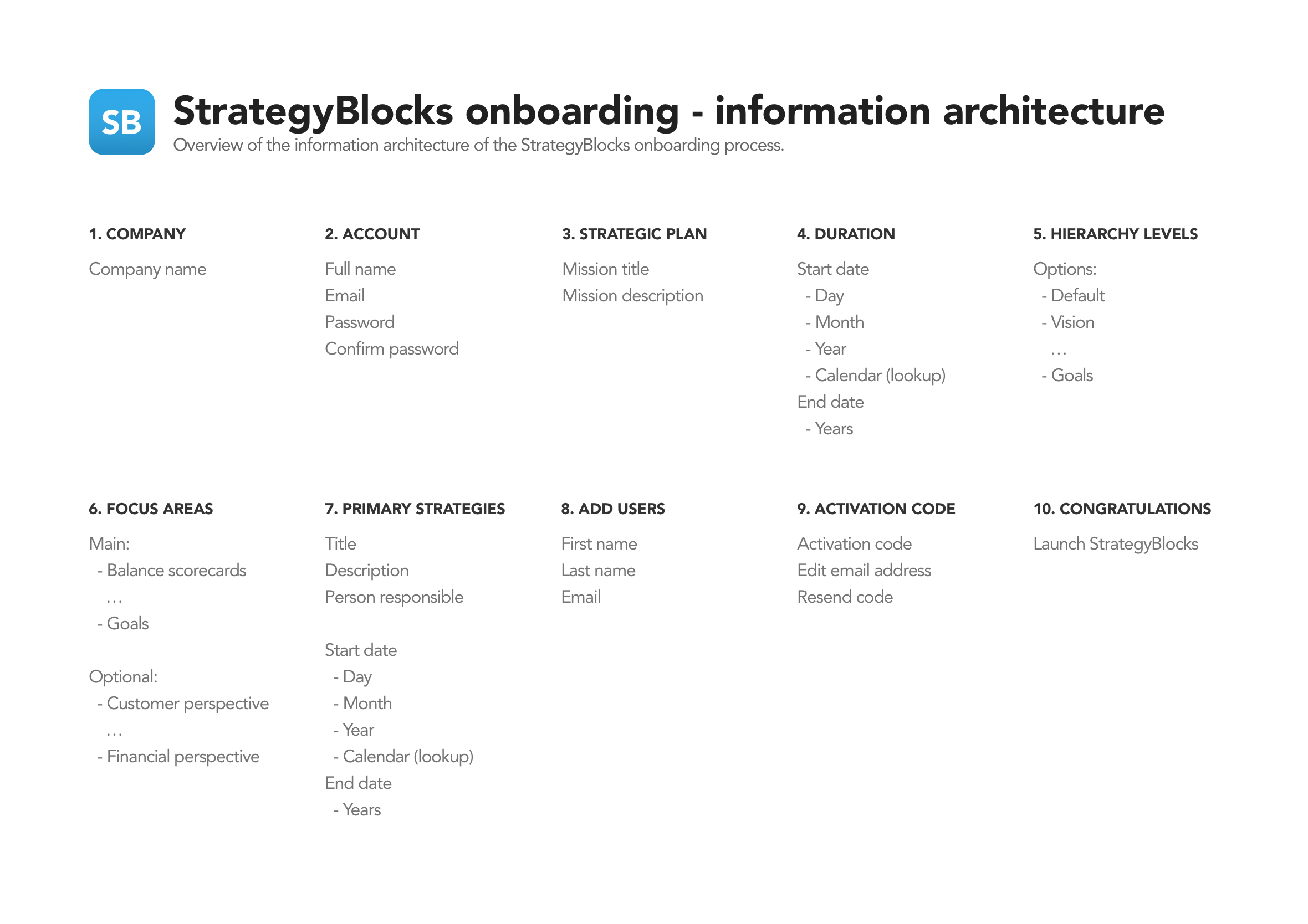
Sketching: I always prioritise quantity over quality early on
With the information architecture and necessary screens mapped out I normally produce rapid sketches to experiment with potential layouts, concepts, and hierarchy. The process is to produce quantity over quality during the early stages of exploration.
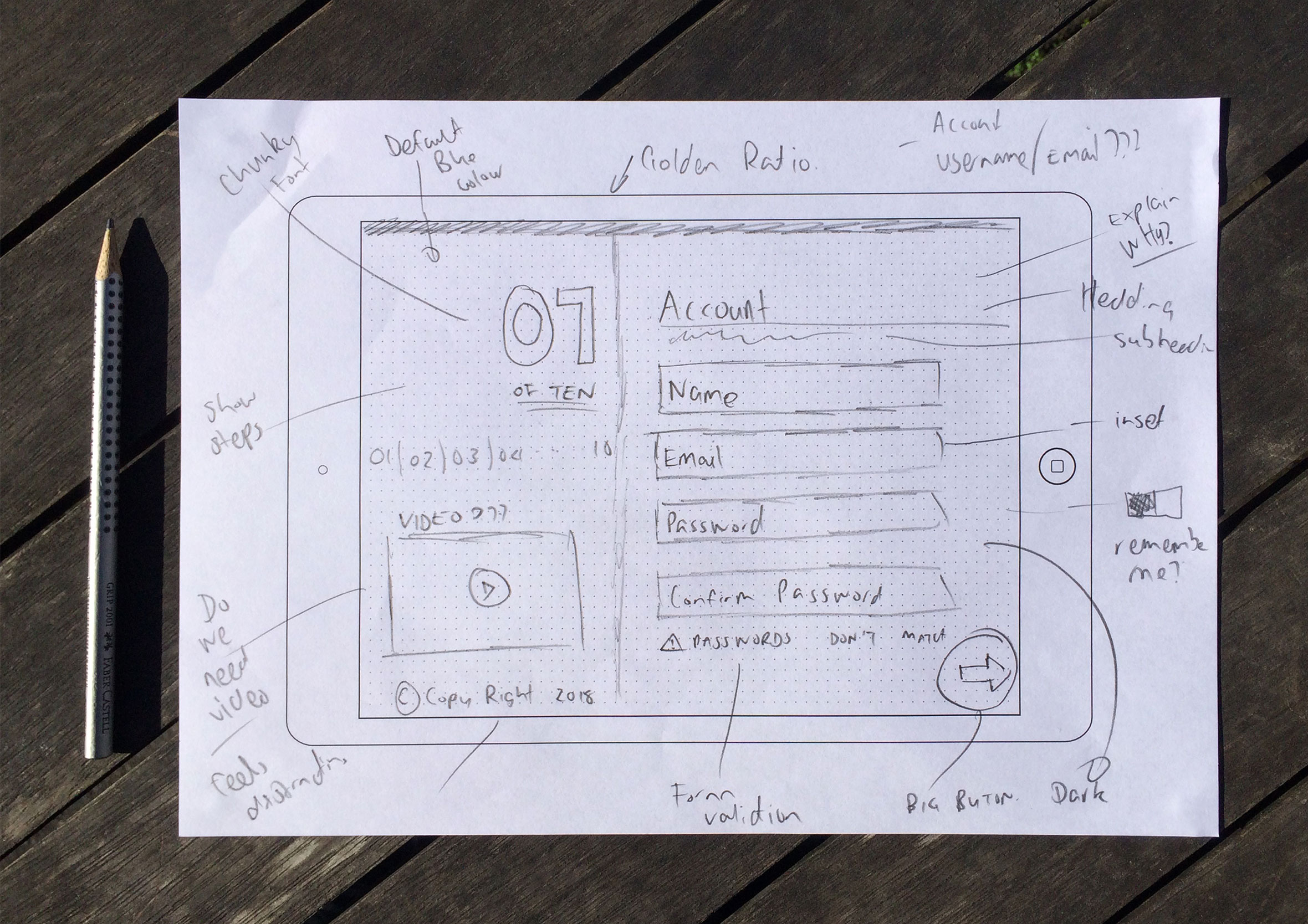
Rapid wireframes laid out in a slide deck to capture changes
Wireframes were created and shared with the wider team to get feedback and deepen our collective understanding of the user journey. The low-fidelity approach means you can collaborate with developers and work in an agile way without getting caught up in the smaller details too early. While the developers build the basic structure and framework, you can start delivering final visuals screen by screen. A continuous design and development loop.
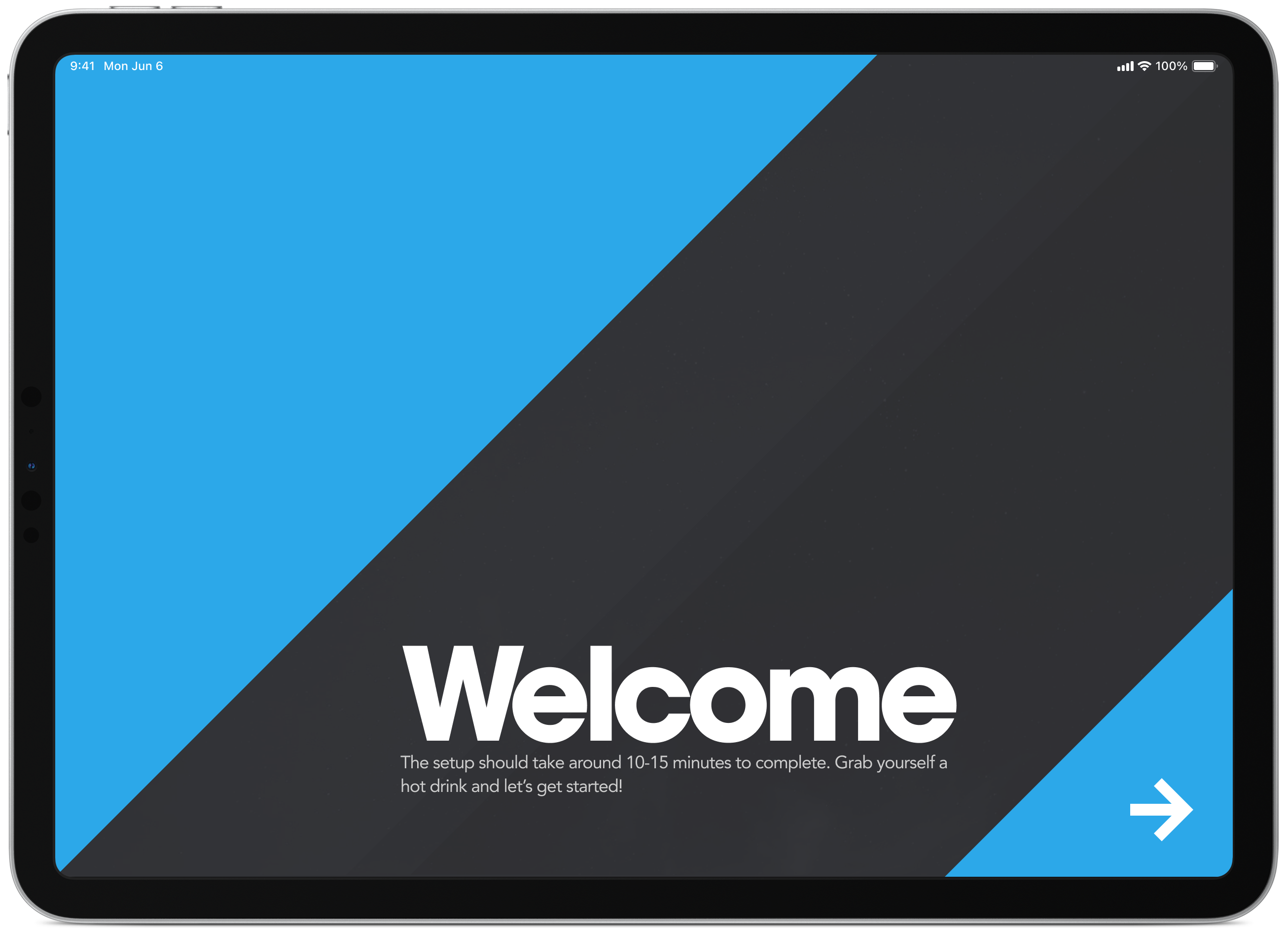
Welcome and information screen
The welcome screen to tells users it’s going to take approximately 10 minutes to complete the registration process. This helps get people in the right mindset before starting the process so they can allocate the time required to get up and running.
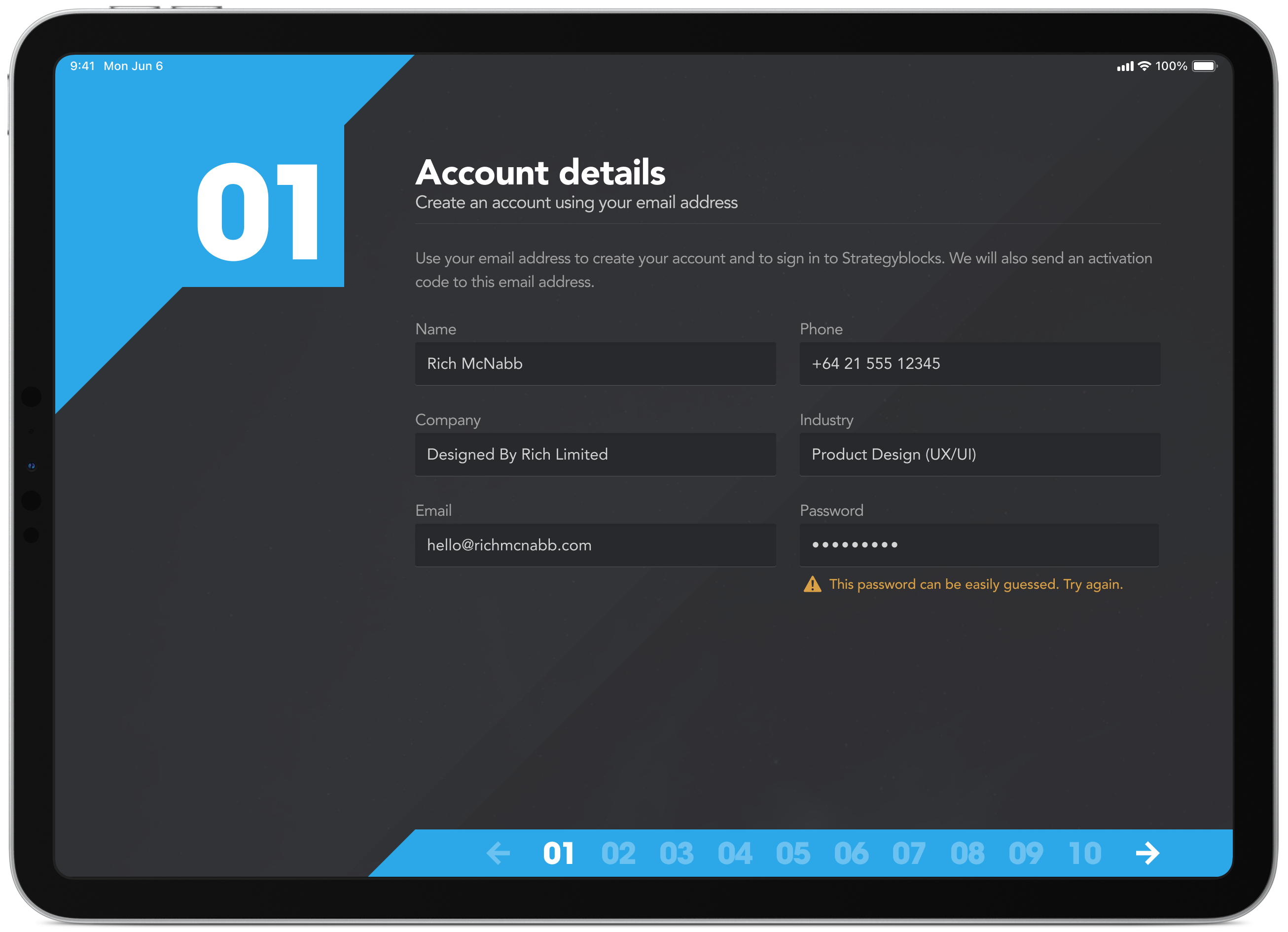
Inline form validation over error modals every time
The simple task of creating a new user account comes with built-in form validation to assist with the onboarding process along the way. The registration process is broken down into logical steps to help break the content and to help keep the user focused on the task at hand.
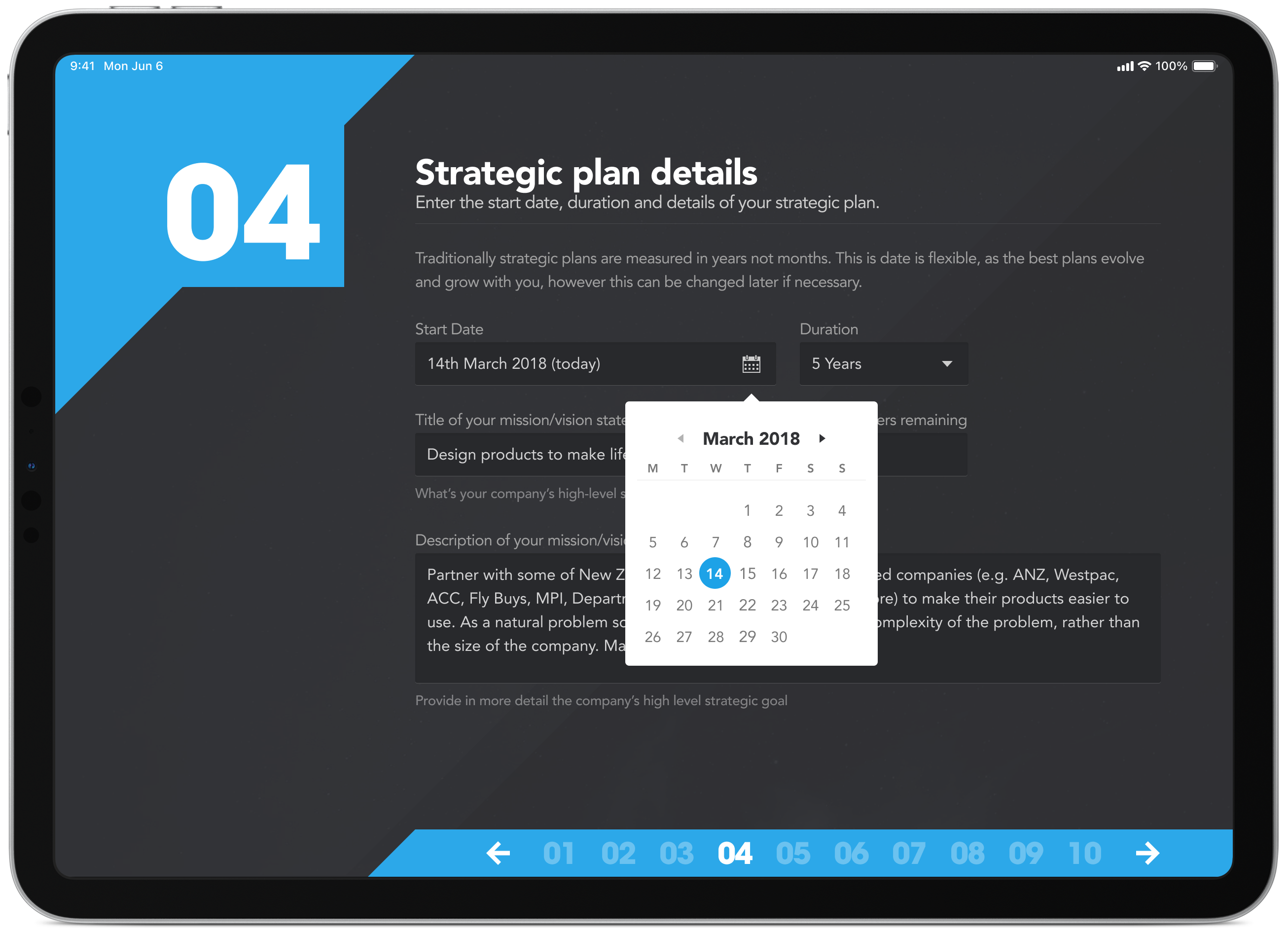
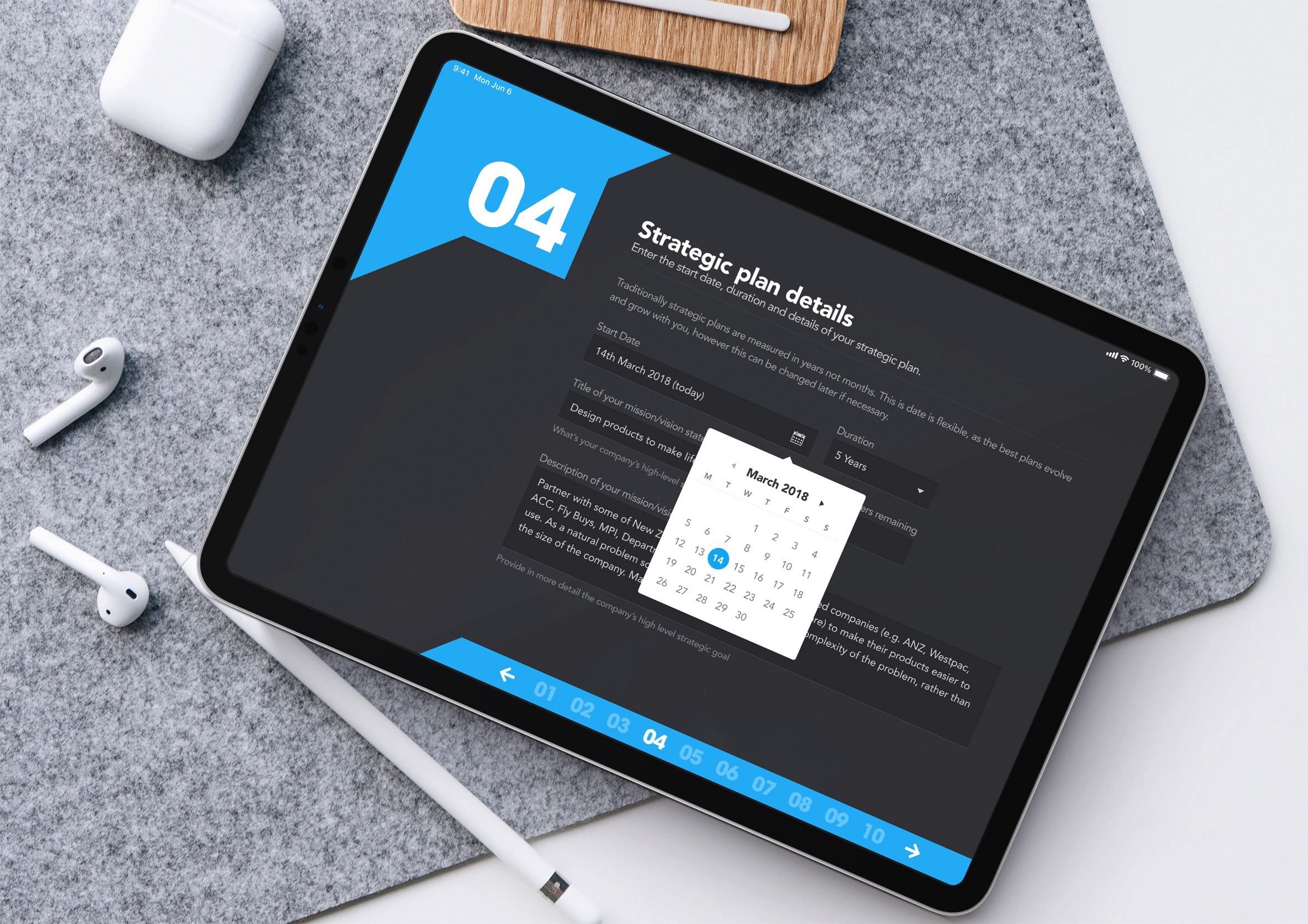
Create a strategic plan as you go through onboarding
Custom form elements for quickly selecting the start and end date of a strategic plan. Really happy with how the date picker came out on this one.
Clear and concise language over jargon to explain the “why”
Throughout the whole process, we wanted to describe exactly what was happening and why. By introducing headings, sub-headings and intro text in plain English it made it easier for people to understand why they were being asked to do a particular task at the same time providing clarity on how the product works.
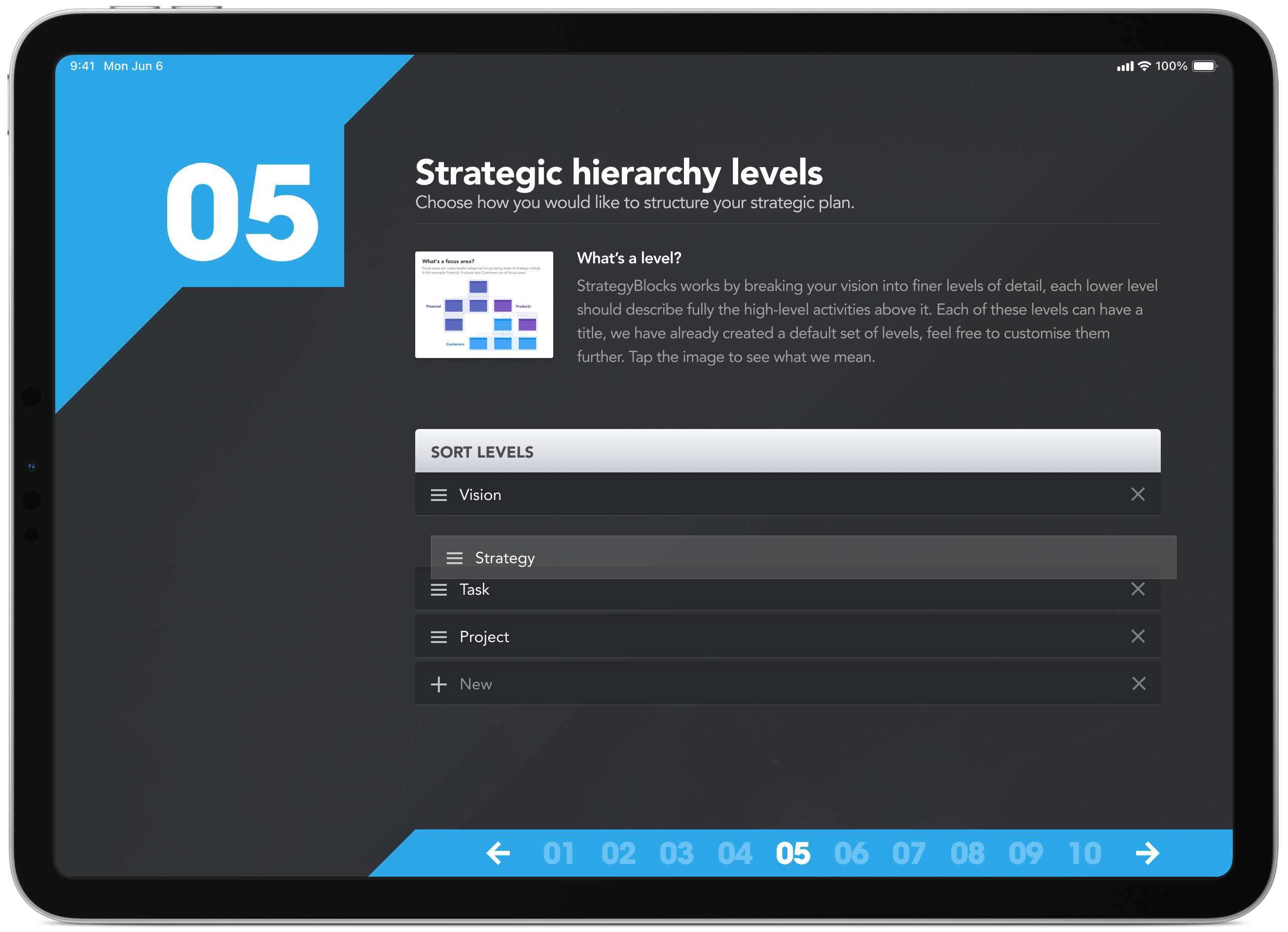
Sometimes words weren’t enough to explain concepts
In some cases, good copywriting wasn’t enough, we had to back it up with a diagram to further explain a more complex concept. A picture is worth a thousand words.
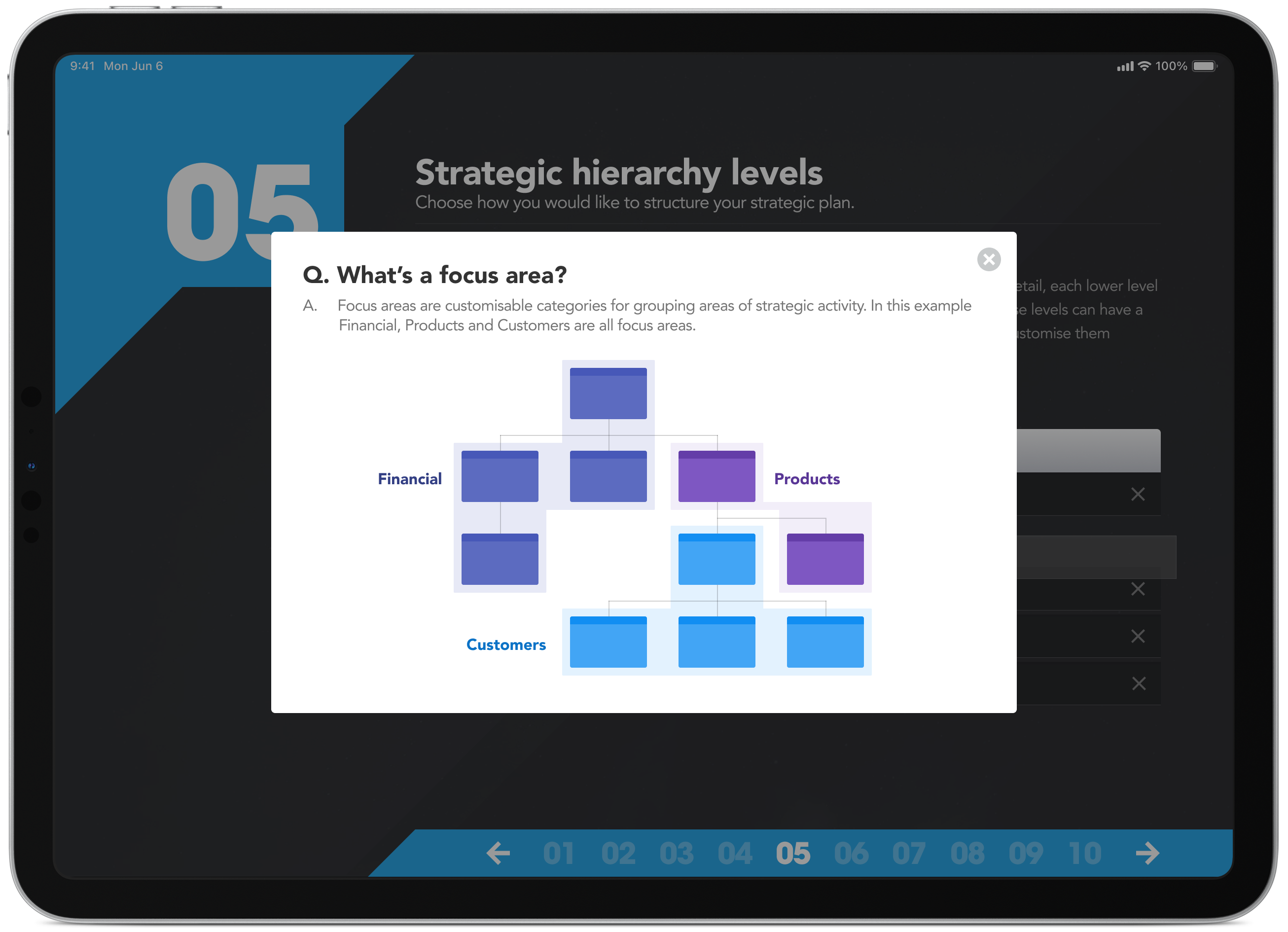
Strategic planning is a team activity with areas of focus
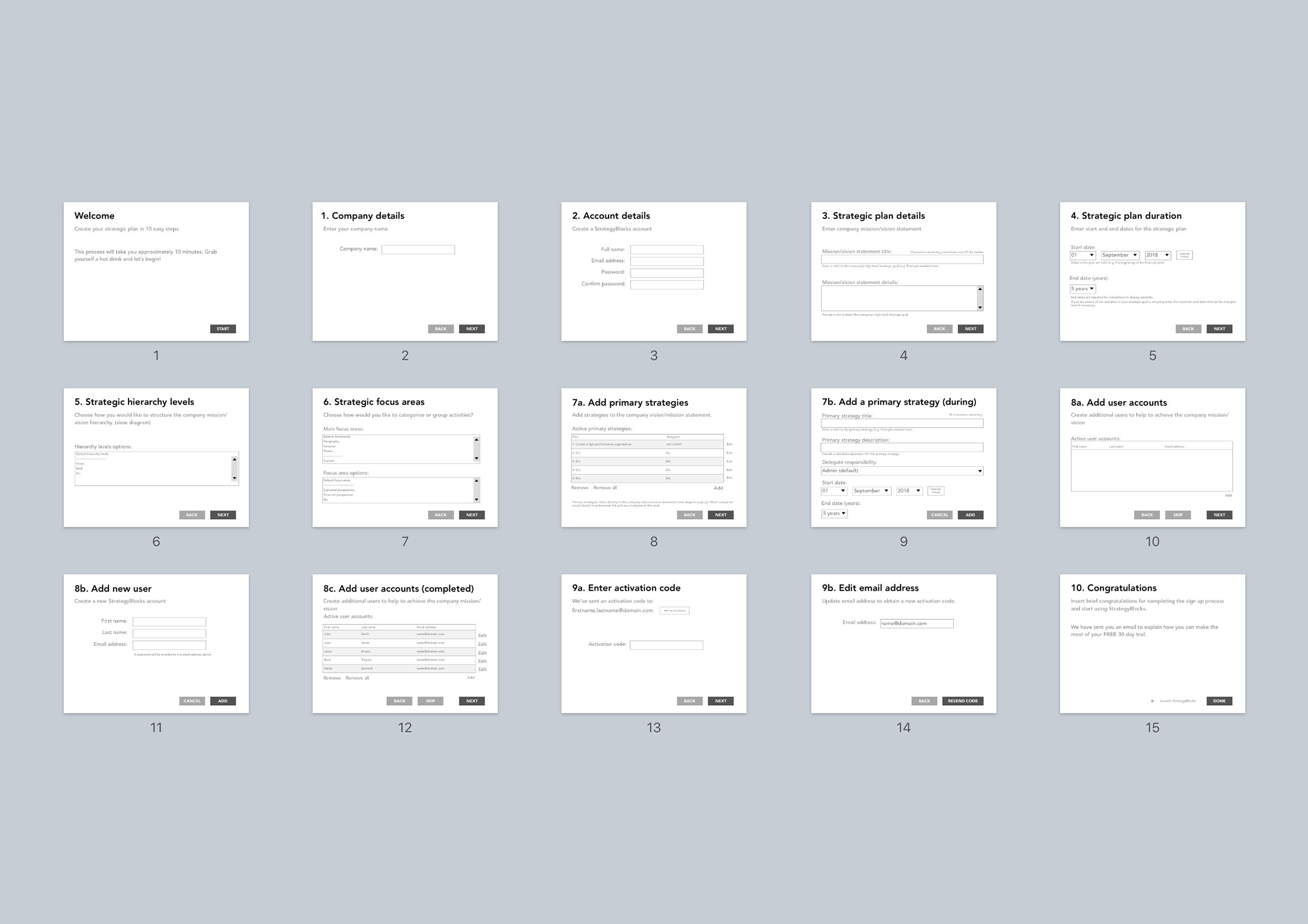
Many hands make light work when it comes to implementing a company’s strategy. On this screen, you can start adding the people who will help bring your vision and mission to life.
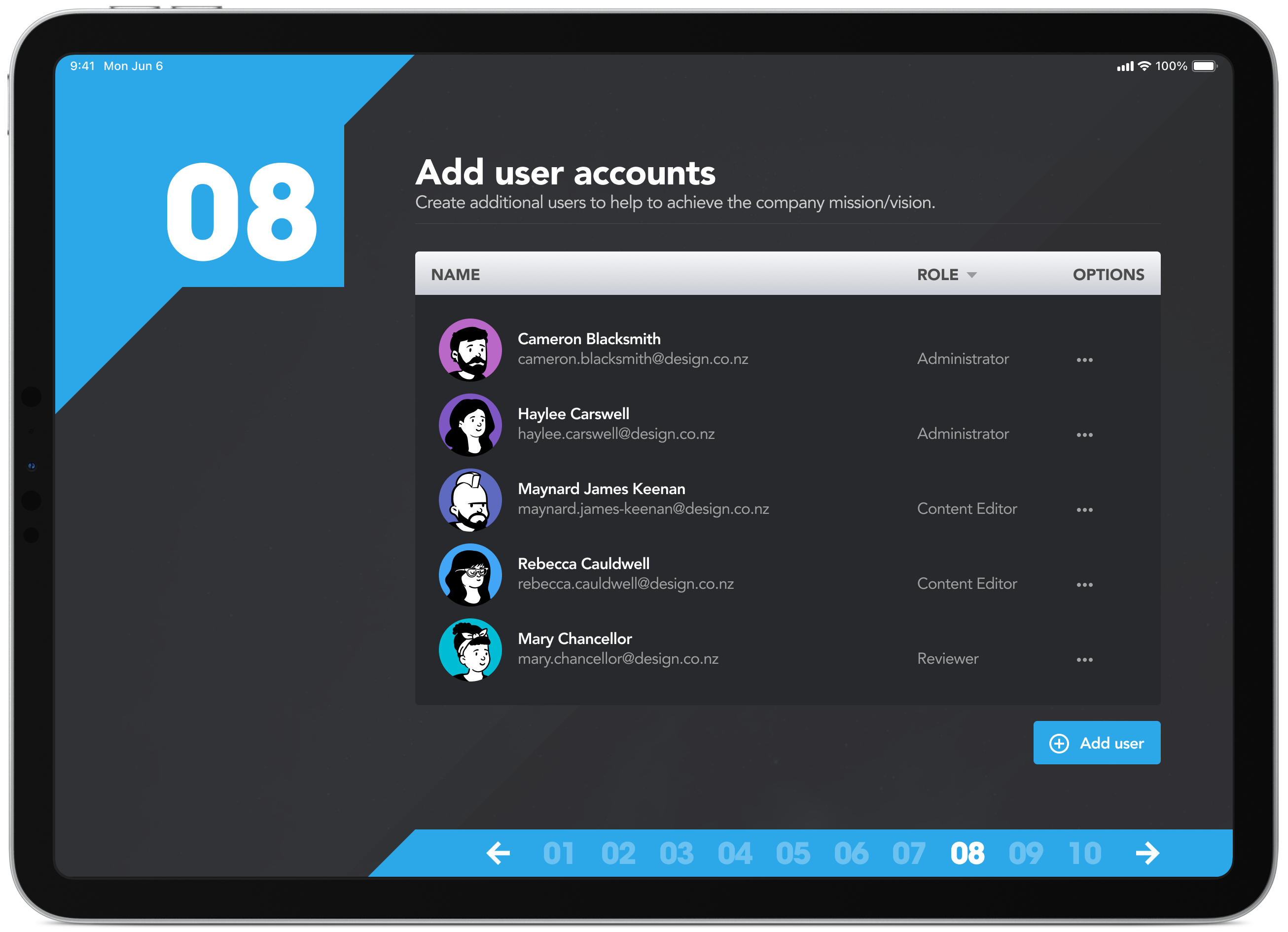
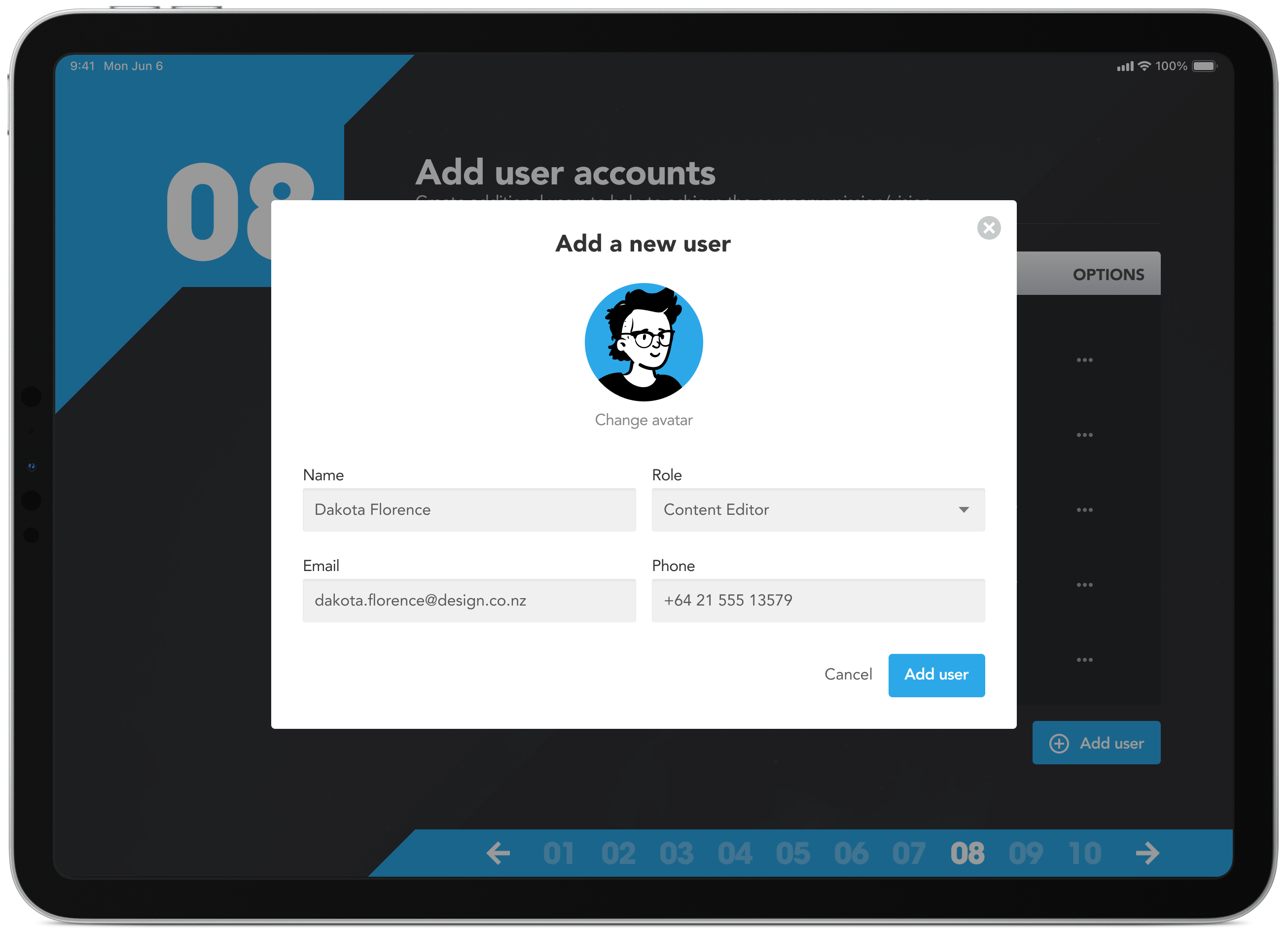
Build out your team to put your strategic plan into action
Add people and apply role-based permissions such as administrator, content editor and reviewer. They’ll receive an email to confirm their account and can choose a pre-defined avatar or upload a photo to personalise their profile.
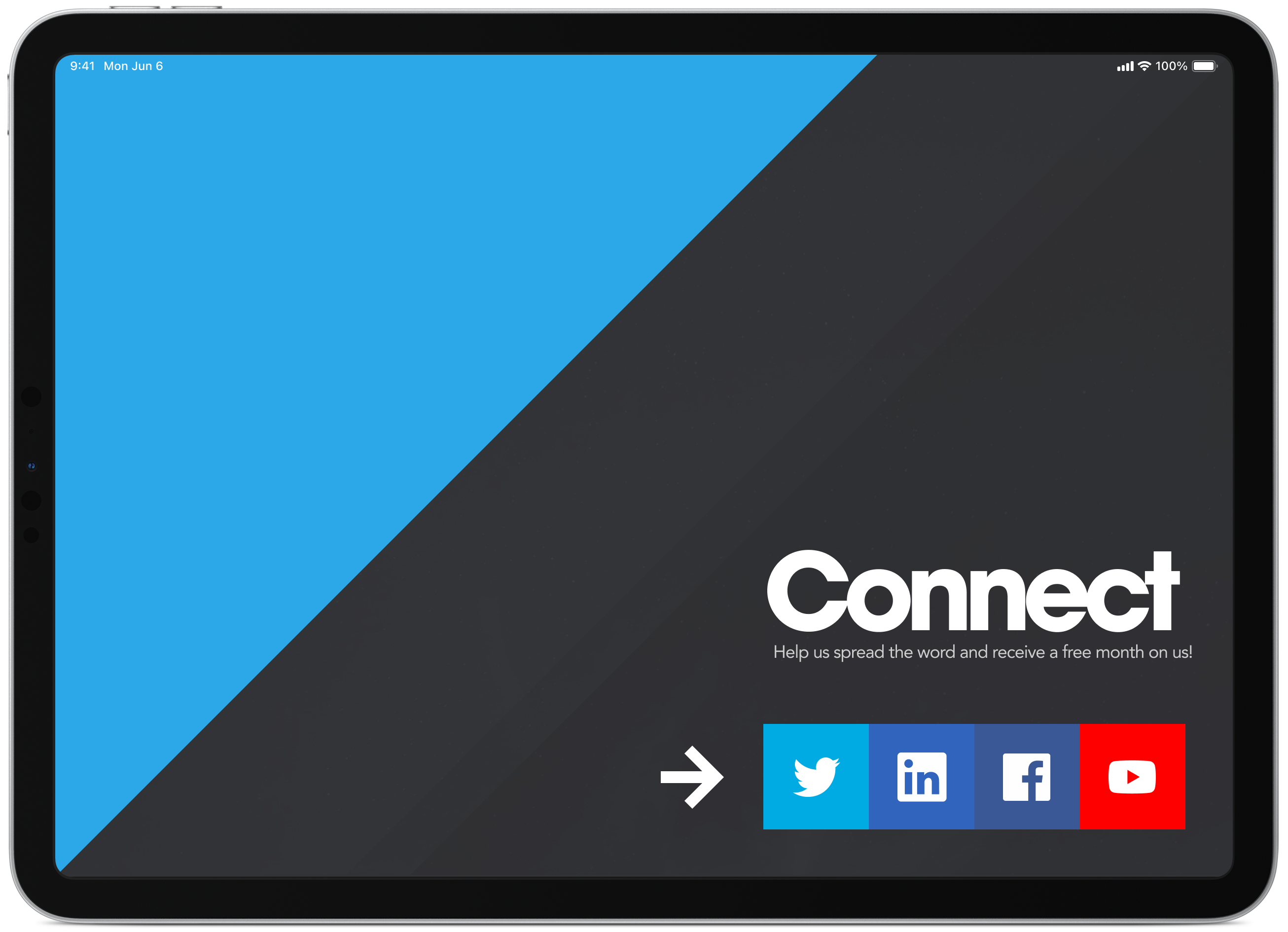
Social media connections, support and learning channels
At the end of the process, people have the option to connect and stay up to date with new features and improvements. It’s also a great way to encourage customer feedback, announce upcoming features and build a connection with your user base.
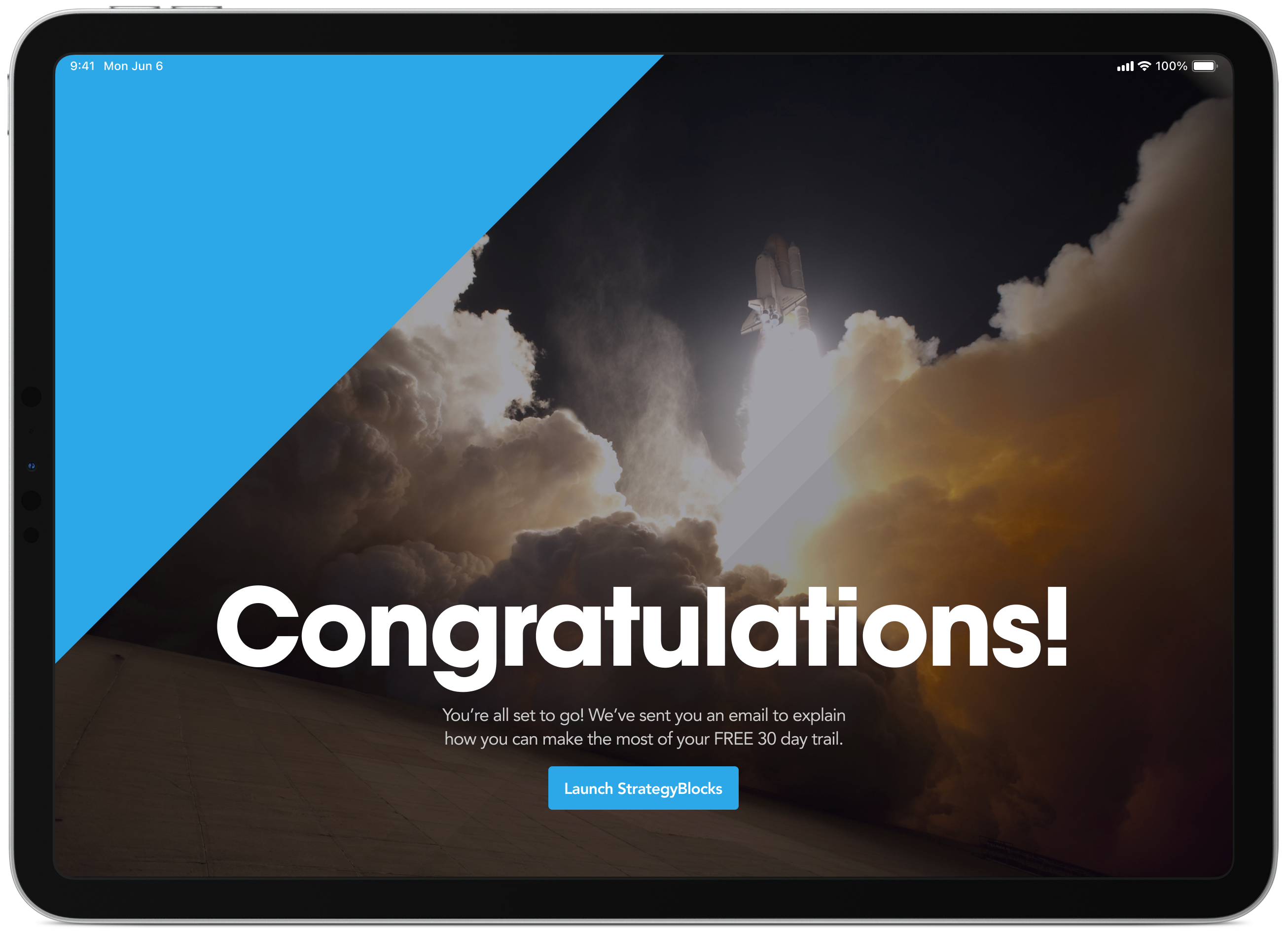
Celebrating the small wins and setting the foundation
On the surface, completing a 15-minute setup of a mission and vision statement might not feel like something worth celebrating. Though for some people, starting a new company is both exciting and nerve-wracking, and that deserves to be acknowledged.
Going “chips all in” on product design from here on out
This project was for StrategyBlocks, one of CDP Group’s clients at the time, the same company that later became Mero, and it happened to be the one that changed my career path entirely.
At the time I was doing both web design and web development, then got asked if I could design an app instead. That was the moment I got properly introduced to product design, and I was hooked. Figuring out the complexity of user journeys, user flows, prototyping, interactions, error states, all of it, none of it felt like a chore.
I decided to stop splitting my time and went chips all in on product design instead. It was the same rush I’d had in the early days of web design, back when it still felt like the wild west and you could get away with genuinely creative ideas.
It was a great role too, the only designer for a team of 30+ working across 4 companies, StrategyBlocks among them. Even now, years after moving on, I still regularly meet up with that same team for coffee, the morning quiz and share a laugh and some friendly banter before heading off to work for the day. Sixteen years and twelve companies later, we’re still doing it.
That same team also worked on Mero’s social marketing dashboard, the project this one’s most closely tied to, both born out of the same few years at CDP Group.